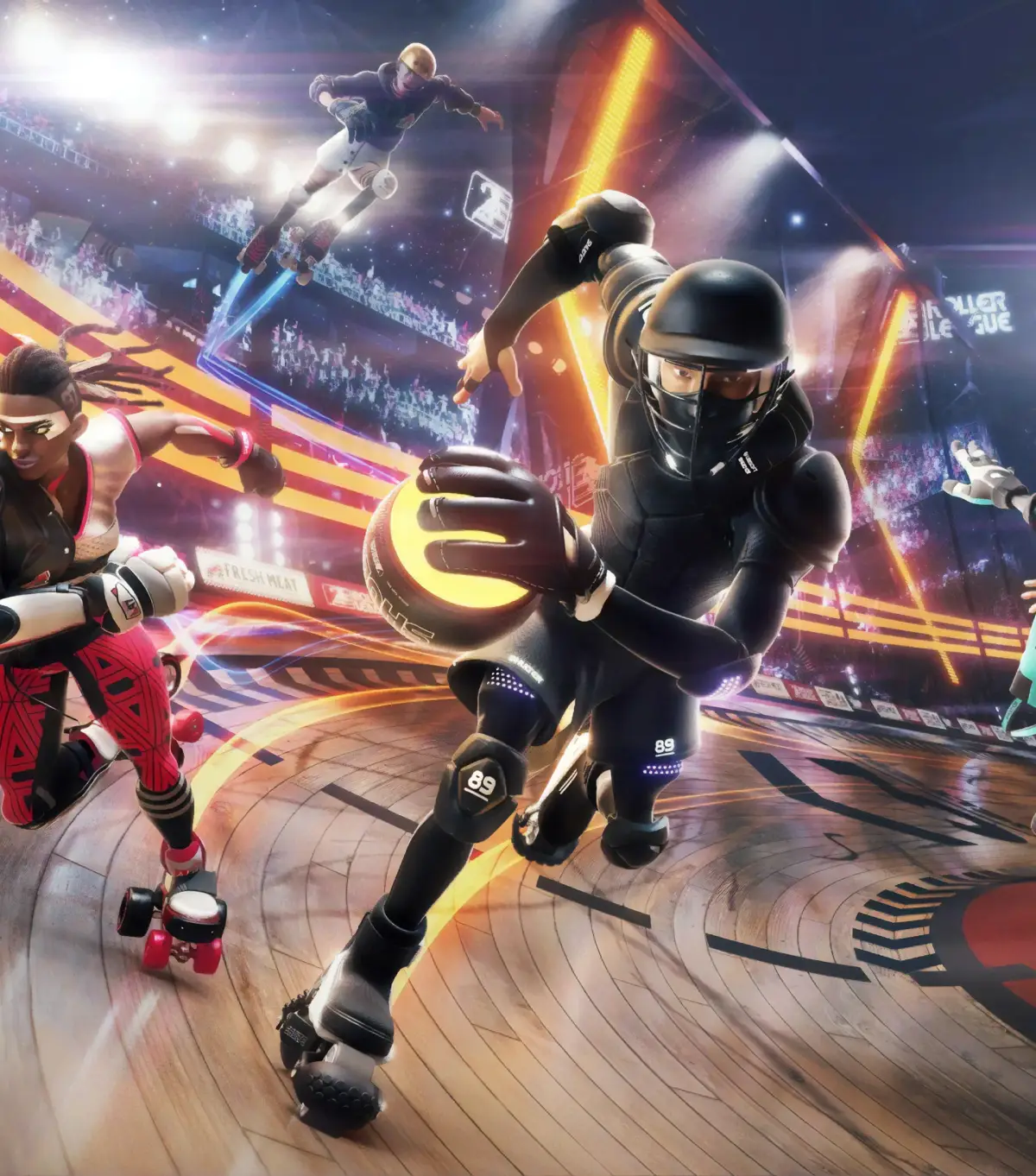
Welcome to Roller Champions, Ubisoft's free-to-play PvP arena sport where you'll strap on some skates and compete in high-octane matches. It's a unique blend of roller derby and team-based sports, focusing on fast-paced movement, skillful passing, and strategic goal-scoring. You'll need to master basic movement, perfect your aerial maneuvers, and learn to break through defenses to come out on top.
This guide is here to help you conquer the rookie leagues and beyond. We'll cover everything from character customization and basic controls to advanced tactics for dominating the arena. Whether you're struggling to score your first goal or aiming to become the ultimate skating champion, this guide will provide the insights you need to succeed across all platforms.
Getting Started
Learn the basics of Roller Champions with our comprehensive getting started guide. Discover controls, gameplay mechanics, and essential tips to dominate the arena.
Getting Started
Learn the basics of Roller Champions with our comprehensive getting started guide. Discover controls, gameplay mechanics, and essential tips to dominate the arena.

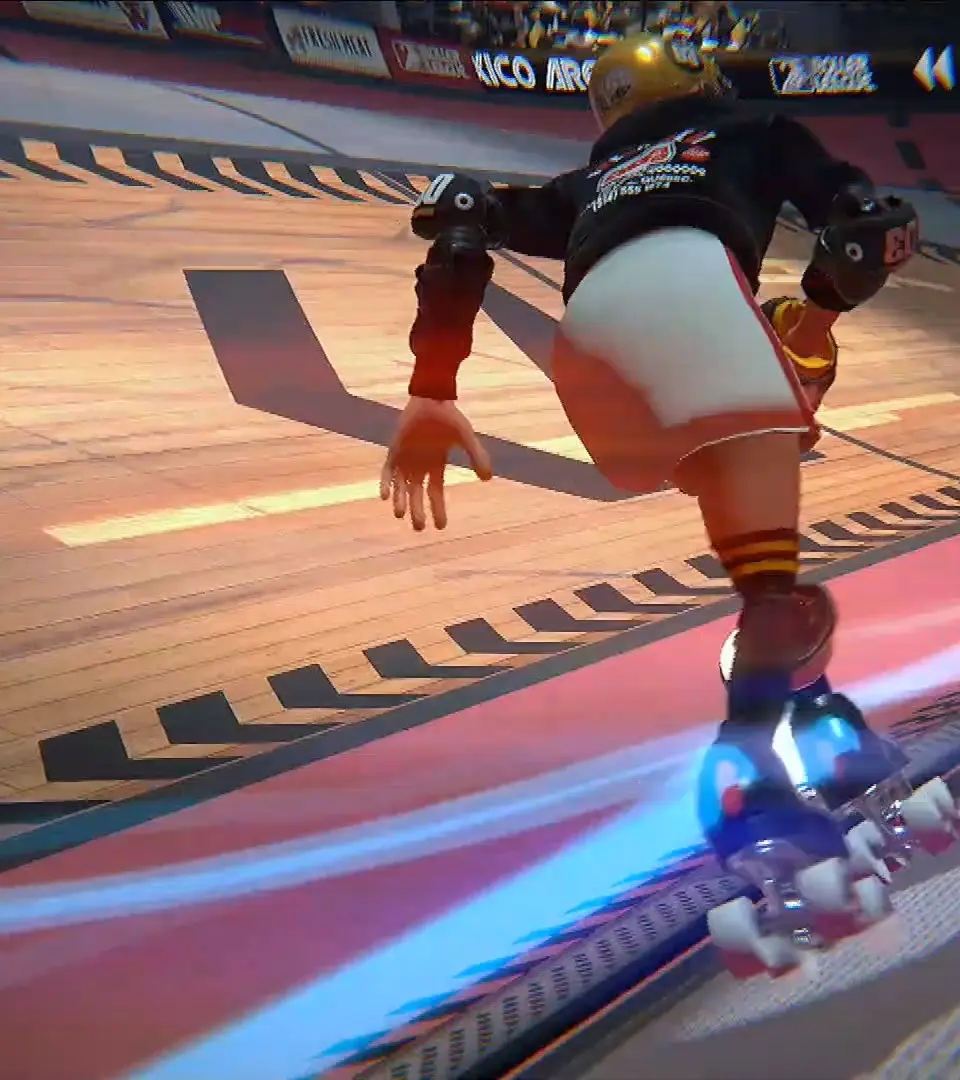
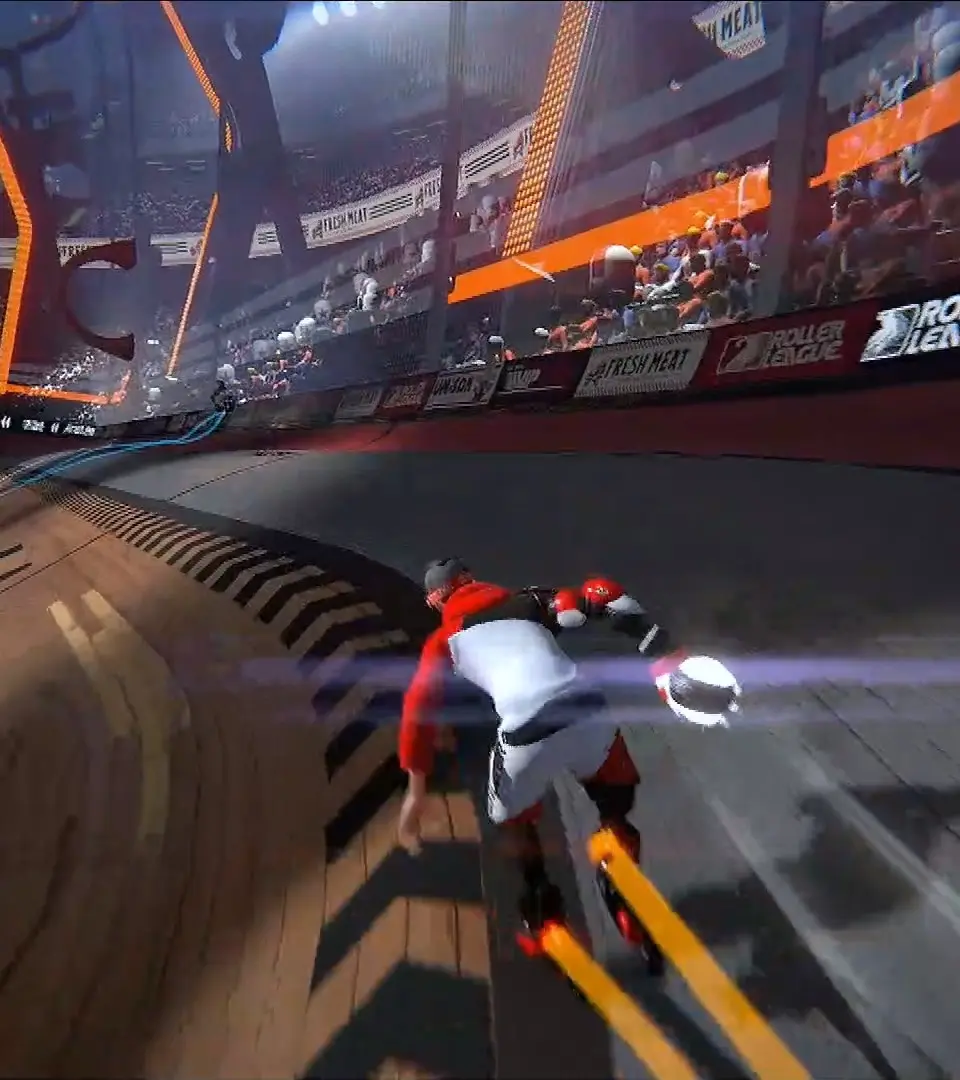
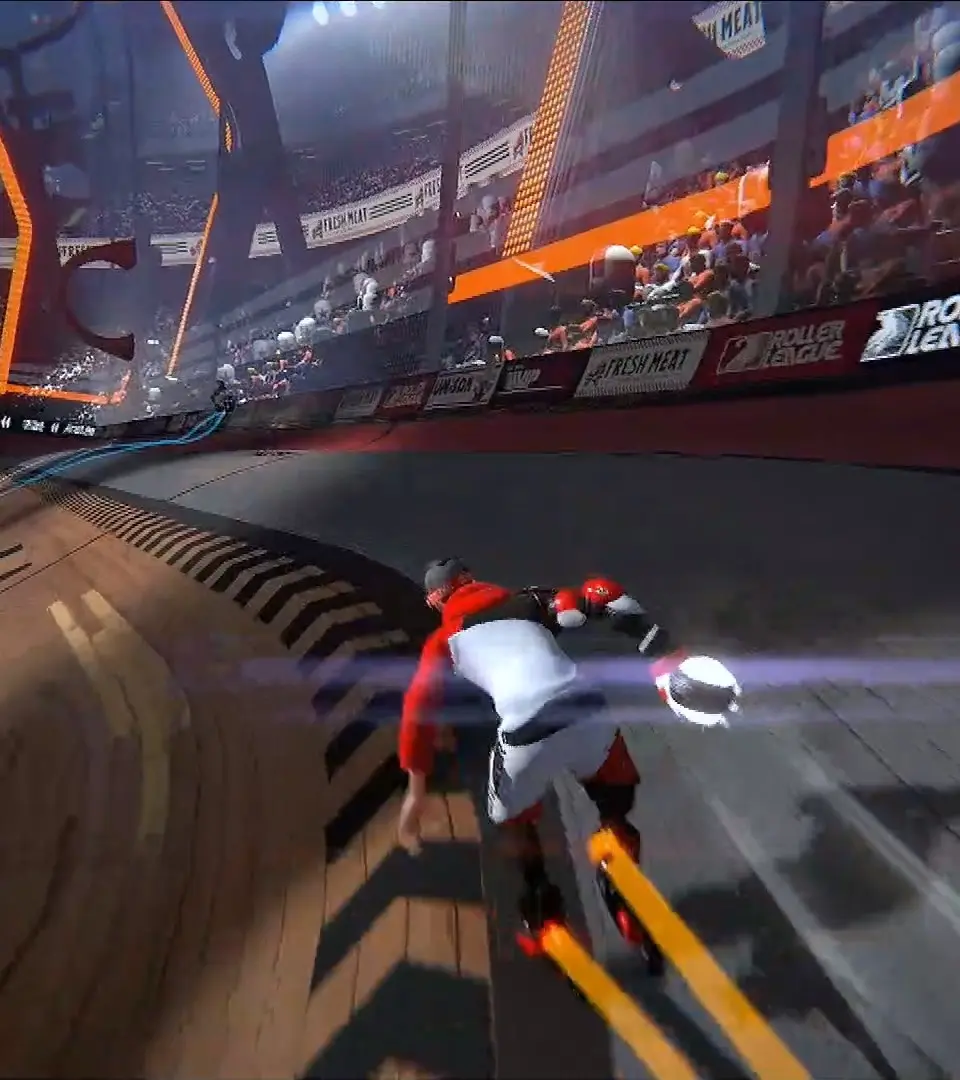
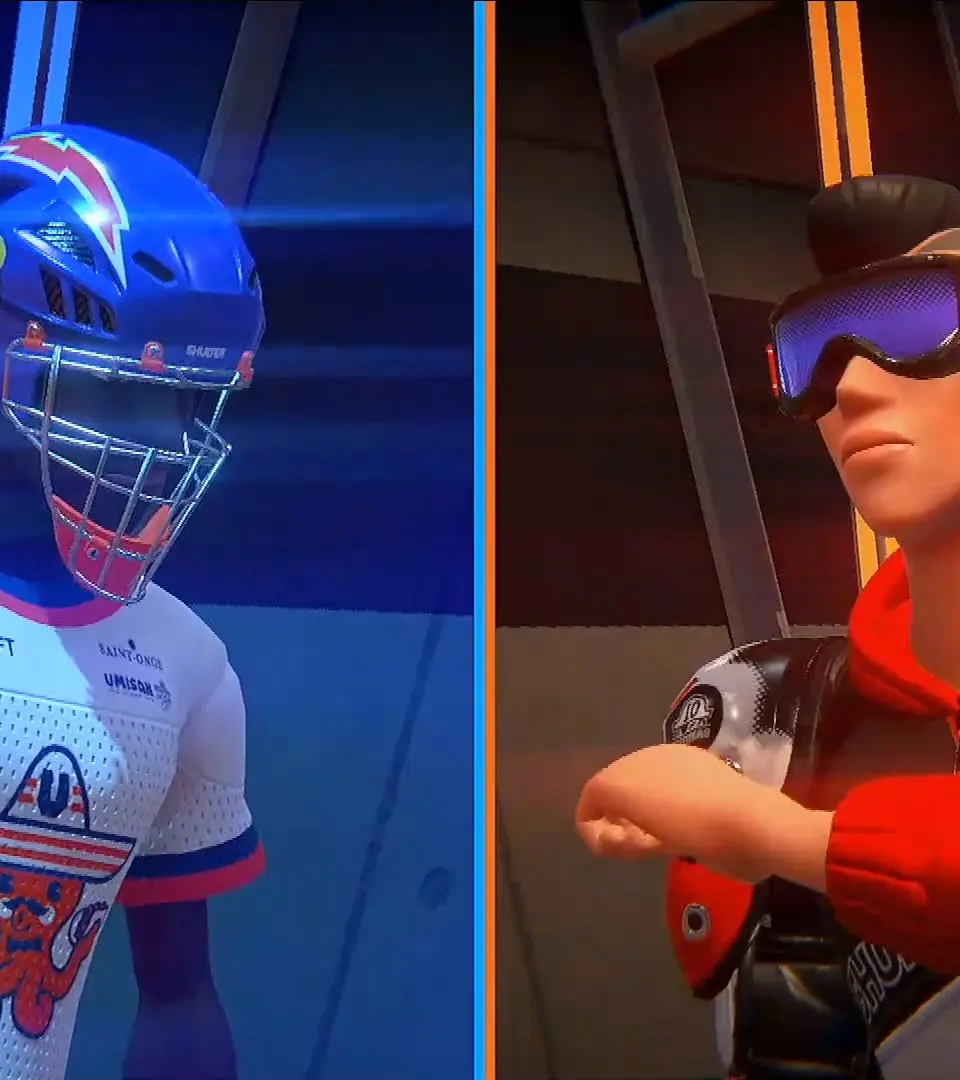
First Steps: Character Creation
Customize your Roller Champion's appearance, gender, body type, and initial outfit. Express yourself before hitting the rink.
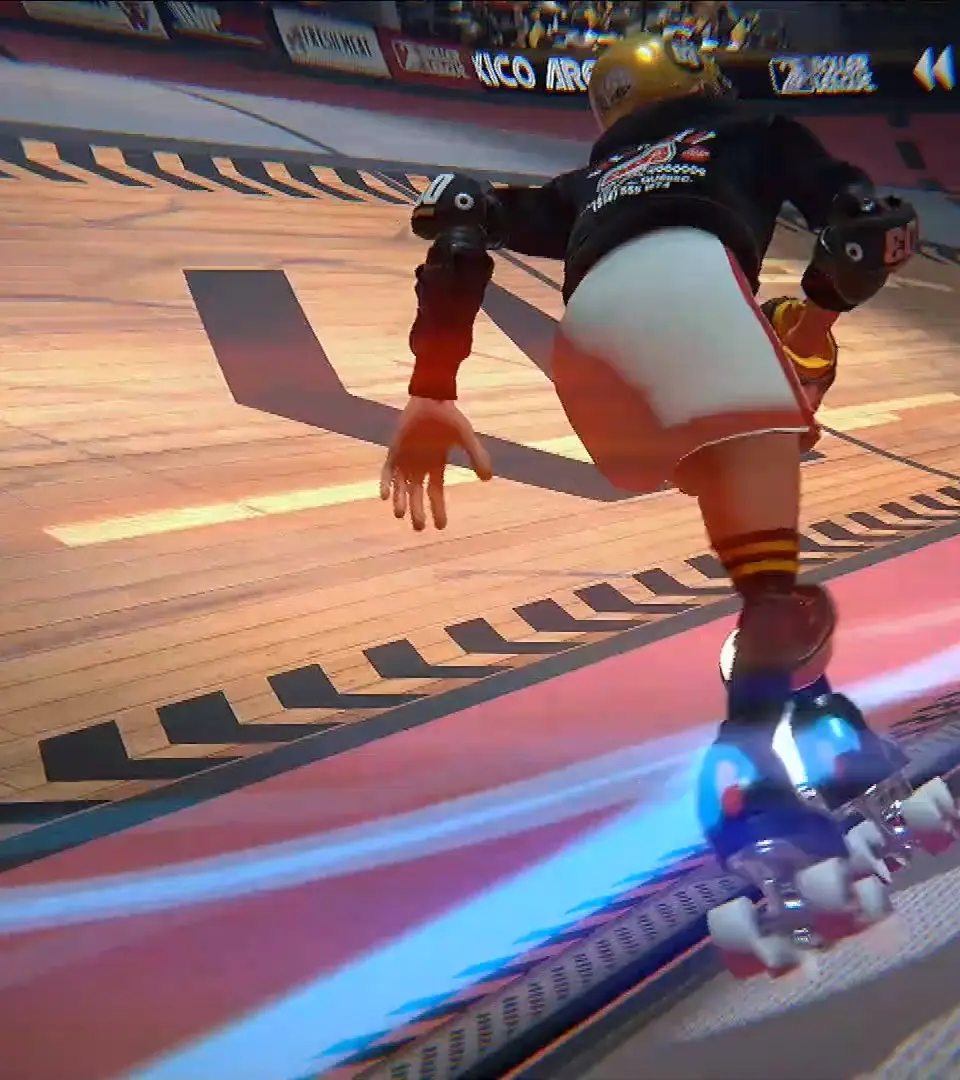
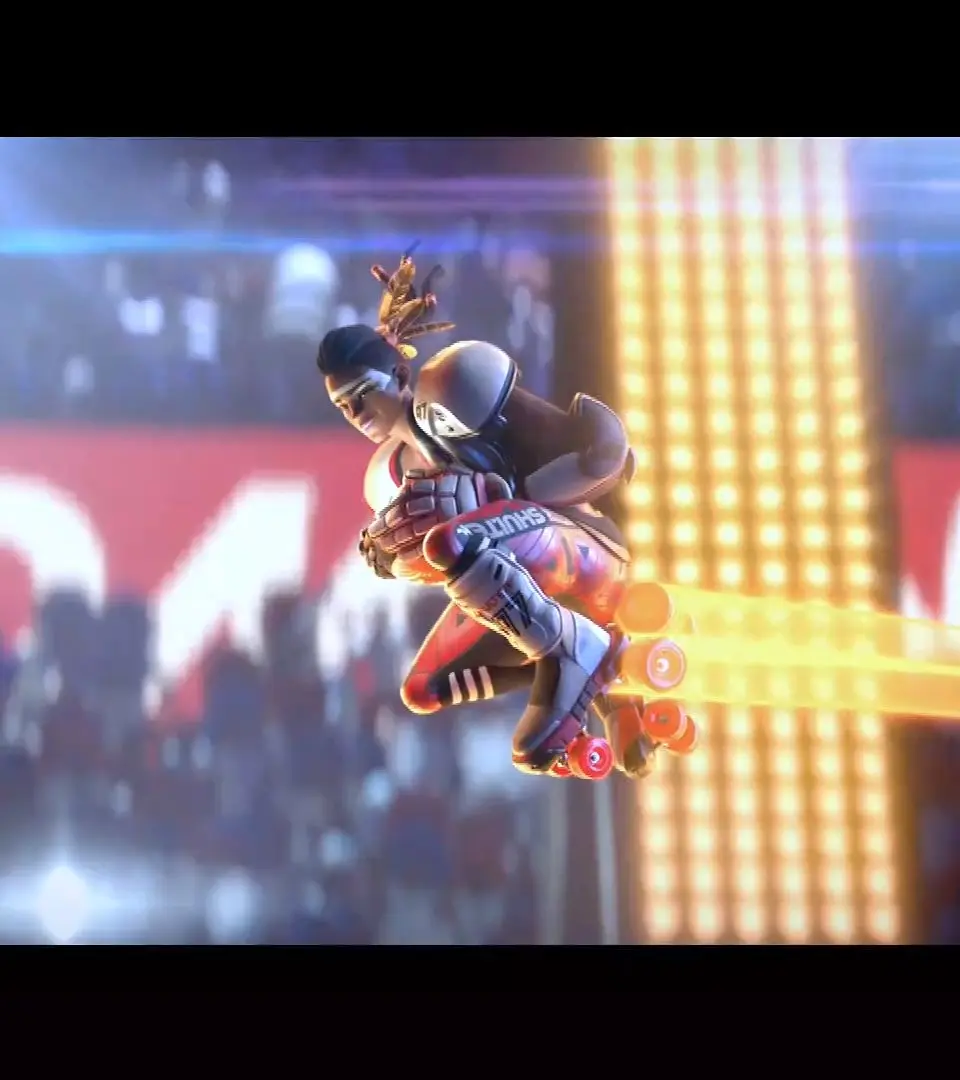
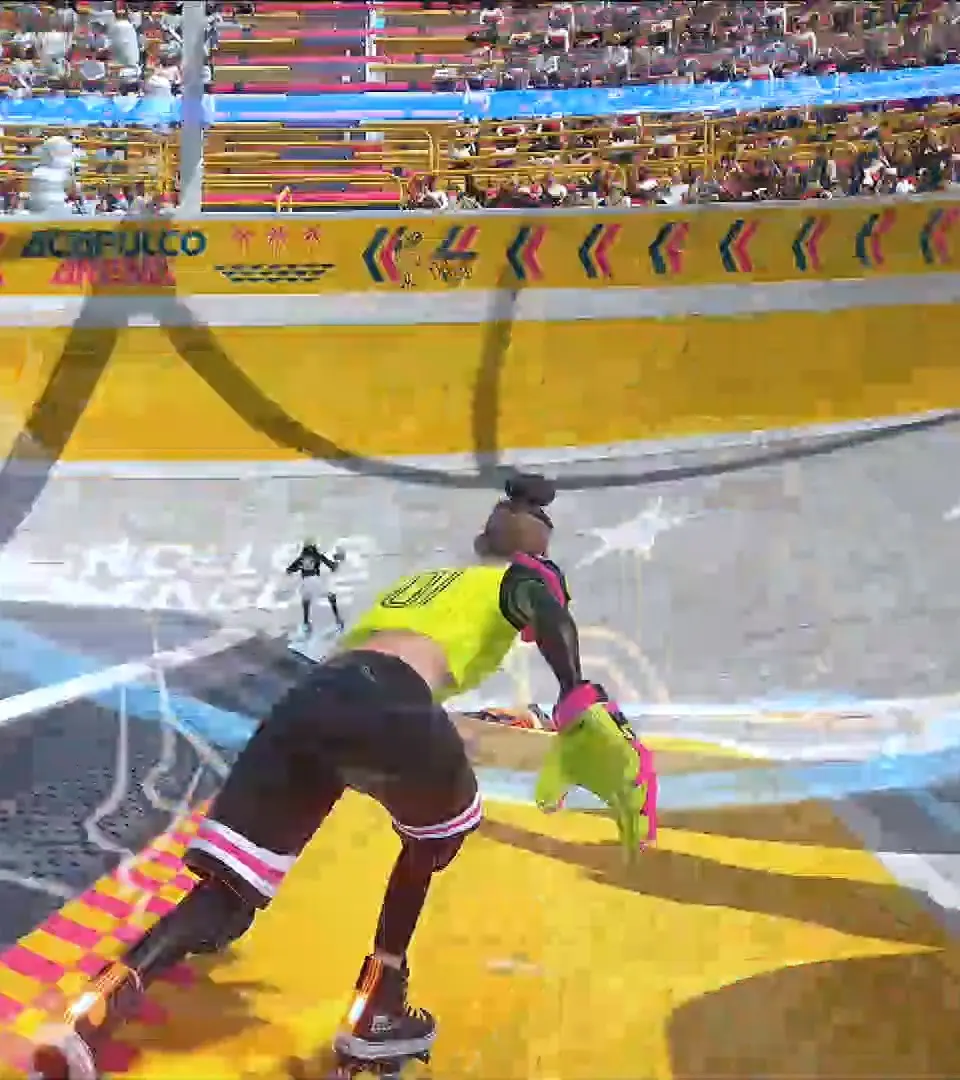
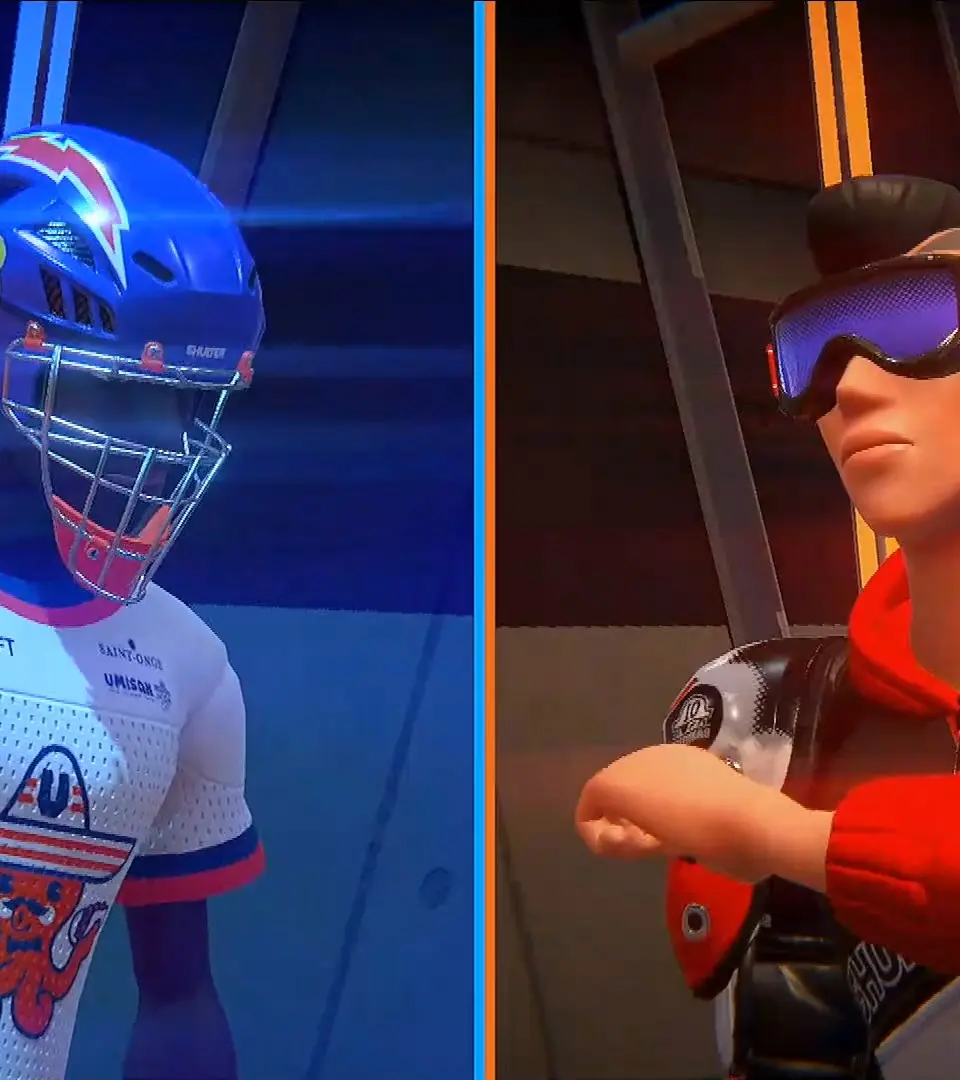
Welcome to the electrifying world of Roller Champions! Your journey begins with crafting your very own Champion, the athlete who will skate, tackle, and score their way to glory. This initial character creation process is your first opportunity to personalize your experience and establish your unique presence in the arena. While all choices made here are purely cosmetic, they lay the foundation for your personal brand and how you'll be perceived by fans and rivals alike.
Don't feel pressured to achieve perfection at this stage. Roller Champions is incredibly generous with customization, and you'll unlock a vast array of new cosmetic items, outfits, and accessories as you progress, earn Fan Points, and complete challenges. Think of this as your starting canvas – a chance to get a feel for the customization system before diving into the action.
The Champion Creation Process: A Step-by-Step Guide
Upon launching Roller Champions for the very first time, you'll be seamlessly guided into the Champion creation screen. Follow these steps to bring your athlete to life:
- Initial Appearance Selection: Your first choice will involve selecting a foundational look for your Champion. Instead of traditional 'gender' options, the game presents a selection of distinct body types or general appearances. These pre-set models offer different builds and stances, serving as the base for further customization. Experiment with each option to see which silhouette best resonates with your desired aesthetic. This choice primarily influences the overall physique and how certain clothing items will drape on your Champion.
- Facial Features: Next, you'll delve into the finer details of your Champion's face. This section typically includes options for:
- Face Shape: Choose from a variety of contours, from sharp and angular to soft and rounded.
- Eye Shape & Color: Select the style and hue of your Champion's eyes, an important detail for conveying personality.
- Nose & Mouth: Adjust the size and shape of these features to create a unique facial expression.
- Eyebrows: Customize their shape, thickness, and color to complement the eyes and face.
- Scars & Markings: Some initial options might be available to add a touch of ruggedness or distinctiveness.
Take your time here; subtle changes can significantly alter your Champion's overall look.
- Hairstyle: A Champion's hair is often a defining characteristic. You'll have access to a selection of initial hairstyles, ranging from short and practical to long and flowing. Consider how the hair will look in motion during a match. You can also typically adjust the hair color from a basic palette.
- Initial Outfit: Before hitting the rink, your Champion needs an outfit! The game provides a few starting uniform options. These usually consist of a top, bottom, and sometimes gloves or knee pads. While these are basic, they give you a taste of the game's vibrant apparel. Choose the one that best reflects your starting style or team colors. Remember, this is just your first uniform; many more stylish and elaborate outfits await as rewards.
- Name Your Champion: Finally, you'll be prompted to enter a unique name for your Champion. This name will appear above your character in matches and on leaderboards. Choose something memorable and fitting for a rising Roller Champion!
Impact and Future Customization
It's crucial to understand that your initial choices, particularly regarding body type and facial features, are foundational. While you can change hairstyles, outfits, and accessories freely later, altering your Champion's fundamental body type or facial structure typically requires a specific in-game item or a visit to the "Skatepark" customization menu. However, the game is designed to make it easy to express yourself, and you'll quickly accumulate a wealth of customization options.
As you play, you'll earn Fan Points, the primary progression currency in Roller Champions. Accumulating Fan Points unlocks new customization items, including:
- Outfits: Full uniform sets, individual tops, bottoms, and accessories.
- Skates: A wide variety of skate designs, wheels, and effects.
- Helmets & Headwear: From sleek helmets to stylish hats.
- Gloves & Pads: Protective gear with unique designs.
- Goal Celebrations & Emotes: Personalize your post-goal flair and in-game expressions.
- Player Banners & Logos: Customize your profile and team branding.
So, take a moment to craft a Champion that truly represents your style and personality. This is your introduction to the Roller Champions universe, and a strong first impression can set the tone for your entire career. Get ready to make a grand entrance and leave your mark on the arena!
Understanding the UI — Roller Champions Guide
Learn to navigate Roller Champions' UI: in-game score, timer, Fan Points, team indicators, and main hub menus.
The User Interface (UI) in Roller Champions provides all the essential information you need during a match and in the main hub. In the arena, you'll see your team's score, the opposing team's score, the match timer, and your current Fan Points. Crucially, you'll also see indicators for your teammates' positions, the location of the ball, and the active gates. Pay attention to the mini-map for a broader overview of the rink. In the main hub, the UI allows you to navigate through the Locker Room, Skatepark, Shop, and Season Pass. Familiarize yourself with these elements to make informed decisions and stay aware of the game state at all times.
Basic Controls & Movement — Roller Champions Guide
Master Roller Champions' basic controls: movement, skating, dodging, and tackling. Practice in the Skatepark for fluid gameplay.
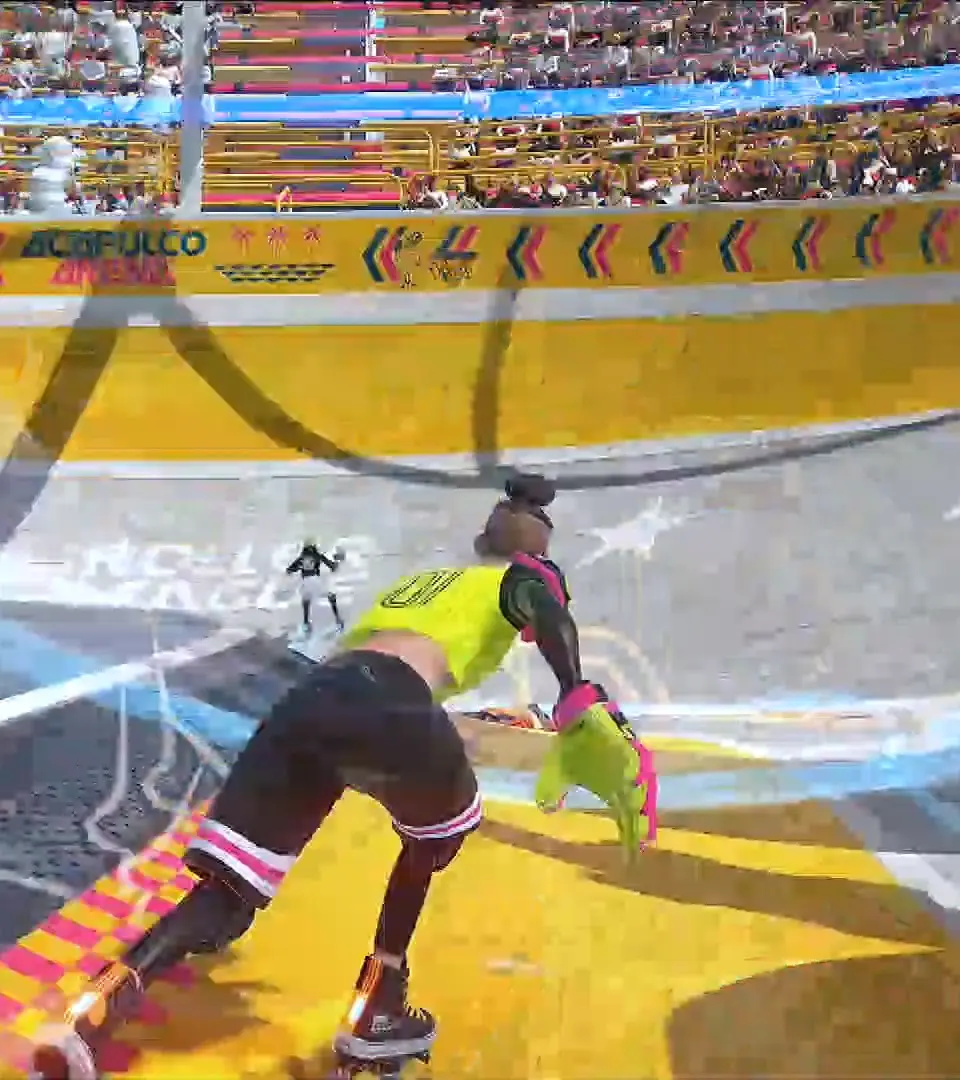
Mastering the controls is fundamental to success in Roller Champions. The game features intuitive controls that are easy to learn but offer depth for advanced maneuvers. Use the left analog stick (or WASD on keyboard) to move your Champion. The right analog stick (or mouse) controls the camera. To gain speed, hold down the 'Skate' button (RT/R2 on controller, Left Shift on keyboard). You can 'Dodge' (B/Circle on controller, Spacebar on keyboard) to quickly evade opponents or reposition. 'Tackle' (X/Square on controller, Left Click on keyboard) is your primary defensive and offensive tool to dispossess opponents. Practice these basic movements in the Skatepark to build muscle memory before jumping into competitive matches.
Similar guides you might like



100% Human-Written. AI Fact-Checked. Community Verified. Learn how AntMag verifies content