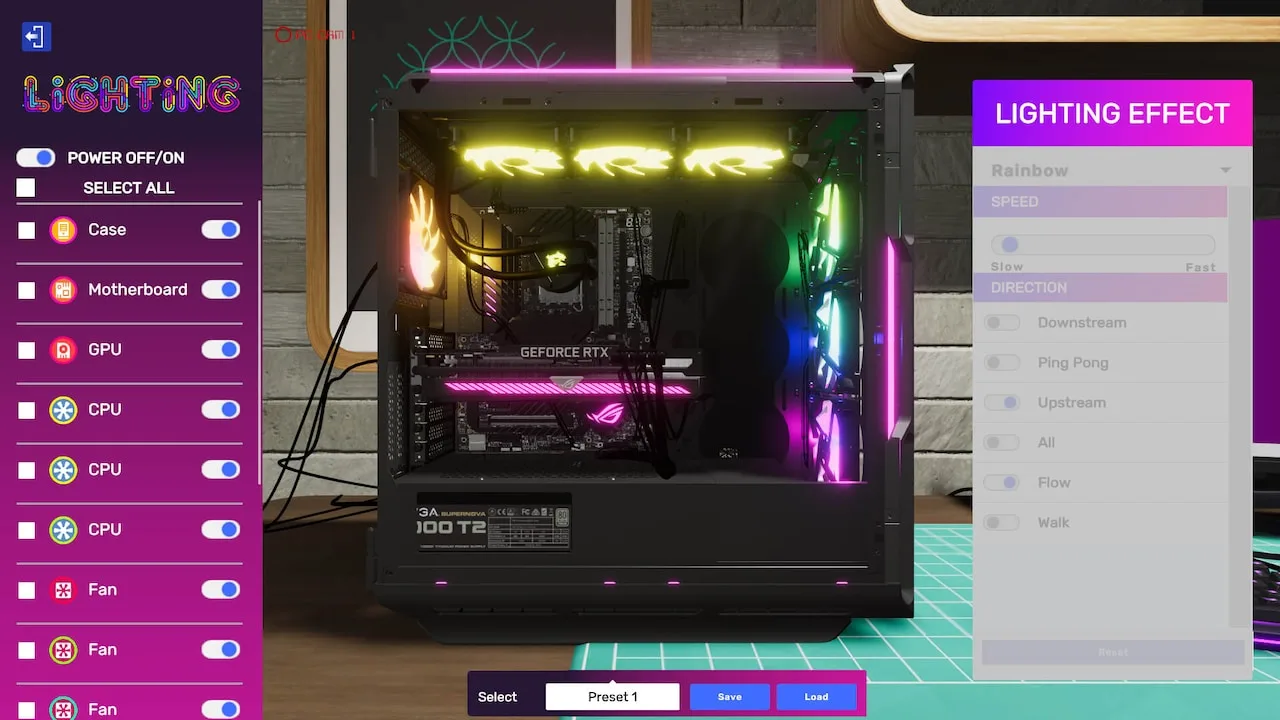
Your friendly guide to the 'Custom Loop Dream' job in PC Building Simulator 2. Learn how to install a custom water cooling loop and impress your clients!
Hey there! Ready to dive into the 'Custom Loop Dream' job? This one's all about showing off your skills with a custom water cooling setup. Let's get this PC looking sweet! First things first, you'll need to get your hands on the necessary parts for a custom loop. This usually means a CPU water block, a radiator, a pump, tubing, fittings, and of course, coolant. Keep an eye on the job requirements to make sure you're grabbing the right components for the specific case and CPU. When you're ready to install, remember that custom loops can be a bit finicky. Make sure all your fittings are screwed in tightly – a loose fitting can lead to leaks, and nobody wants that! You'll also need to bleed the air out of the loop after filling it with coolant. Just run the pump for a bit and tilt the case gently to help any trapped air escape. Pay close attention to the client's requests. Sometimes they'll have specific color preferences for the coolant or RGB lighting, or they might want a particular brand of parts. Getting these details right will help you snag that 5-star rating! Don't be afraid to consult the in-game guides or tutorials if you're unsure about any step. Practice makes perfect, and soon you'll be a custom loop pro!100% Human-Written. AI Fact-Checked. Community Verified. Learn how AntMag verifies content