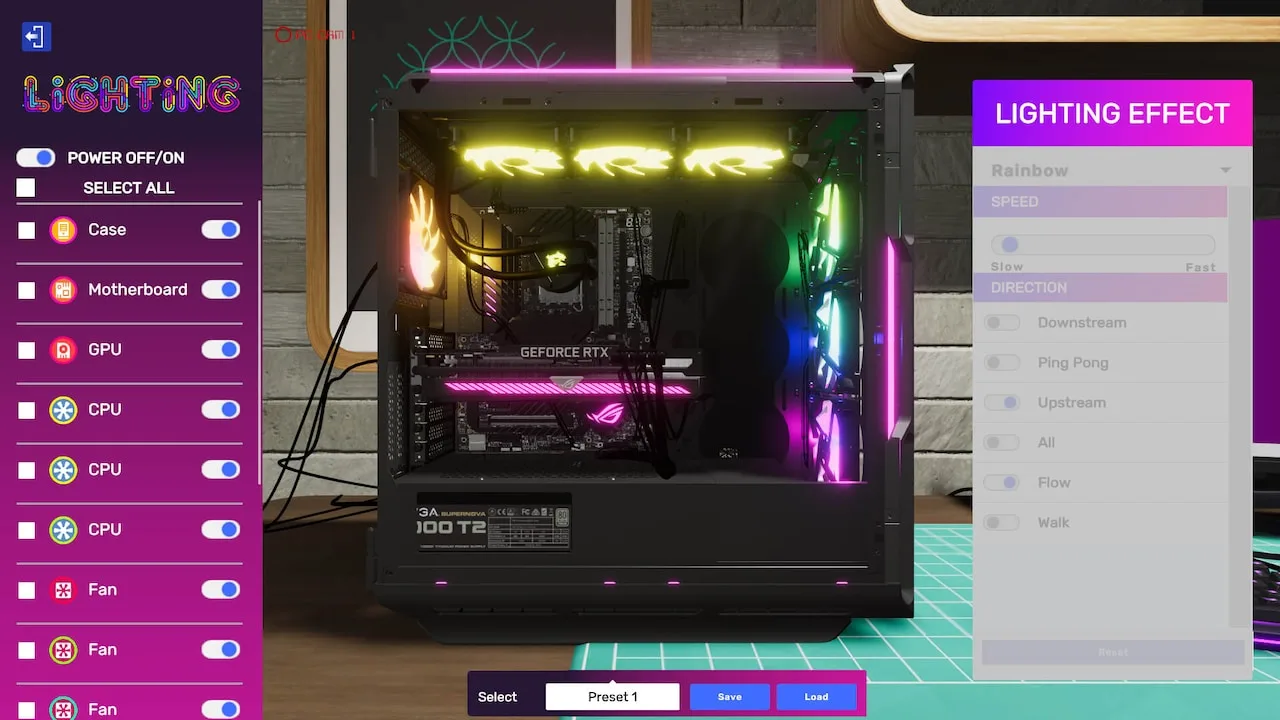
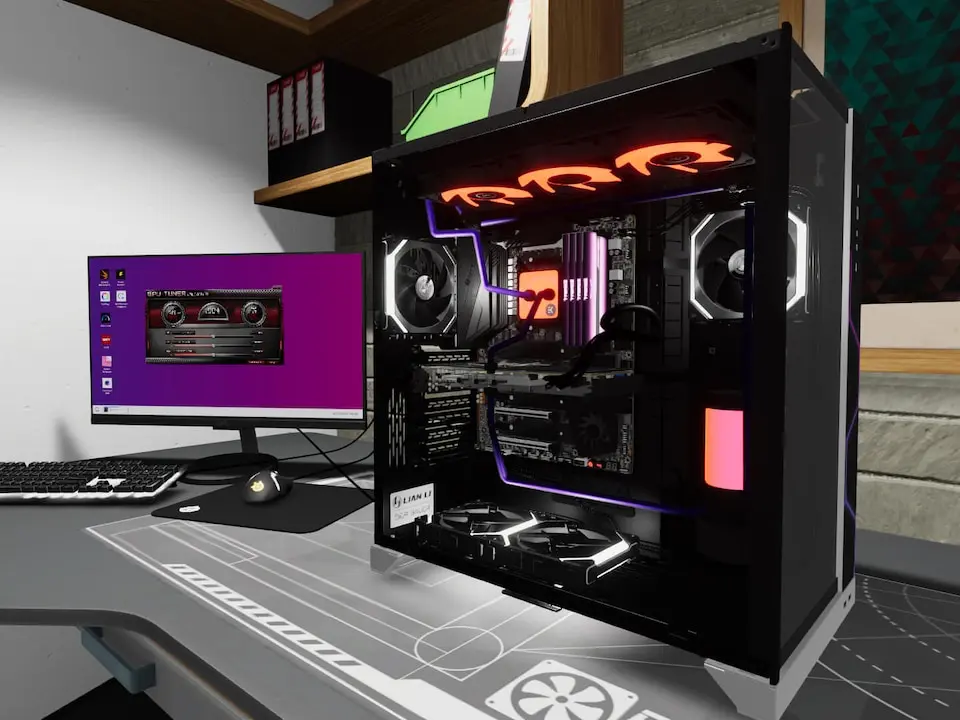
Learn how to select, install, and manage PC cases and peripherals in PC Building Simulator 2. Optimize your builds for performance and aesthetics with our expert guide.
In PC Building Simulator 2, the right case and peripherals are crucial for both performance and aesthetics. This guide covers everything you need to know about choosing, installing, and optimizing these components to satisfy your clients and excel in your career.
- Case Selection: Factors like size (ATX, Micro-ATX, Mini-ITX), airflow, and aesthetics.
- Peripheral Installation: Connecting monitors, keyboards, mice, and other external devices.
- Cooling Solutions: Air and liquid cooling options within different case types.
- Cable Management: Techniques for a clean and efficient build.
- Troubleshooting: Common issues with cases and peripherals.
100% Human-Written. AI Fact-Checked. Community Verified. Learn how AntMag verifies content