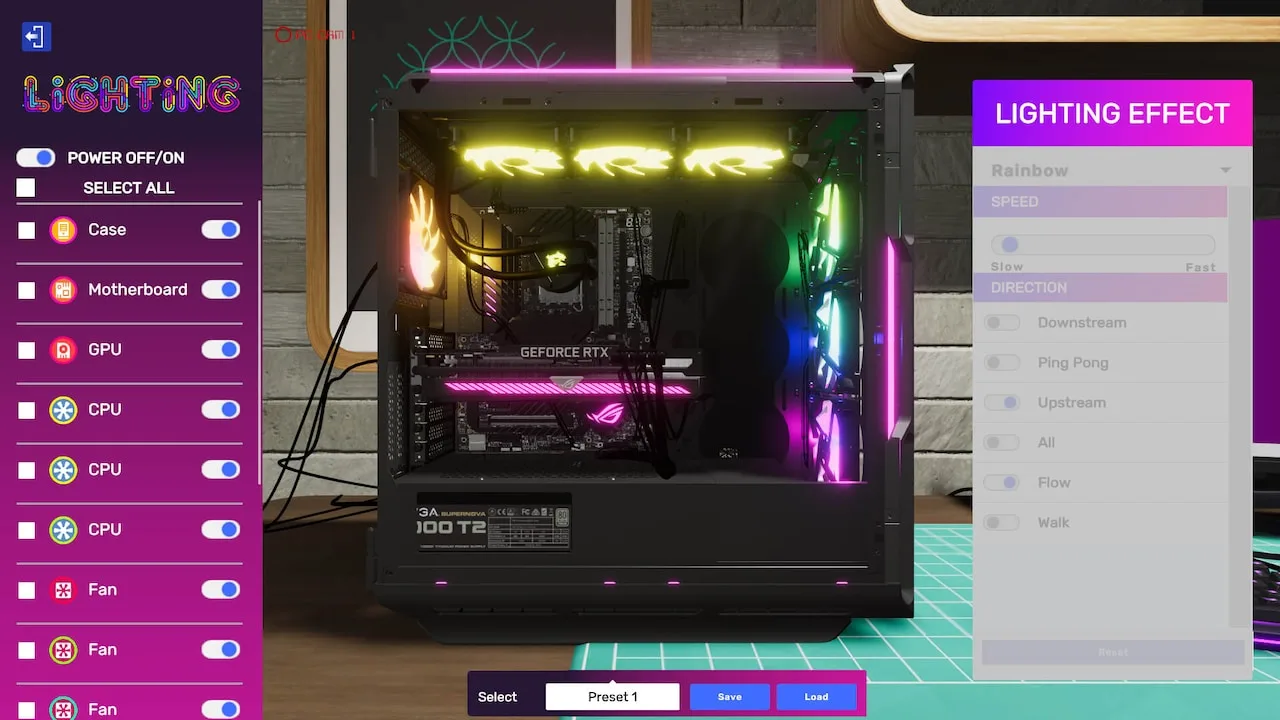
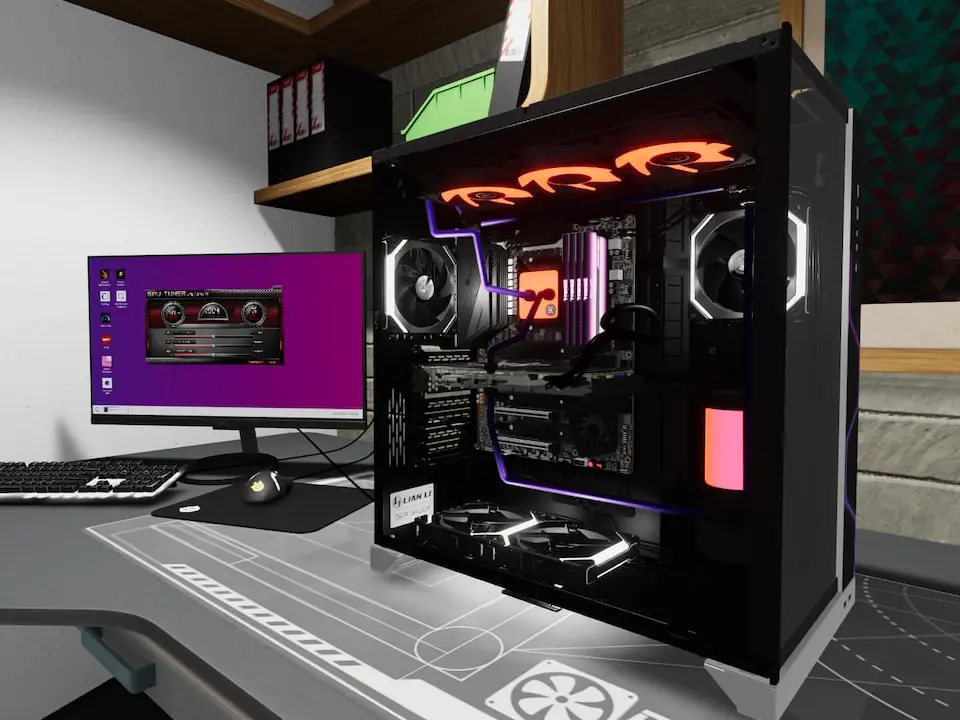
Follow our guide to complete the 'Dusty Dilemma' job in PC Building Simulator 2. Learn how to clean dust and replace a faulty fan to satisfy your client.
Walkthrough
- 1Accept the 'Dusty Dilemma' job from client Mark.
- 2Use the Air Compressor tool to remove all dust from the PC's interior.
- 3Inspect components to identify the faulty fan (often highlighted in red).
- 4Order a replacement fan from the shop.
- 5Install the new fan, ensuring correct orientation for airflow.
- 6Connect all necessary cables.
- 7Close the PC case and deliver the completed build.
Tips
- Ensure all dust is removed for maximum client satisfaction.
- Double-check fan orientation for optimal cooling.
- Verify all cable connections before closing the case.
100% Human-Written. AI Fact-Checked. Community Verified. Learn how AntMag verifies content