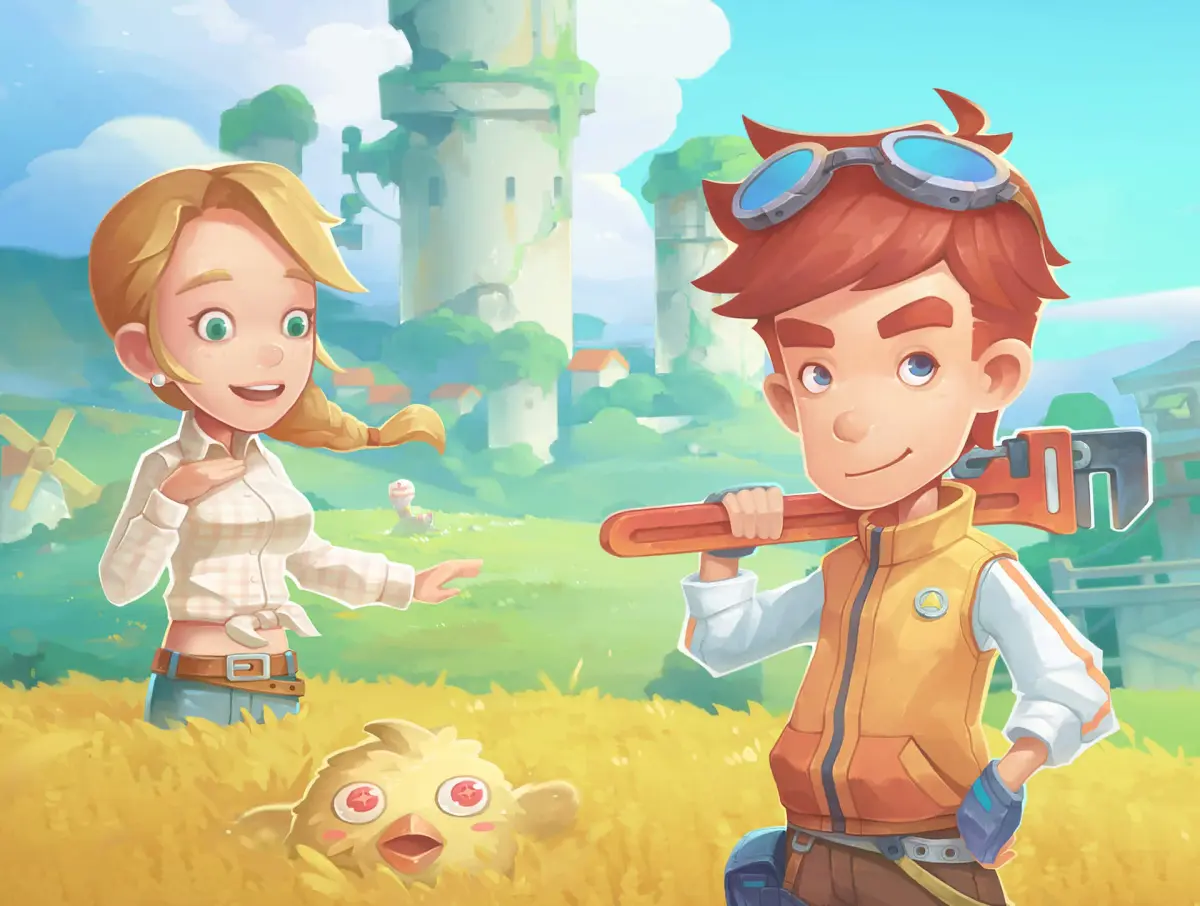
Navigate My Time at Portia with ease! This guide details all PC controls, UI elements, and map markers to help you master the game.
This section covers the fundamental mechanics of My Time at Portia, including controls, the user interface (UI), and map markers.
Controls
Below are the default PC controls for various actions in the game. Note that some controls may vary depending on your platform or if you have customized them.
| Action | PC |
|---|---|
| Movement | W, S, A, D |
| Dash | SHIFT |
| Camera Movement | RMB |
| Weird Pad | ESC |
| Map | M |
| Examine/Interact/Strike/Dodge | F |
| Attack/Unique Action | LMB |
| Jump/Climb | SPACEBAR |
| Strong Attack | E |
| Unique Interaction/Block (w/Shield equipped) | R |
| Sheathe Weapon | C |
| Select Target | 2 |
| Summon Mount | Z |
| Open Bag | X |
| Greetings | G |
| Chat | ENTER |
| Camera Zoom | N |
| Check Stat Changes | P |
| Life Menu | L |
Understanding the UI
The User Interface (UI) provides essential information at a glance. Here's a breakdown of the key elements:
- 1. Your Life level
- Indicates your current level for your chosen Life (profession).
- 2. Your HP (Health Points) and SP (Skill Points)
- HP represents your health, while SP is used for special abilities.
- 3. Your name and current Life
- Displays your character's name and the Life you are currently pursuing.
- 4. Enemy's HP, name and type
- Shows the health, name, and classification of any enemies you encounter.
- 5. Current objective
- Details your active quest or task.
- 6. Minimap and time of day
- A small map showing your immediate surroundings and the current in-game time.
- 7. Objective's direction
- An indicator pointing towards your current objective.
- 8. Resource's name and level
- Identifies the name and level of resources you can gather.
- 9. Quick Menu
- A menu for quick access to frequently used items or actions.
Understanding the Map
The in-game map uses various markers to denote important locations and points of interest. Familiarizing yourself with these markers will greatly aid your navigation and questing.
Map Markers
- Quest Objective: Indicates the location of your current mission goal.
- Guild Office: The central hub for guild-related activities.
- Armory/Weapon Shop/Armor Shop: Locations to purchase or upgrade weapons and armor.
- Inn: Where you can rest, recover, and sometimes take on jobs.
- General Goods: A shop selling various everyday items.
- Restaurant/Tavern: Places to eat, drink, and socialize.
- Nexus Stone Trader: A merchant specializing in Nexus Stones.
- Life Tools: Shops selling tools specific to different Lives.
- Paladin's Guild: The guild for Paladins.
- Mercenary's Guild: The guild for Mercenaries.
- Magician's Guild: The guild for Magicians.
- Hunter's Guild: The guild for Hunters.
- Blacksmith's Guild: The guild for Blacksmiths.
- Cook's Guild: The guild for Cooks.
- Carpenter's Guild: The guild for Carpenters.
- Alchemist's Guild: The guild for Alchemists.
- Miner's Guild: The guild for Miners.
- Angler's Guild: The guild for Anglers.
- Woodcutter's Guild: The guild for Woodcutters.
- Fish: Indicates a location where fish can be found.
- Tree: Marks a source of wood.
- Ore Deposit: Denotes a location where ore can be mined.
- Enemy: Shows the location of regular enemies.
- Strong Enemy: Highlights tougher enemy encounters.
- Boss: Marks the location of a boss enemy.
- Seal: Indicates a sealed area or objective.
- Personal Request: Shows a personal request from an NPC.
- Personal Request (other Life): Indicates a personal request related to a different Life.
- Travel Spot: A fast travel point on the map.
100% Human-Written. AI Fact-Checked. Community Verified. Learn how AntMag verifies content