
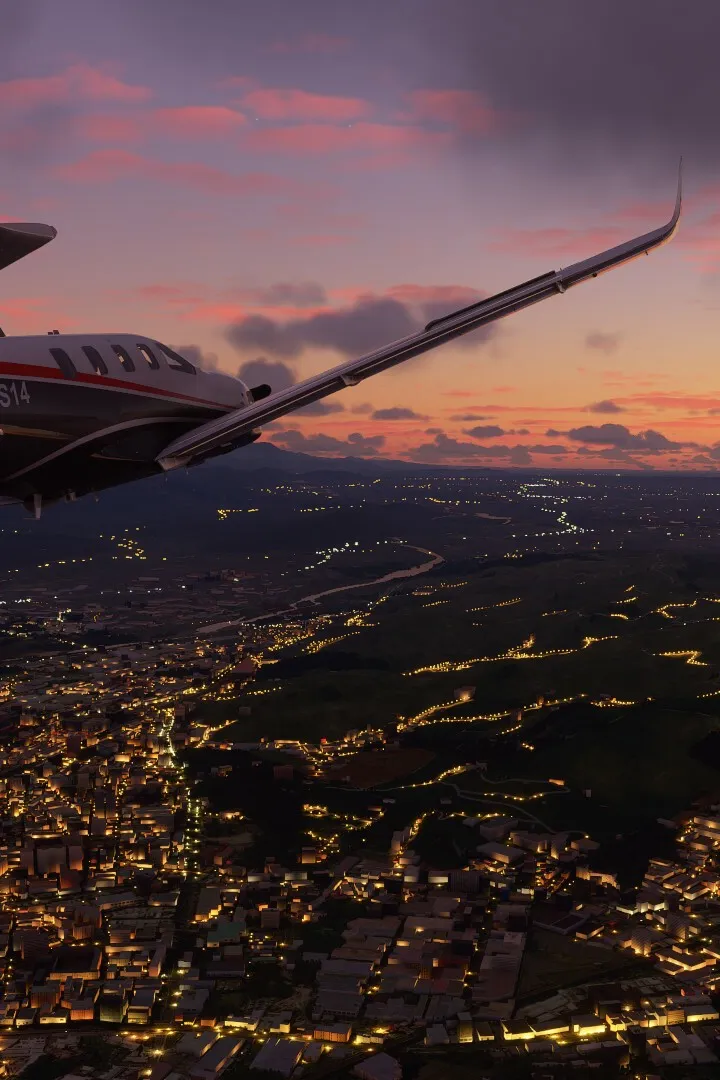
Explore the comprehensive Flight Training section for Microsoft Flight Simulator (2020), covering everything from basic handling and VFR navigation to advanced IFR and airliner operations.
Welcome to the Flight Training section for Microsoft Flight Simulator (2020)! This guide covers a variety of lessons designed to teach you how to fly, from fundamental aircraft control to complex navigation and landing techniques.
Lessons Overview:
- Basic Handling: 8 lessons in the Cessna 152 covering introduction, aircraft essentials, familiarization, attitude control, turns, power settings, straight and level flight, and an attitude test.
- Take-off and Landing: 7 lessons focusing on taxiing, take-off, deadstick landings, landing without elevator, general landing, downwind approaches, and the first solo flight.
- VFR Navigation: 5 lessons covering departure, dead reckoning, landmark navigation, arrival, and the first solo navigation flight.
- Glider Training: 7 lessons in the DG Flugzeugbau DG-1001e neo, including aerotow, winch launches (basic and advanced), basic handling, slipping approaches, thermal identification, and ridge soaring.
- Airliner Training: 2 lessons for the Airbus A320neo focusing on takeoff and landing.
- Bush Pilot: 7 lessons in the ICON A5 covering short-field takeoffs and landings, updrafts, downdrafts, water takeoffs and landings, and a bush flying test.
- IFR Navigation: 7 lessons in the Cessna 172 Skyhawk on climb and descent, turning, speed control, VOR basics, NDB basics, ILS approach, and an IFR test.
Each lesson series, except for Airliner Training, concludes with a test that can be failed. Lessons can be repeated, and users can skip lessons, though it's not recommended. The simulation provides voice prompts, instrument highlights, and glowing markers to guide you.
100% Human-Written. AI Fact-Checked. Community Verified. Learn how AntMag verifies content