
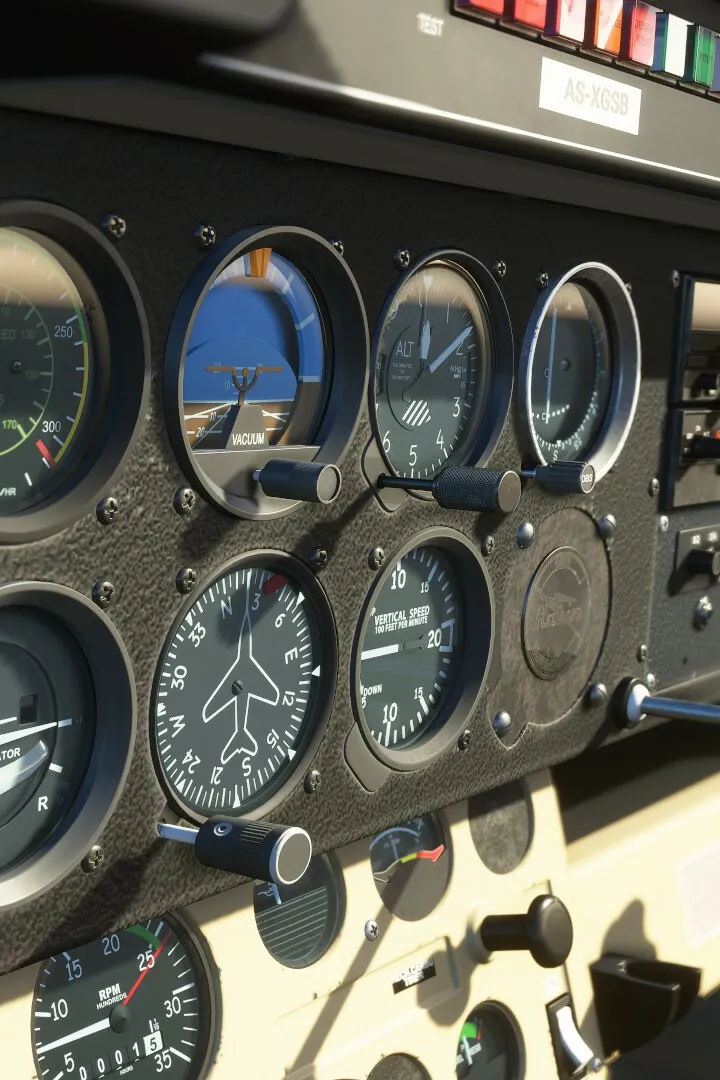
Learn to effectively use in-game tools and panels in Microsoft Flight Simulator. This guide covers essential controls, navigation aids, and cockpit interactions for a better flying experience.
This guide section focuses on the in-game tools and panels available within Microsoft Flight Simulator. These elements are crucial for managing your aircraft, navigating, and understanding flight parameters. The Flight Training section of the simulator provides structured lessons to help players master these tools.
Key Areas Covered in Flight Training:
- Basic Handling: Covers fundamental aircraft controls, instrument familiarization (yoke, rudder pedals, throttle, airspeed indicator, altimeter), and basic maneuvers like pitch and roll. Lessons include Introduction, Aircraft Essentials, Familiarization Flight, Attitude (Pitch), and Turns (Roll).
- Take-off and Landing: Lessons on taxiing, taking off, and various landing techniques, including deadstick and without elevator.
- VFR Navigation: Teaches visual flight rules navigation using departure, dead reckoning, landmark navigation, and arrival procedures.
- Glider Training: Specific lessons for glider operations like aerotow, winch launches, and thermal/ridge soaring.
- Airliner Training: Focuses on procedures for larger aircraft, including takeoff and landing for the Airbus A320neo.
- Bush Pilot: Lessons tailored for bush flying, covering short-field operations, water takeoffs/landings, and handling updrafts/downdrafts.
- IFR Navigation: Covers instrument flight rules navigation, including climb/descent, speed control, and approaches using VOR, NDB, and ILS systems.
Each lesson series typically involves guided instruction with voice prompts, instrument highlights, and glowing markers. Most series conclude with a test that can be failed, requiring users to repeat lessons if necessary. Users can take lessons in any order and repeat them as needed.
100% Human-Written. AI Fact-Checked. Community Verified. Learn how AntMag verifies content