
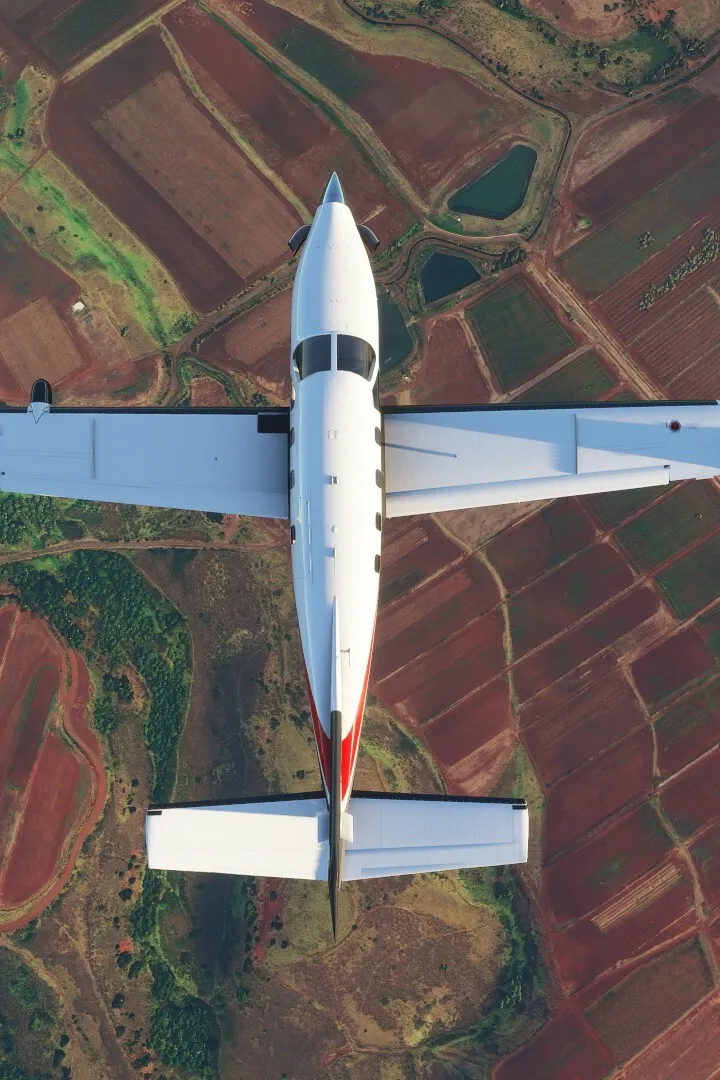
Master Microsoft Flight Simulator weather. Understand METARs, clouds, wind, and turbulence for safe and informed flights.
Dynamic weather is a hallmark of Microsoft Flight Simulator. Learn how to interpret weather reports, understand different weather phenomena like clouds and precipitation, and how they impact your flight. Prepare for any condition and fly safely.
Weather plays a critical role in aviation, and Microsoft Flight Simulator brings this reality to life with its dynamic weather system. Understanding weather is not just about immersion; it's about safety and planning. This section will cover the fundamental aspects of weather you'll encounter and how to prepare for them.
Understanding Weather Reports
Before any flight, pilots check weather reports. In the simulator, you can access this information through various means:
- METAR (Meteorological Aerodrome Report): These are real-time reports from airports. They provide crucial data like wind speed and direction, visibility, cloud cover, temperature, and pressure. For example, a METAR might read: `EGLL 151450Z 27015G25KT 9999 -RA BKN008 OVC015 12/10 Q1005`. This tells you the date/time, wind, visibility, precipitation, cloud layers, temperature, and pressure.
- TAF (Terminal Aerodrome Forecast): These are forecasts for specific airports, usually valid for 24-30 hours. They predict changes in weather conditions.
- In-Sim Weather Settings: The simulator allows you to set up live weather, custom weather presets, or even specific conditions for your flight.
Key Weather Phenomena
Here are some common weather elements you'll encounter:
- Wind: Affects your ground speed, airspeed, and can cause turbulence. Crosswinds during takeoff and landing are particularly important to manage.
- Clouds: Vary in type and altitude. They can reduce visibility and pose a hazard.
- Cumulonimbus (Cb): Thunderstorm clouds, associated with severe turbulence, lightning, and hail. Avoid these at all costs.
- Stratus (St): Low-level, featureless clouds that can cause poor visibility and drizzle.
- Cumulus (Cu): Puffy, fair-weather clouds. Can indicate rising air currents.
- Precipitation: Rain, snow, or drizzle. Can reduce visibility and affect aircraft performance, especially on wet runways.
- Fog: Extremely low visibility, often requiring instrument approaches.
- Turbulence: Sudden, irregular changes in altitude and attitude. Can be caused by wind shear, thunderstorms, or mechanical turbulence from terrain.
- Icing: When supercooled water droplets freeze on aircraft surfaces, particularly wings and propellers. This can disrupt airflow, reduce lift, and increase drag.
Impact on Flight
Weather significantly impacts flight operations:
- Visibility: Poor visibility (fog, heavy rain, snow) can necessitate instrument flight rules (IFR) and require precise navigation and landing techniques.
- Wind: Strong headwinds reduce ground speed but increase airspeed for a given throttle setting, while tailwinds do the opposite. Crosswinds require specific techniques for takeoff and landing.
- Turbulence: Requires pilots to maintain control of the aircraft and can be uncomfortable.
- Icing: Can be a serious hazard, especially for smaller aircraft. Many aircraft have de-icing or anti-icing systems.
Using Weather in the Simulator
Microsoft Flight Simulator offers several ways to engage with weather:
- Live Weather: Connects to real-world weather data, providing an accurate representation of current conditions globally.
- Clear Skies: The simplest setting, ideal for learning controls or enjoying scenic flights.
- Custom Presets: Allows you to fine-tune specific weather parameters like wind speed, cloud cover, and precipitation. You can create scenarios like a foggy morning approach to San Francisco or a windy landing at Lukla.
Strategy: Always check the weather for your departure, destination, and en route airports before filing a flight plan. If conditions are unfavorable, consider delaying your flight, choosing a different destination, or practicing in more forgiving weather settings. For example, if a strong crosswind is forecast for your destination, practice crosswind landings in a less critical location first.
100% Human-Written. AI Fact-Checked. Community Verified. Learn how AntMag verifies content