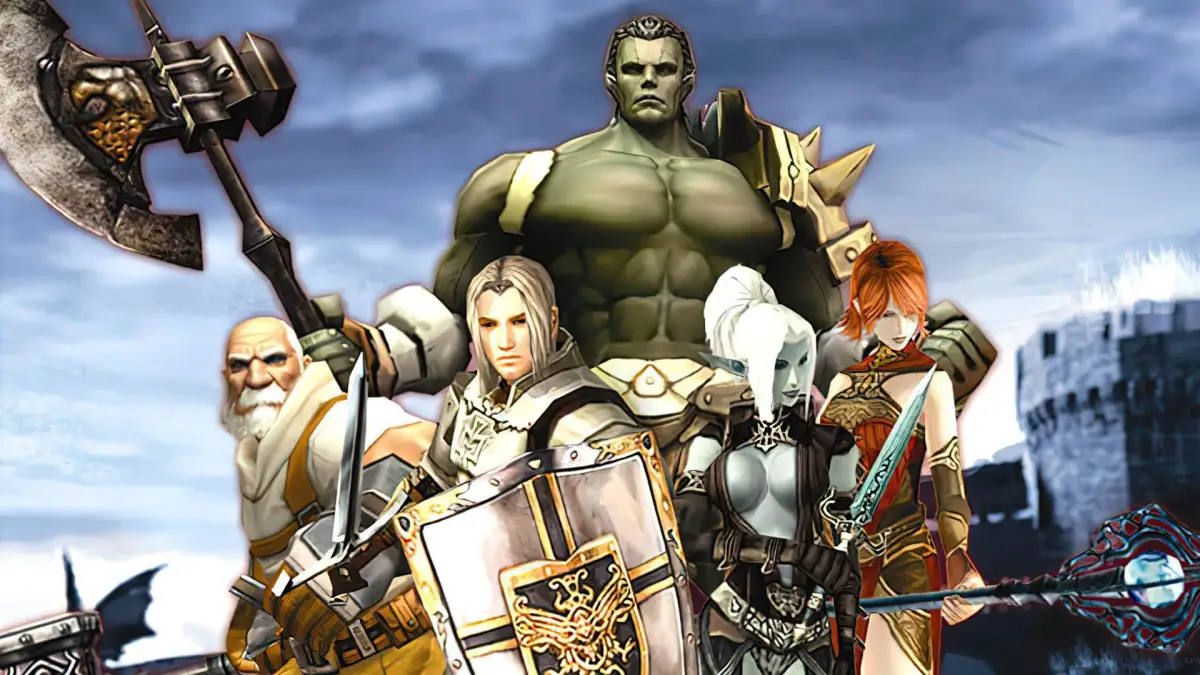
Enhance your Lineage II character with the Agathion System. These companions provide buffs and active skills, optimizing your combat performance.
The Agathion System introduces a unique companion mechanic that goes beyond simple pets, offering both aesthetic flair and tangible benefits to your character. These magical trinkets, once activated, manifest as small, often whimsical, spirits that float around you, providing various buffs and even active skills. Mastering the Agathion System is crucial for optimizing your character's performance, especially in later stages of the game where every stat point counts.
Acquiring Your First Agathion
Your journey into the Agathion System typically begins by obtaining an Agathion Seal Bracelet. These bracelets are the key to summoning and controlling your Agathion. There are several ways to acquire them:
- Quest Rewards: Certain quest lines, particularly those introduced in newer chronicles, will offer an Agathion Seal Bracelet as a reward. Keep an eye out for quests marked with a special icon or those given by NPCs in major cities like Aden or Goddard.
- Event Rewards: Lineage II frequently hosts in-game events. Many of these events offer Agathion Seal Bracelets or Agathion-related items as participation or completion rewards. Always check the official Lineage II website or in-game announcements for current events.
- Item Mall/L2 Store: The L2 Store often features various Agathion Seal Bracelets, sometimes bundled with other valuable items. These typically offer unique or more powerful Agathions.
- Monster Drops: While less common for initial acquisition, some high-level raid bosses or world bosses may drop rare Agathion Seal Bracelets.
Once you have an Agathion Seal Bracelet in your inventory, simply right-click it to equip it. Your Agathion will then appear beside your character.
Agathion Types and Functions
Agathions come in a wide variety, each with distinct appearances and, more importantly, different sets of buffs and skills. Understanding these differences is key to choosing the right Agathion for your playstyle.
- Stat-Boosting Agathions: Many Agathions provide passive stat increases, such as P. Atk, M. Atk, Defense, M. Defense, HP, MP, or Speed. Examples include the Agathion - Virgo (often providing M. Atk) or the Agathion - Leo (often providing P. Atk).
- Utility Agathions: Some Agathions offer utility skills, such as temporary invincibility, HP/MP recovery, or even teleportation to specific locations. The Agathion - Nebulite is a classic example, often granting a temporary boost to movement speed or attack speed.
- Active Skill Agathions: A select few Agathions possess active skills that you can manually trigger. These skills have cooldowns and can be powerful tools in combat or for support. An example might be an Agathion that can cast a minor heal or a debuff on enemies.
- Appearance-Only Agathions: While less common now, some older Agathions primarily served as cosmetic companions without significant stat benefits.
You can view your equipped Agathion's stats and skills by opening your character window (Alt+T) and navigating to the "Agathion" tab.
Agathion Enchanting and Upgrading
To maximize your Agathion's potential, you'll need to enchant and sometimes upgrade them. This process enhances their existing buffs and can even unlock new skills.
Enchanting Agathions
Enchanting an Agathion requires specific Agathion Enchant Scrolls. These scrolls are typically obtained from:
- Event Rewards: Similar to bracelets, enchant scrolls are common event rewards.
- L2 Store: Enchant scrolls are frequently available for purchase.
- Certain Monster Drops: High-level hunting zones or raid bosses may occasionally drop these scrolls.
To enchant:
- Right-click an Agathion Enchant Scroll in your inventory.
- A new window will appear, prompting you to select the Agathion Seal Bracelet you wish to enchant.
- Drag and drop your equipped Agathion Seal Bracelet into the designated slot.
- Click "Enchant."
Enchanting success rates vary, and failure can result in the Agathion's enchant level decreasing or, in some cases, the Agathion Seal Bracelet being destroyed (though this is less common for basic Agathions). Always check the scroll's description for specific success rates and failure penalties. Higher enchant levels significantly boost the Agathion's effectiveness.
Agathion Upgrading (Evolution)
Some Agathions can undergo an "evolution" or "upgrade" process, transforming them into a more powerful version. This usually requires specific Agathion Evolution Stones or other rare materials, often obtained from high-tier content or the L2 Store. The process typically involves:
- Acquiring the necessary Evolution Stone for your specific Agathion.
- Visiting a designated NPC, often a Dimensional Merchant or a specialized Agathion Manager in major cities.
- Initiating the upgrade dialogue and placing your Agathion Seal Bracelet and the Evolution Stone into the respective slots.
- Confirming the upgrade.
Successful evolution will change the Agathion's appearance, significantly increase its base stats, and potentially unlock new, more potent skills. Failed evolutions are rare but can be costly, so always proceed with caution and research the specific Agathion's upgrade path.
Managing Your Agathions
- Equipping/Unequipping: You can equip or unequip Agathion Seal Bracelets like any other accessory. Remember that only one Agathion can be active at a time.
- Agathion Skills: If your Agathion has active skills, they will appear in a dedicated Agathion skill bar or can be dragged to your main hotbar for easy access.
- Agathion Appearance: Some Agathions have multiple visual forms or can be customized with specific items. Check the L2 Store or event rewards for such options.
- Storage: Unequipped Agathion Seal Bracelets can be stored in your personal warehouse or inventory.
By actively participating in events, strategically enchanting, and carefully selecting your Agathion, you can unlock a powerful ally that significantly enhances your character's capabilities in the world of Lineage II.
100% Human-Written. AI Fact-Checked. Community Verified. Learn how AntMag verifies content