
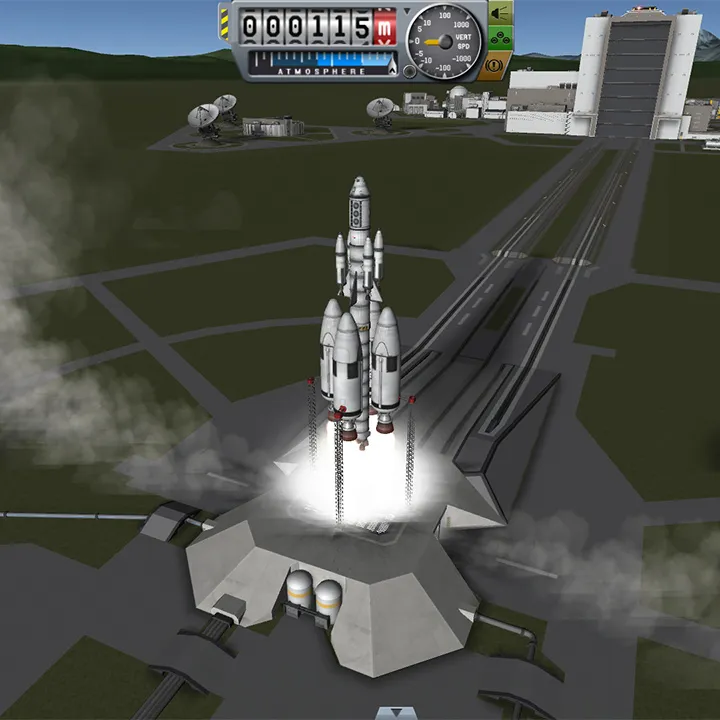
Set up your Kerbal Space Program multiplayer server and join friends. This guide covers modding essentials for shared space exploration experiences.
While Kerbal Space Program is primarily a single-player experience, the vibrant modding community has enabled multiplayer functionality, allowing players to share the joys and inevitable disasters of space exploration together. This section will guide you through the basics of setting up and joining multiplayer servers using popular mods.
The Need for Mods: Bridging the Gap
Kerbal Space Program does not natively support multiplayer. Therefore, to play with friends, you'll need to rely on third-party mods. The most prominent and widely used mod for KSP multiplayer is "Kerbal Multiplayer" (often abbreviated as KMP). This mod synchronizes the physics and actions of multiple players within a shared instance of the game. KMP is an ongoing project, and its stability and features can evolve.
Server Setup: Hosting Your Own Space Program
To host a multiplayer session, you or a designated player will need to set up a KMP server. This typically involves downloading the KMP server software and configuring it. Key aspects of server setup include:
- Port Forwarding: You'll likely need to configure your router to forward specific ports (usually UDP 20777 and 20778) to the computer running the KMP server. This allows other players on the internet to connect to your game.
- Configuration Files: KMP servers often use configuration files to define game rules, player limits, and other parameters.
- Craft Synchronization: Ensure that all players are using the same mods and versions of KSP to avoid synchronization issues with craft dess.
For detailed, step-by-step instructions on server setup, it is highly recommended to consult the official KMP documentation or community wikis, as the process can vary slightly depending on the KMP version and your operating system.
Joining a Server: Connecting with Fellow Kerbonauts
Joining an existing KMP server is generally more straightforward than setting one up. Once you have KMP installed and running on your KSP client, you'll typically use a server browser or a direct IP address to connect. Many KSP communities host public servers, offering opportunities to play with a wider group of players. When joining a server, be mindful of:
- Server Rules: Public servers often have specific rules regarding player conduct, base building, and mission objectives.
- Mod Compatibility: Always ensure your KSP installation has the same mods (and versions) as the server you are trying to join. Mismatched mods are a common cause of connection failures.
- Lag and Latency: The quality of your multiplayer experience will depend on the server's performance and your internet connection.
Tips for a Smooth Multiplayer Experience
- Communicate: Use voice chat (like Discord) or in-game text chat to coordinate missions and avoid mid-air collisions.
- Collaborate: Multiplayer KSP is a fantastic opportunity for collaborative mission planning and execution. Build orbital stations together, conduct joint exploration missions, or even engage in friendly competitions.
- Respect Other Players: Just as in single-player KSP, patience and a good sense of humor are essential. Things will go wrong, and that's part of the fun, especially when you can share the blame (or the glory!).
- Stay Updated: Keep your KMP mod and KSP installation updated to the latest compatible versions to ensure the best performance and access to new features.
Playing Kerbal Space Program in multiplayer can transform the game into a truly social experience, fostering teamwork and shared adventures as you and your friends strive to conquer the Kerbol system together.
100% Human-Written. AI Fact-Checked. Community Verified. Learn how AntMag verifies content