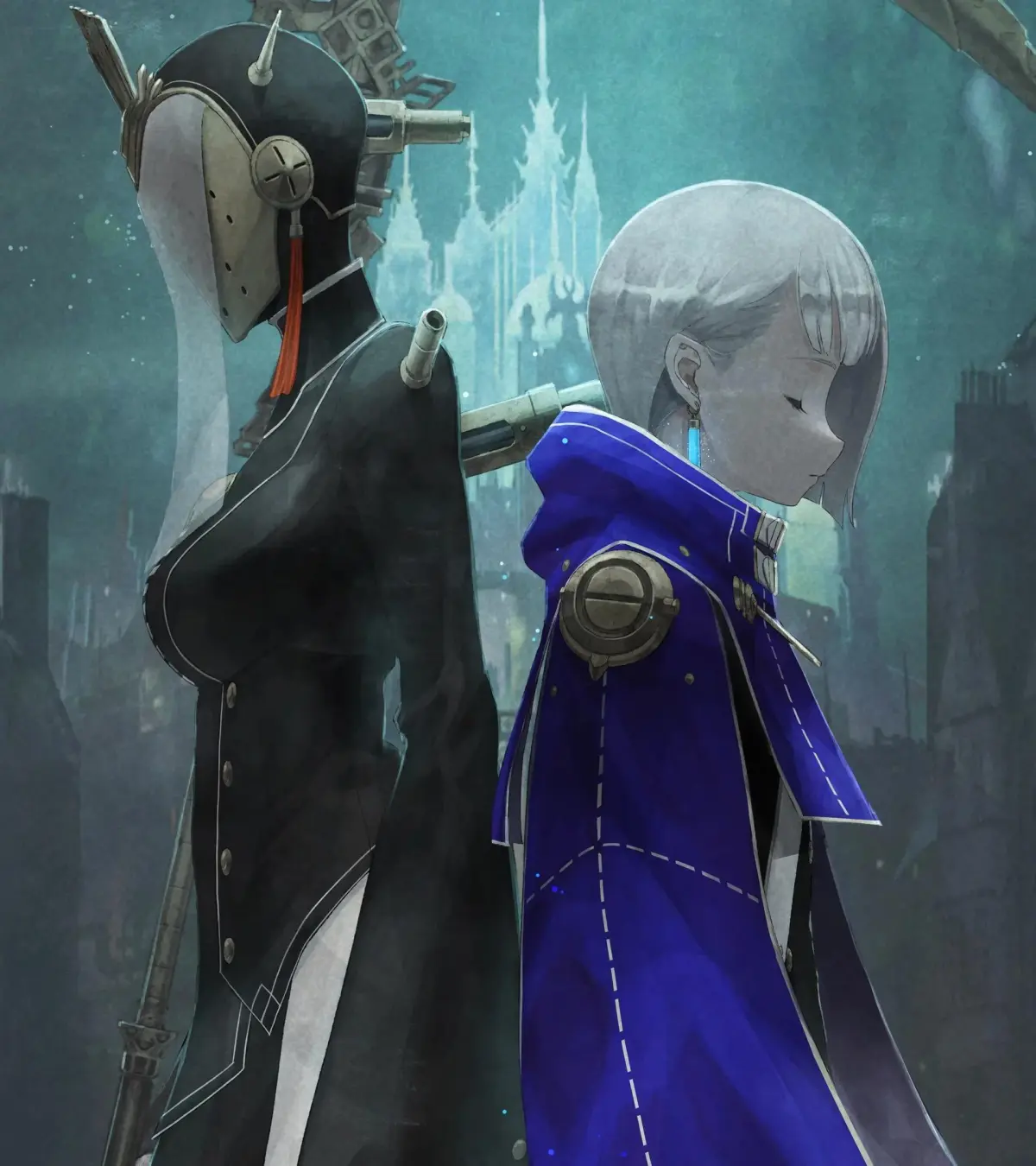
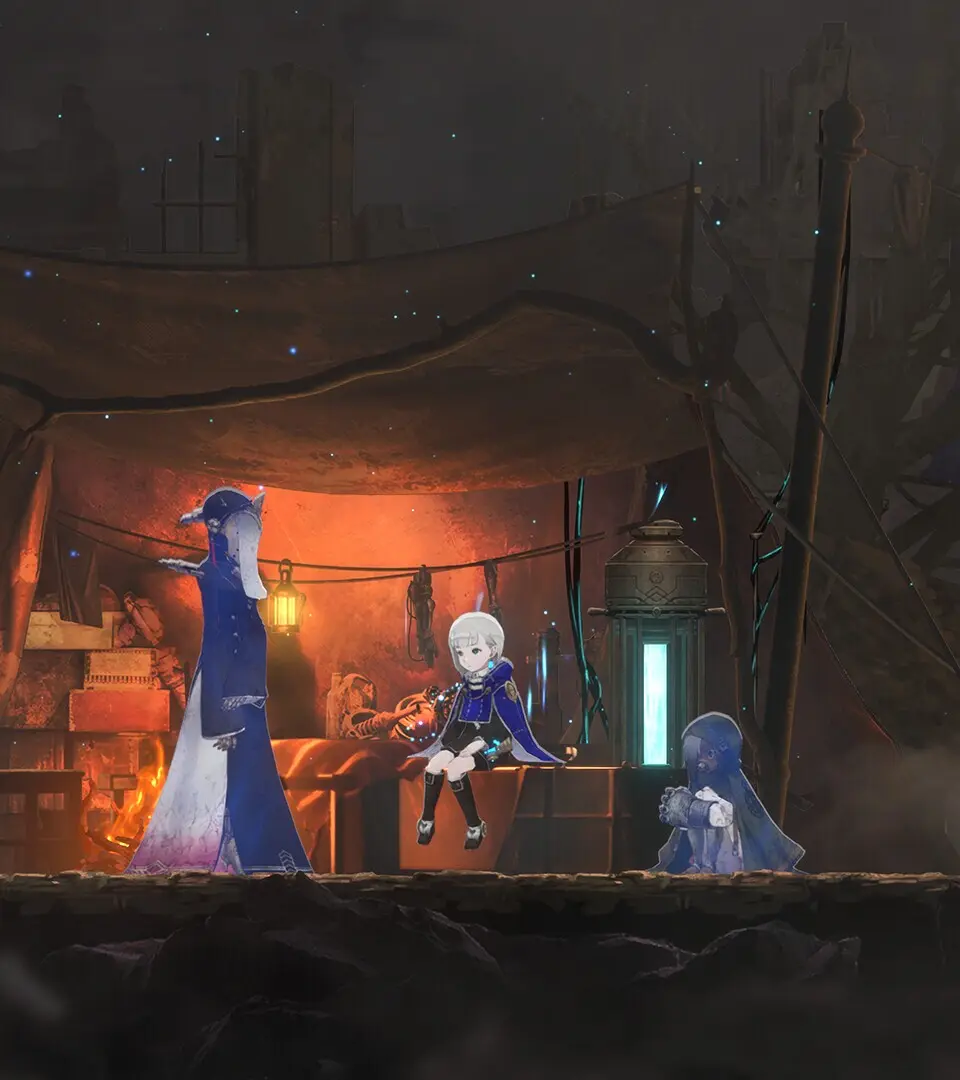
A detailed guide to the User Interface (UI) in Ender Magnolia: Bloom in the Mist, explaining health, spirit gauges, and other vital on-screen information.
The User Interface in Ender Magnolia provides vital information about Lily's status, equipped Spirits, and the immediate environment. Familiarizing yourself with its elements will significantly improve your gameplay experience.
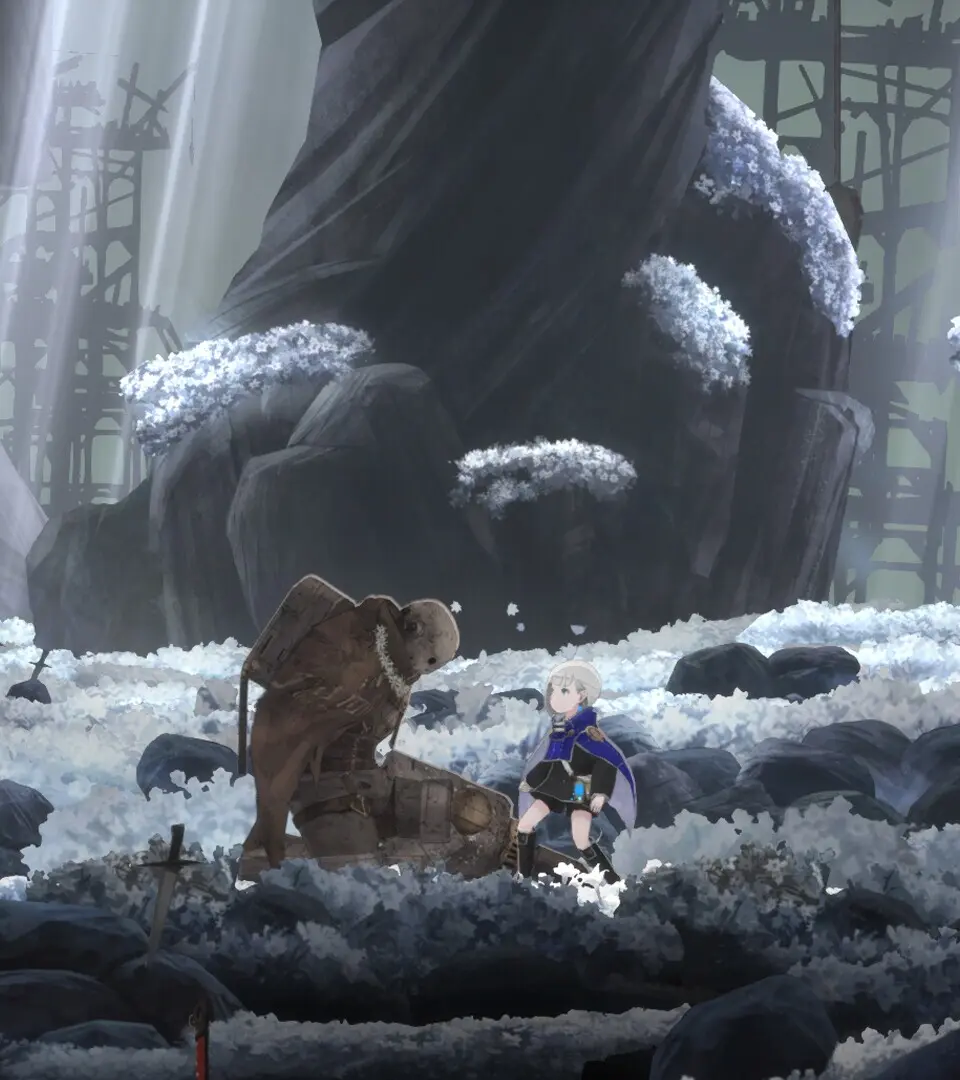
Key UI Elements:
- Health Bar (Top Left): Displays Lily's current health. If it reaches zero, you will be defeated and return to the last activated Respite.
- Spirit Gauge (Below Health Bar): Indicates the energy available for your equipped Spirits' special abilities. It regenerates over time and by defeating enemies.
- Equipped Spirits (Bottom Left): Shows the icons of your primary and secondary Spirits, along with their active cooldowns if any.
- Blight Gauge (Top Right, during combat): For certain enemies and bosses, this gauge appears, indicating their resistance to purification and their current Blight status. Depleting it often stuns them or opens them to powerful attacks.
- Map Overlay (Mini-map, Top Right): A small, transparent map showing your immediate surroundings, exits, and points of interest.
- Interaction Prompt (Center Screen): Appears when you are near an interactable object or NPC, indicating the button/key to press.
- Item Notifications (Bottom Center): Briefly displays when you pick up new items or gain experience.
Pay close attention to your health and Spirit gauge during combat. Managing these resources effectively is key to overcoming challenging encounters. The Blight Gauge is particularly important for understanding enemy weaknesses and optimizing your attack patterns.
100% Human-Written. AI Fact-Checked. Community Verified. Learn how AntMag verifies content