
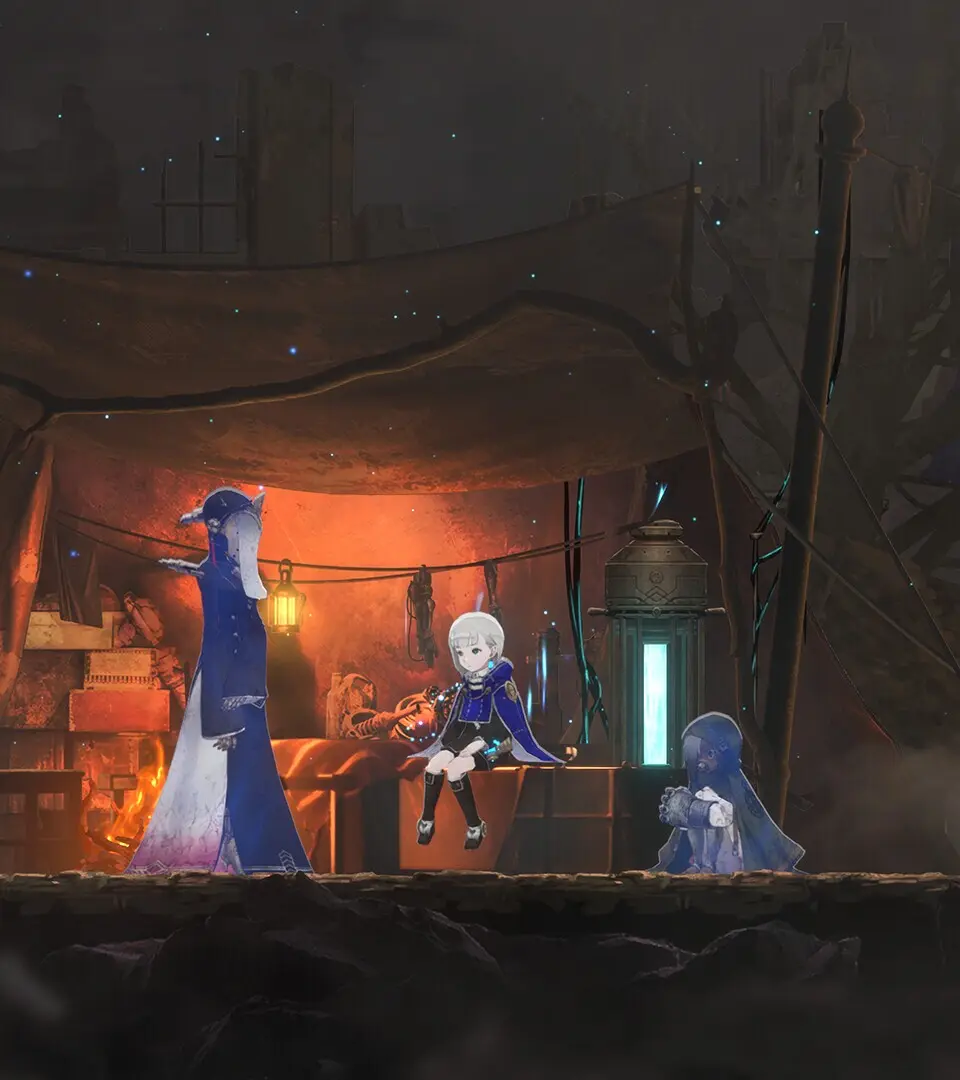
Learn the basic controls and movement for Lily in Ender Magnolia: Bloom in the Mist. Master the protagonist's versatile moveset for exploration and combat.
Understanding the fundamental controls is crucial for survival in Ender Magnolia. Lily, your protagonist, has a versatile moveset that allows for exploration and combat. Here's a breakdown of the default controls:

- Movement: Left Analog Stick / WASD keys. Allows Lily to walk, run, and navigate the environment.
- Jump: A Button (Xbox) / X Button (PlayStation) / Spacebar (PC). Essential for platforming and evading attacks.
- Dodge/Dash: B Button (Xbox) / Circle Button (PlayStation) / Left Shift (PC). A quick burst of movement that grants temporary invincibility, vital for avoiding damage.
- Attack (Spirit): X Button (Xbox) / Square Button (PlayStation) / Left Click (PC). Commands your currently equipped Spirit to perform its primary attack.
- Sub-Spirit Attack: Y Button (Xbox) / Triangle Button (PlayStation) / Right Click (PC). Commands your secondary equipped Spirit to perform its primary attack.
- Interact: A Button (Xbox) / X Button (PlayStation) / E Key (PC). Used to open doors, activate mechanisms, and speak with NPCs.
- Map: View Button (Xbox) / Touchpad (PlayStation) / M Key (PC). Opens the world map, showing your current location, discovered areas, and important markers.
- Inventory/Menu: Menu Button (Xbox) / Options Button (PlayStation) / Esc Key (PC). Accesses your inventory, Spirit management, skill tree, and game settings.
Practice these movements in safe areas to get a feel for Lily's agility and responsiveness. Mastering the dodge is particularly important for later boss encounters.
100% Human-Written. AI Fact-Checked. Community Verified. Learn how AntMag verifies content