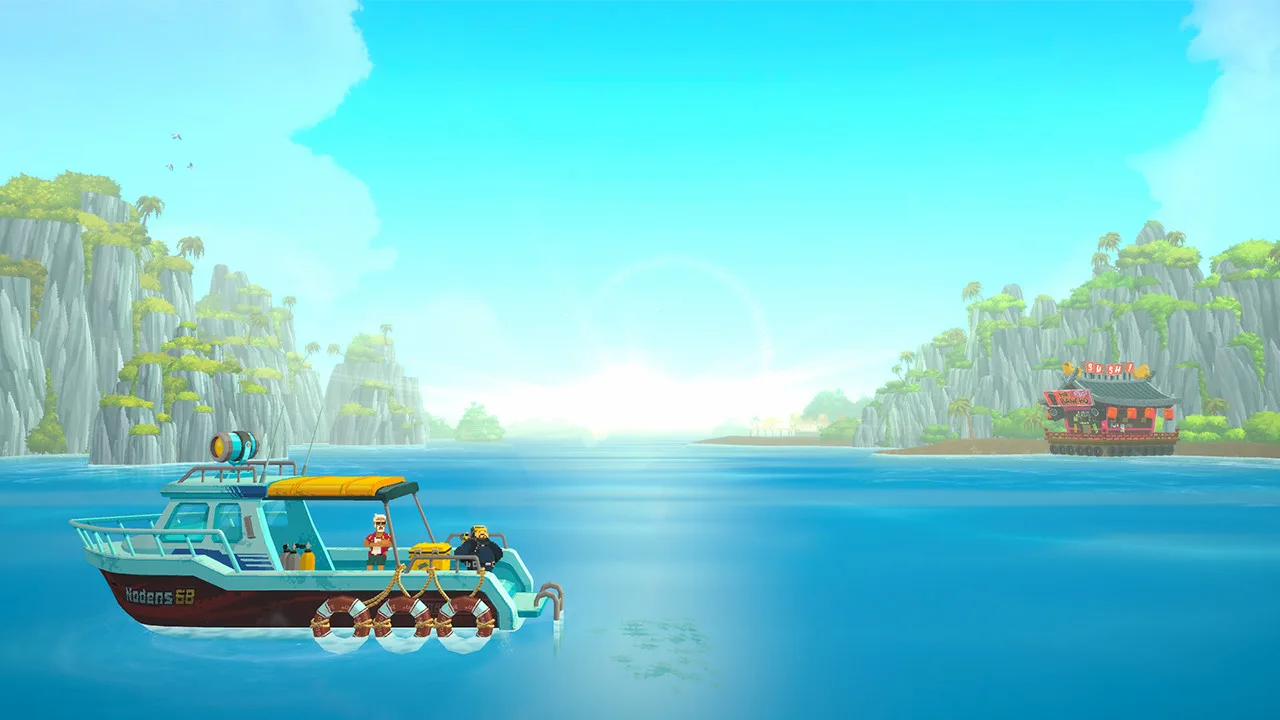
Welcome to Dave the Diver, a unique blend of deep-sea exploration and sushi restaurant management. By day, you'll dive into the mysterious, ever-changing Blue Hole, catching a variety of fish and uncovering its secrets. By night, you'll serve those catches to eager customers at your own sushi restaurant, managing staff and delighting patrons. It's a loop that's both relaxing and surprisingly addictive, perfect for anyone looking for a game with a bit of everything.
This guide is here to help you master every aspect of Dave's adventure. We'll cover how to efficiently catch fish using your harpoon, manage your oxygen supply during dives, and even tackle the trickier Quick Time Events (QTEs) that pop up. Whether you're aiming for that elusive Gold Medal or just trying to keep your restaurant afloat, we've got the tips you need to succeed.
System Requirements
Check the system requirements before diving into the Blue Hole and managing Bancho Sushi in Dave the Diver. Ensure your PC meets the specifications for smooth .
To embark on your underwater adventures and culinary endeavors in Dave the Diver, ensure your system meets the following specifications. While Dave the Diver is known for its charming pixel art and relatively modest demands, having a system that comfortably exceeds these minimums will ensure a smooth and enjoyable experience, free from frustrating frame rate drops or long loading times. This is especially important during intense moments like evading aggressive sea creatures or managing a busy restaurant rush.
Minimum System Requirements:
| Component | Specification |
|---|---|
| Operating System | Windows 7 64-bit or later |
| Processor | Intel Core i3-3220 or AMD equivalent |
| Memory | 8 GB RAM |
| Graphics | NVIDIA GeForce GTX 660 or AMD Radeon HD 7850 |
| DirectX | Version 11 |
| Storage | 10 GB available space |
Recommended System Requirements:
For an optimal experience, consider these recommended specifications:
| Component | Specification |
|---|---|
| Operating System | Windows 10 64-bit |
| Processor | Intel Core i5-4670 or AMD equivalent |
| Memory | 16 GB RAM |
| Graphics | NVIDIA GeForce GTX 1060 or AMD Radeon RX 580 |
| DirectX | Version 11 |
| Storage | 10 GB available space |
Meeting these requirements will allow you to fully appreciate the vibrant underwater world and the bustling atmosphere of the Bancho Sushi restaurant without technical interruptions.
Initial Game Settings
New to Dave the Diver? This guide breaks down the essential initial game settings to get you diving and sushi-slinging like a pro. Learn the basics!
Hey there, future Dave the Diver pro! So you're ready to dive into the Blue Hole and start your own sushi restaurant? Awesome! Before you get your fins wet, let's quickly go over some of the initial game settings. Think of this as getting your gear ready before a big dive – it just makes everything smoother.
While there aren't a ton of complex settings to tweak right at the start, understanding how the game presents information is key. This guide will help you navigate the early game menus and understand what's what, so you can focus on the fun stuff: catching fish and serving delicious sushi!
Controller Layouts & Keybinds
Navigate the depths of Dave the Diver with confidence! This guide details all controller layouts and keybinds for PC and console, ensuring you master every dive and dish.
This section provides a comprehensive overview of the controller layouts and keybinds for Dave the Diver, essential for navigating the game's mechanics both underwater and on land. Understanding these controls will help you efficiently manage your dives, combat enemies, and prepare sushi.
| Action | PC (Keyboard & Mouse) | PlayStation | Xbox |
|---|---|---|---|
| Move | WASD | Left Stick | Left Stick |
| Dive/Ascend | Spacebar / Ctrl | X / Circle | A / B |
| Attack/Harpoon | Left Mouse Button | Square | X |
| Dash/Dodge | Shift | R1 | RB |
| Use Item/Tool | Right Mouse Button | R2 | RT |
| Interact/Pick Up | E | Cross | A |
| Open Menu/Smartphone | Tab | Touchpad | View Button |
| Aim Harpoon | Hold Left Mouse Button + Mouse Movement | Hold Square + Right Stick | Hold X + Right Stick |
| Special Ability (e.g., Dash Attack) | V | L1 | LB |
| Quick Turn | Q | L1 + Left Stick Direction | LB + Left Stick Direction |
| Drop Item | G | Triangle | Y |
| Use Weapon (if equipped) | 1, 2, 3... | D-Pad | D-Pad |
| Manage Sushi Bar | Mouse Click & Drag | L2 + Left Stick | LT + Left Stick |
| Manage Restaurant Menu | Mouse Click | D-Pad | D-Pad |
| Call Back Harpoon | Scroll Wheel Up | R1 | RB |
| Flashlight | F | R1 | RB |
| Sprint | Shift + WASD | L1 + Left Stick | LB + Left Stick |
Note: Specific button prompts may vary slightly depending on the platform and any custom keybinds you may have set.
Diving Mechanics Explained
Learn Dave the Diver's core diving mechanics for successful Blue Hole expeditions. Manage oxygen, utilize equipment, and understand fish behavior for maximum p.
The core gameplay loop of Dave the Diver revolves around its unique diving mechanics, a blend of exploration, resource gathering, and survival. Mastering these mechanics is crucial for a successful dive, from efficiently collecting fish to navigating the dangers of the Blue Hole. Understanding your oxygen supply, movement capabilities, and the behavior of marine life will directly impact your haul and your ability to progress.
Movement and Navigation:
- 360-Degree Movement: You can move freely in all directions underwater. Use your movement controls (analog stick or WASD) to navigate the environment.
- Diving and Ascending: Use dedicated buttons or triggers (e.g., LT/RT or Space/Ctrl) to descend deeper or ascend towards the surface. Be mindful of your depth; certain areas may require upgrades to access.
- Dash/Sprint: A quick burst of speed (e.g., LB or Shift) is invaluable for evading predators, closing the distance on fleeing fish, or quickly reaching a desired location. Be aware that dashing consumes stamina.
Oxygen Management:
Your oxygen supply is your most critical resource. A depleting oxygen meter will appear on your HUD. You can replenish oxygen by:
- Returning to the Surface: The safest but most time-consuming method.
- Using Oxygen Tanks: These can be found or purchased and provide a temporary boost.
- Interacting with Oxygen Plants: Certain flora in the Blue Hole can replenish a small amount of oxygen.
Running out of oxygen will result in a failed dive, losing all the fish you've collected during that expedition. Always keep an eye on your gauge and plan your dives accordingly.
Fishing and Combat:
- Harpoon Firing: Your primary tool for catching fish. Aim with your movement controls and fire with your attack button (e.g., RB or Left Mouse Button). Different fish require different approaches; some are easily speared, while others are more elusive.
- Weapon Usage: As you acquire new weapons (e.g., harpoon guns, tranquilizer guns), their usage will be mapped to specific buttons (e.g., X Button or Right Mouse Button). These offer alternative ways to catch or subdue fish.
- Evasion: Many creatures in the Blue Hole are aggressive. Learn their attack patterns and use your dash to avoid damage. Some larger predators can be stunned or temporarily incapacitated with specific weapons or environmental interactions.
Inventory and Weight:
Each fish and item you collect takes up space in your inventory. Overburdening yourself can slow your movement and make you more vulnerable. Prioritize valuable fish and essential items. You can upgrade your inventory capacity at the shop.
Effective diving is a continuous learning process. Observe the environment, experiment with your tools, and always be aware of your oxygen levels. Success in the Blue Hole directly fuels your success at Bancho Sushi.
100% Human-Written. AI Fact-Checked. Community Verified. Learn how AntMag verifies content