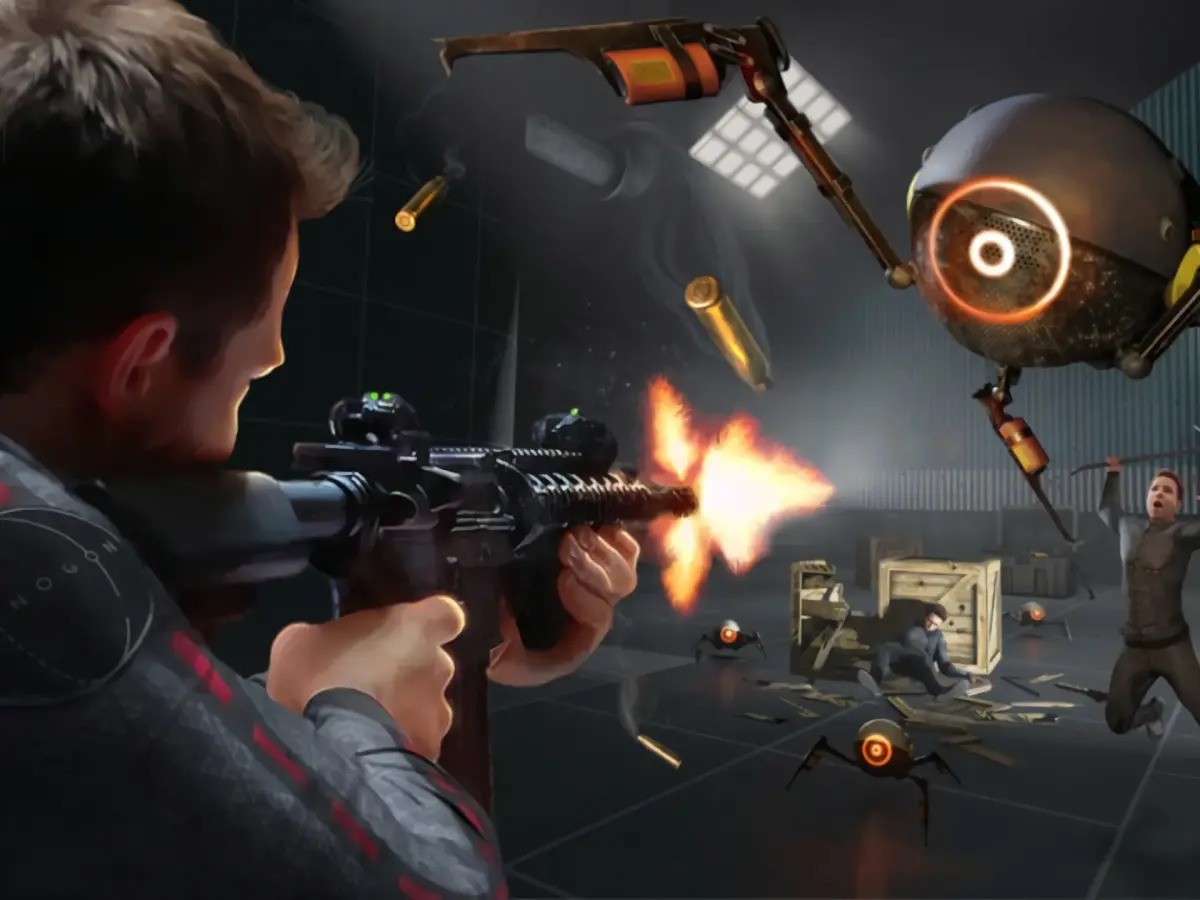
Unlock the full potential of Boneworks' Sandbox Mode. Discover how to spawn items, manipulate the environment, and create your own unique scenarios for endless replayability and experimentation.
Boneworks' Sandbox Mode is your ultimate playground, offering unparalleled freedom to experiment with the game's physics and mechanics. This mode allows you to spawn any item, manipulate the environment, and create custom scenarios without the constraints of the main campaign.
Walkthrough
- 1Accessing Sandbox Mode: Navigate to the 'Sandbox' option from the main menu.
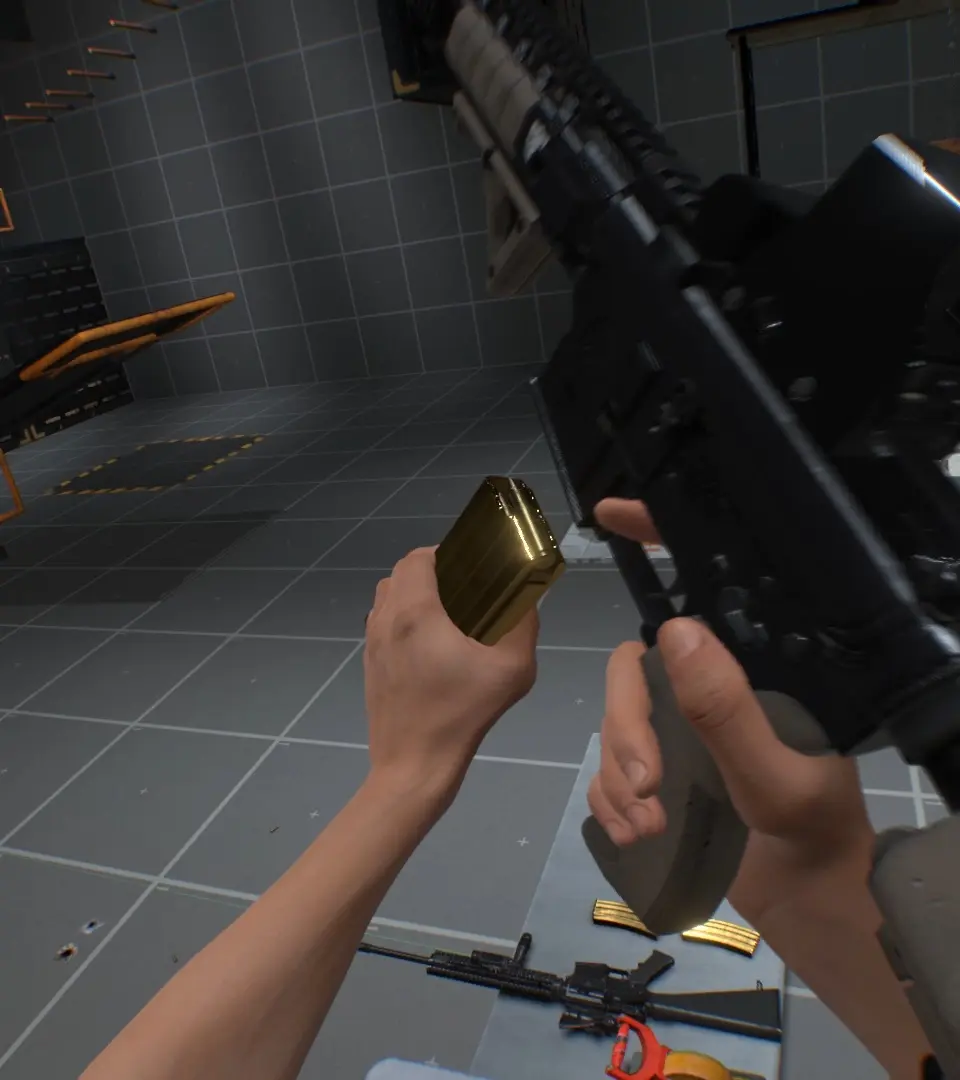
- 2Spawning Items: Use the provided interface to select and spawn weapons, props, and interactive objects into the environment.
- 3Environmental Manipulation: Interact with existing elements in the sandbox maps, such as doors, switches, and physics objects, to create dynamic situations.
- 4Experimentation: Combine different items and environmental factors to test the limits of the Boneworks physics engine. Create complex contraptions, challenging combat arenas, or simply explore the possibilities.
Tips
- Familiarize yourself with the item spawning menu to quickly access your desired tools.
- Experiment with different gravity settings and time manipulation if available in the sandbox options.
- Combine physics objects to create chain reactions and unexpected outcomes.
- Sandbox mode is ideal for practicing combat scenarios or testing out new strategies before applying them in the campaign.
100% Human-Written. AI Fact-Checked. Community Verified. Learn how AntMag verifies content