
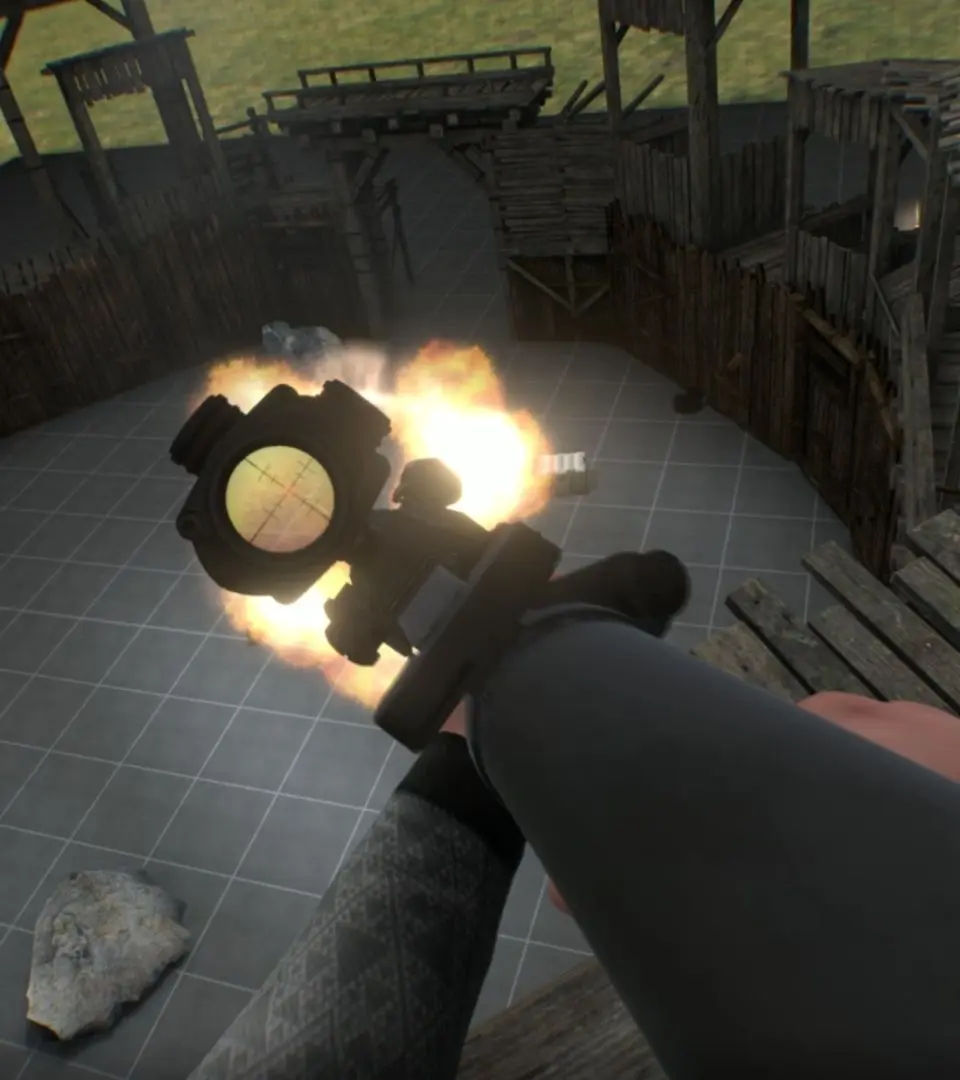
Unlock peak performance in Boneworks! This guide breaks down optimization tips and tricks to ensure smooth gameplay and the best experience possible. Get ready to play!
Alright, let's talk about making Boneworks run as smoothly as possible. You've probably heard that this game can be a bit demanding, and while it looks amazing, sometimes you just want it to feel *good* to play without stuttering. This guide is all about tweaking things so you can focus on the fun, not on frame drops.
We're going to cover a few key areas:
- Understanding what settings actually make a difference.
- Tips for your PC hardware, even if it's not top-of-the-line.
- In-game options that can give you a big boost.
- A few advanced tricks if you're feeling adventurous.
By the end of this, you'll have a much clearer picture of how to get Boneworks running its best for *your* setup. Let's dive in!
100% Human-Written. AI Fact-Checked. Community Verified. Learn how AntMag verifies content