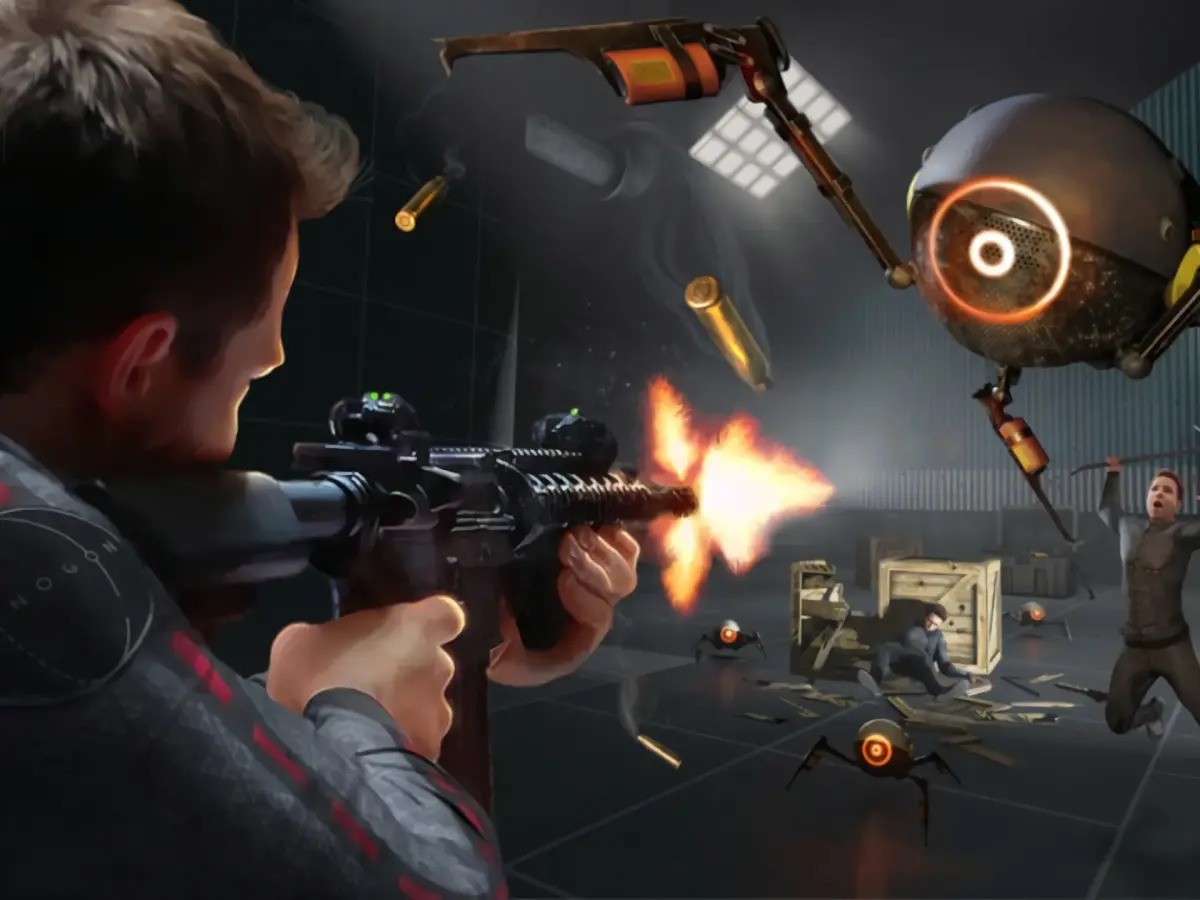
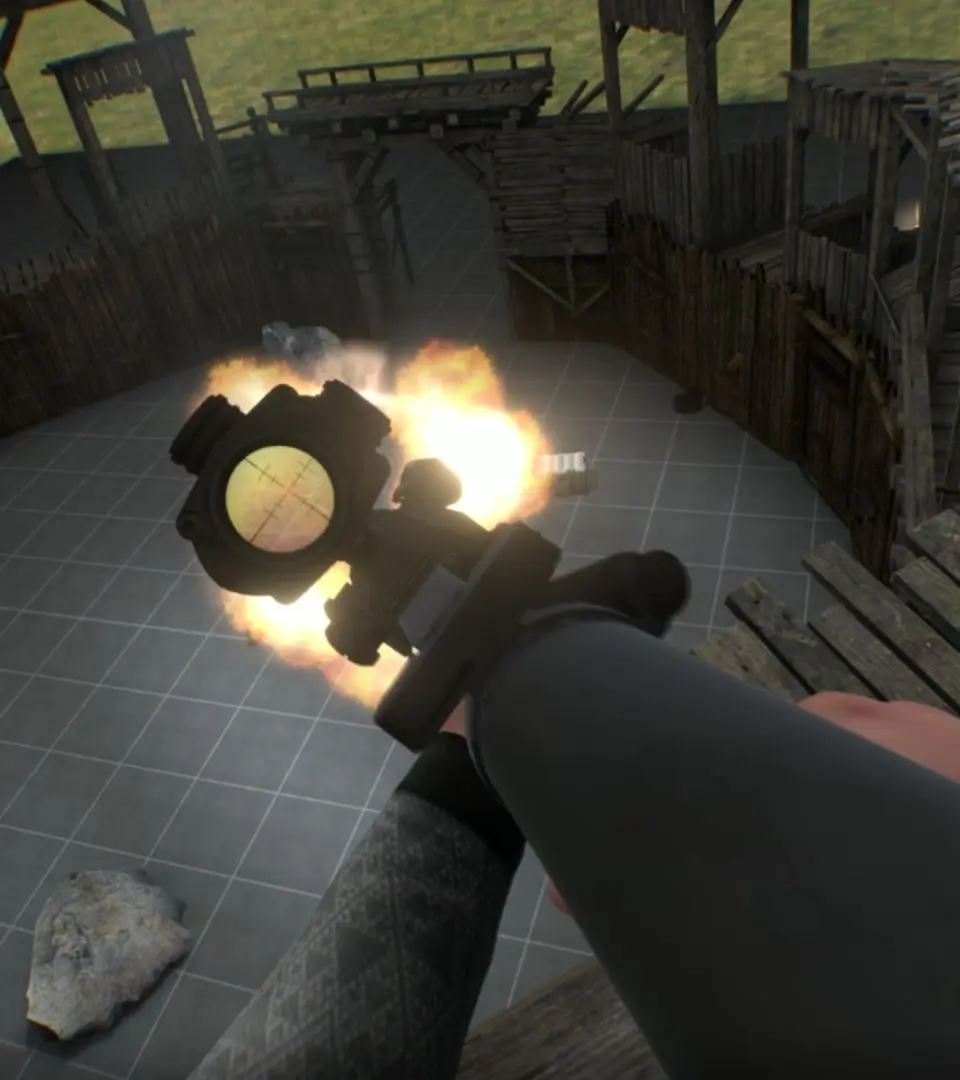
Learn the essential controls and movement mechanics in Boneworks. This guide covers everything you need to know to navigate the game world and interact with objects effectively.
This guide provides a comprehensive overview of the basic controls and movement mechanics in Boneworks. Understanding these fundamentals is crucial for navigating the game's environments and interacting with its physics-based systems.
| Action | Button/Input |
|---|---|
| Movement (Forward/Backward/Strafe) | Left Analog Stick |
| Turning | Right Analog Stick |
| Jumping | A Button |
| Crouching | B Button |
| Grabbing/Interacting | Left/Right Grip Button |
| Using Items/Weapons | Left/Right Trigger Button |
| Releasing Items/Weapons | Left/Right Grip Button |
| Melee Attack | Swing Controller (while holding an item) |
| Reloading | Press the Magazine Release button (usually on the grip) and re-insert magazine |
| Primary Fire | Left/Right Trigger Button |
| Secondary Fire/Aim Down Sights | Left/Right Trigger Button (while aiming) |
| Holstering Weapon | Press the Grip Button while holding a weapon |
| Switching Fire Modes | (Weapon specific, often a button on the weapon itself) |
| Throwing Objects | Grip Button + Flick of the wrist |
| Climbing | Grip Button + Reach towards a surface |
| Object Manipulation | Grip Button + Move controller |
100% Human-Written. AI Fact-Checked. Community Verified. Learn how AntMag verifies content