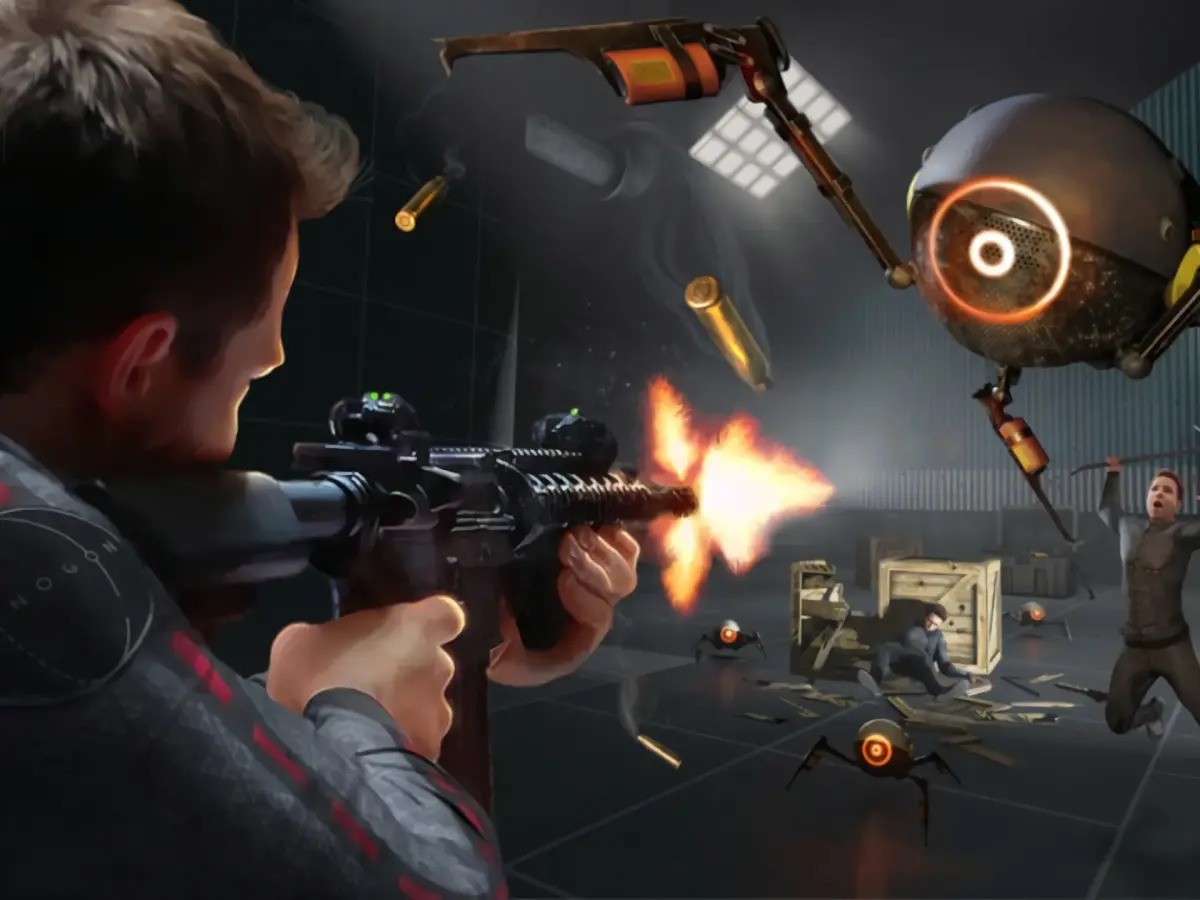
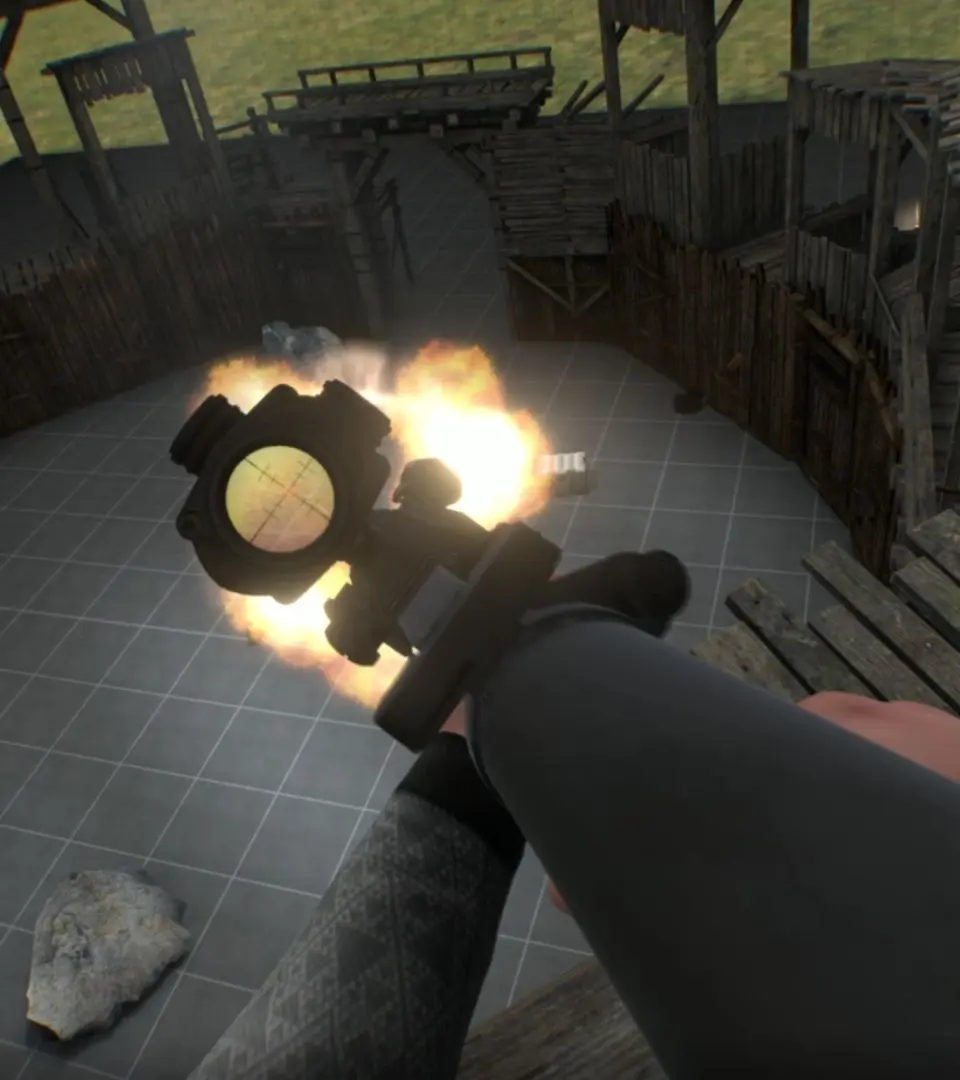
Navigate the Boneworks interface with ease. This guide breaks down the UI elements, menus, and controls to help you master the game's systems and get straight to the action.
This guide provides a comprehensive overview of the user interface in Boneworks. Understanding the UI is crucial for navigating menus, managing inventory, and interacting with the game world effectively.
| UI Element | Description |
|---|---|
| Main Menu | The initial screen where you can start a new game, load a save, access settings, or quit. |
| In-Game HUD | Displays vital information during gameplay, such as health, ammo, and objective markers. |
| Inventory System | Allows players to manage weapons, tools, and other items collected throughout the game. Accessing and organizing your inventory is key to survival. |
| Interaction Prompts | Visual cues that indicate when an object can be interacted with, picked up, or used. |
| Settings Menu | Provides options to adjust graphics, audio, controls, and gameplay preferences. |
| Pause Menu | Accessed during gameplay to allow players to save, load, adjust settings, or exit the game. |
100% Human-Written. AI Fact-Checked. Community Verified. Learn how AntMag verifies content