
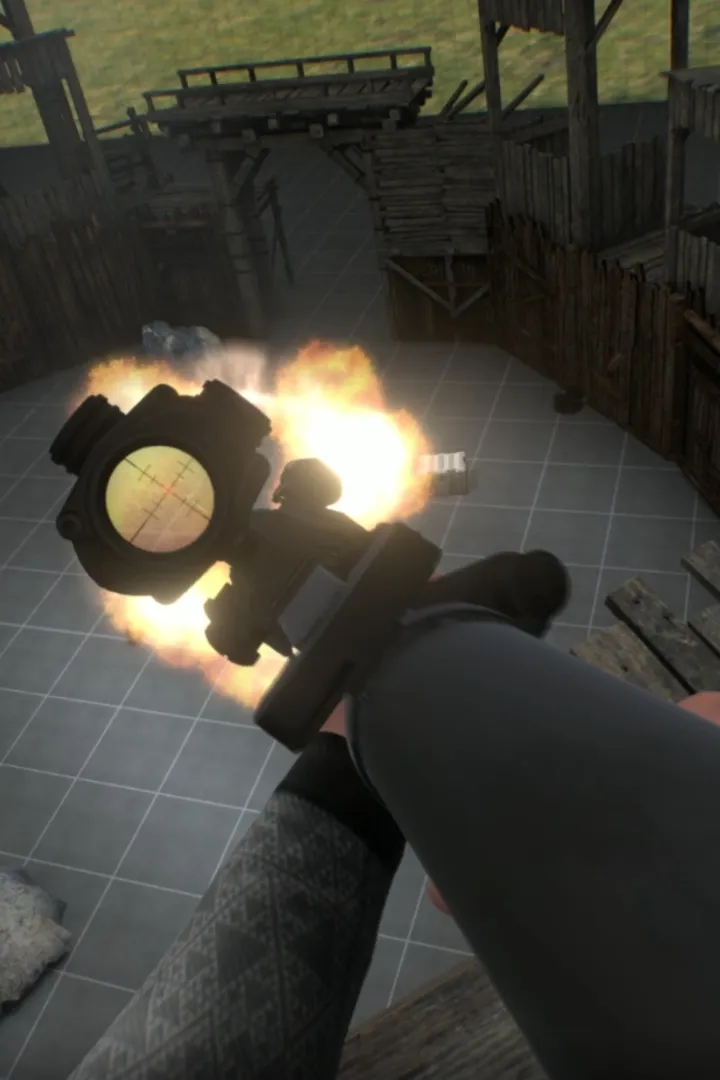
Learn how to install and set up Boneworks with our comprehensive guide. Get your VR headset ready for the ultimate physics-based sandbox experience.
This guide provides instructions on how to install and set up Boneworks for the best possible experience. Follow these steps to get started with the game.
Installation:
- Ensure you have a VR-ready PC and a compatible VR headset (e.g., Oculus Rift S, Valve Index, HTC Vive).
- Purchase and download Boneworks from your preferred digital storefront (e.g., Steam).
- Follow the on-screen instructions to install the game on your PC.
Setup:
- Launch SteamVR or your headset's native VR software.
- Verify that your VR headset and controllers are properly connected and recognized.
- Launch Boneworks through your VR library.
- Follow any in-game prompts for initial setup, such as guardian boundaries or control scheme preferences.
Tips
- Ensure your graphics drivers are up to date for optimal performance.
- Allocate sufficient disk space for the game installation.
- Familiarize yourself with your VR headset's basic controls before diving into Boneworks.
100% Human-Written. AI Fact-Checked. Community Verified. Learn how AntMag verifies content