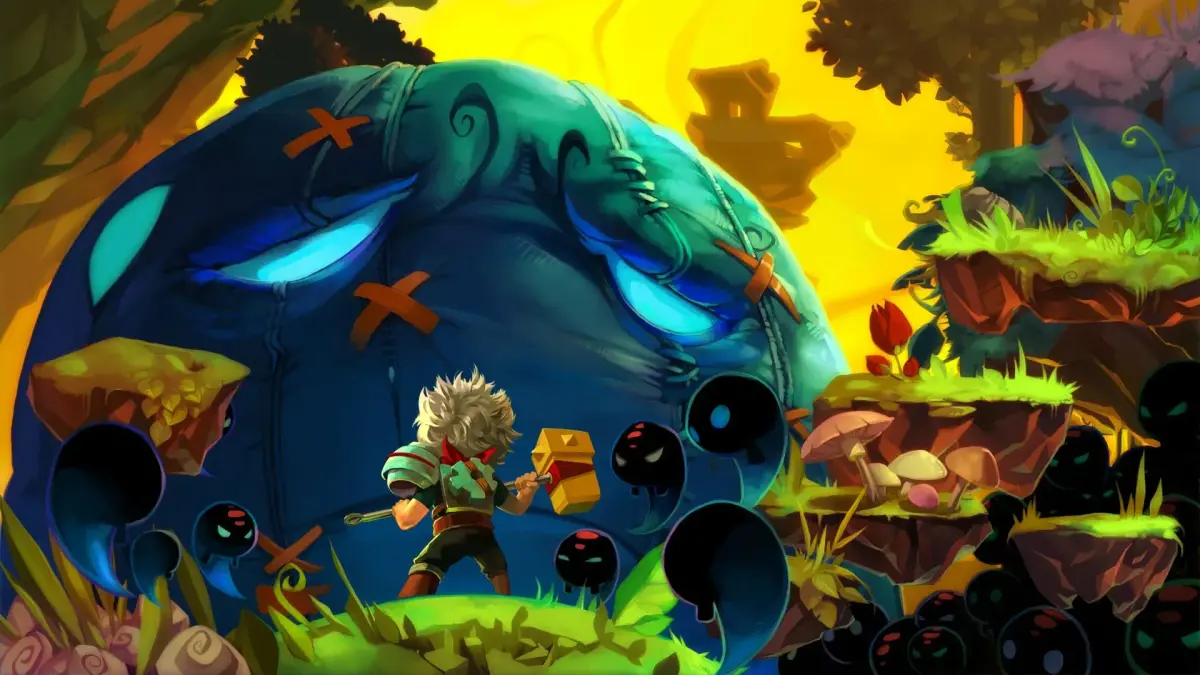
Learn how to move, attack, defend, and use skills in Bastion. Understand weapon types, combat mechanics, and how the world builds around you.
Hey there! So you're diving into Bastion, huh? Awesome choice! This guide is going to walk you through the absolute essentials – how to actually play the game and get a handle on its unique mechanics. Think of it like me showing you the ropes right here, so don't sweat it if things seem a little wild at first.
Controls
First things first, let's get you moving. Here’s a quick rundown of what button does what. It might seem like a lot, but you'll get the hang of it super fast:
| D-Pad | Move |
| Left Analog Stick | Move |
| Right Analog Stick | Defend |
| Start | Pause |
| Back | Open Pack |
| X Button | Attack |
| Y Button | Heal |
| A Button | Evade |
| B Button | Attack |
| Right Trigger | Secret Skill |
| Left Trigger | Defend/Lock On |
| Right Bumper | Cycle Targets |
| Left Bumper | Cycle Targets |
The Basics
The Overworld
Bastion has this gorgeous art style, right? One of the coolest things is how the world actually builds itself around you as you move. You'll start on these little islands, and as you walk towards the edges, paths and bridges will just appear. It’s really neat to watch!
Heads up though: sometimes you might not see where to go immediately. You might need to explore the edges of an area to get a path to pop up. If you're not careful and wander off the edge, you'll fall. Don't worry too much, it only costs a little bit of health, so it's not a huge deal if it happens.
Weapons and Combat
You can carry two weapons at a time, mapped to your X and B buttons. Think of them as melee and ranged. While you can mix and match, most folks find it easiest to go with one of each – say, a sword for close-up and a bow for distance.
You've also got a shield, always ready with the Left Trigger. It's your best friend for blocking enemy attacks. You can swap out your weapons at the Arsenal, which is usually back in the Bastion hub, though sometimes you'll find one in certain levels.
Ranged weapons are cool, but keep an eye on their ammo and how they reload. They reload automatically when you run out, and you have unlimited ammo overall. When you're close to an enemy, the game helps you out by auto-aiming, shown by a line of dots and an arrow. If you need to switch targets quickly, use the Right or Left Bumpers.
Here’s a neat trick: some weapons let you charge up your attack by holding the button. When the Kid glows white for a split second, let go at that exact moment for a Power Shot – it hits way harder!
Don't forget your Secret Skill, mapped to the Right Trigger. These are flashy, powerful moves, and many are tied to specific weapons, so you can only use a Secret Skill if you have its matching weapon equipped.
You'll also be managing two key items: Health Tonics (the green bottles) to heal yourself with the Y button, and Black Tonics for your Secret Skills. You start with space for three of each, but you can find more by fighting enemies and searching around.
Rebuilding the Bastion
The Bastion itself is your main hangout spot, the hub world. When you first get there, you'll see it's in pretty rough shape, and a big part of the game is rebuilding it piece by piece.
100% Human-Written. AI Fact-Checked. Community Verified. Learn how AntMag verifies content