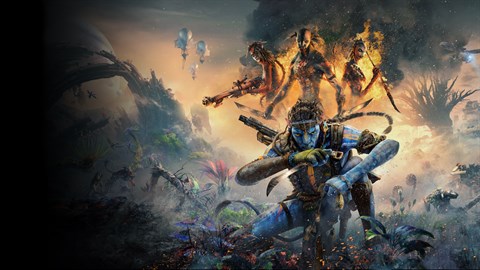

Optimize visuals in Avatar: Frontiers of Pandora. This guide breaks down each graphics setting for the best balance of fidelity and performance.
Navigating the graphics settings in "Avatar: Frontiers of Pandora - From the Ashes" allows players to tailor the visual experience to their hardware capabilities, balancing stunning fidelity with smooth performance. The "Resolution" setting dictates the native pixel count of the rendered image; higher resolutions like 4K offer sharper visuals but demand more powerful hardware. "Display Mode" options typically include Fullscreen, Windowed, and Borderless Windowed, with Fullscreen generally offering the best performance by dedicating system resources solely to the game.
Key visual settings include "Texture Quality," which affects the detail and sharpness of surfaces; higher settings require more VRAM. "Shadow Quality" significantly impacts the realism of lighting and can be a major performance drain; reducing this from Ultra to High or Medium is often a good compromise. "Ambient Occlusion" adds depth and realism to shadows in corners and crevices, while "Volumetric Fog" enhances atmospheric effects like mist and fog. Both can be resource-intensive.
Other important settings include "Anti-Aliasing," which smooths jagged edges on objects, with options like TAA (Temporal Anti-Aliasing) often providing a good balance of quality and performance. "Motion Blur" can create a sense of speed but may be undesirable for some players. "Depth of Field" simulates the focus of a camera, blurring distant or close objects. For players seeking to boost frame rates, "Upscaling" technologies like AMD's FSR or NVIDIA's DLSS are invaluable. These render the game at a lower resolution and then intelligently upscale it, offering a significant performance uplift with often minimal visual degradation. Experimenting with these settings, particularly those related to shadows, fog, and upscaling, is crucial for achieving an optimal balance between visual splendor and playable frame rates.
100% Human-Written. AI Fact-Checked. Community Verified. Learn how AntMag verifies content