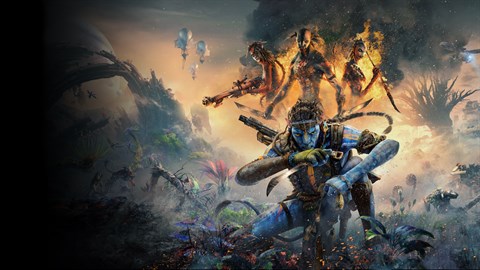
Encountering issues in Avatar: Frontiers of Pandora - From the Ashes? Discover common bugs and their solutions to ensure a smooth gameplay experience. Get back to Pandora without interruption.
This guide addresses common bugs and glitches encountered in Avatar: Frontiers of Pandora - From the Ashes. While the DLC aims to provide an immersive experience, some technical issues may arise. Below are known problems and their potential fixes to help you continue your adventure.
Common Bugs & Fixes:
- Performance Issues (Stuttering/Lag): Ensure your system meets the recommended specifications. Lowering graphical settings such as texture quality, shadow detail, and anti-aliasing can significantly improve performance. Updating your graphics drivers to the latest version is also crucial.
- Quest Progression Glitches: If a quest fails to update or an objective becomes unobtainable, try reloading a previous save file. In some cases, restarting the game or verifying the game files through your platform's launcher (e.g., Ubisoft Connect, Steam) can resolve these issues.
- Audio Problems (Missing Sounds/Crackling): Check your audio output device settings and ensure they are correctly configured. Updating audio drivers and disabling any enhancements for your audio device might help. If the issue persists, consider reinstalling the game's audio assets if possible.
- Visual Artifacts/Graphical Glitches: These can often be resolved by updating graphics drivers. If the problem continues, try disabling any overclocking on your GPU and ensure the game is not conflicting with other background applications.
- Controller/Input Issues: Verify that your controller is properly connected and recognized by your system. Update controller firmware if applicable. Within the game's settings, check the input configuration and consider switching to a different input API (e.g., XInput) if available.
- Save File Corruption: Regularly back up your save files. If a save file becomes corrupted, try loading an older backup. Verifying game files can sometimes help repair minor corruption.
Note: The availability and effectiveness of these fixes may vary depending on your specific hardware and software configuration. Always ensure your game and system drivers are up to date.
100% Human-Written. AI Fact-Checked. Community Verified. Learn how AntMag verifies content