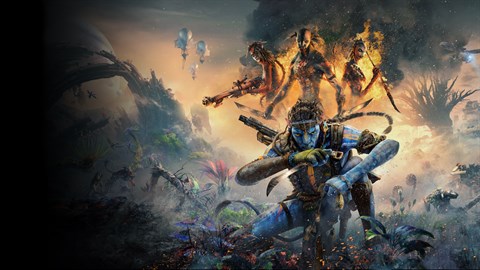

Learn the Xbox and PlayStation controller layouts for Avatar: Frontiers of Pandora - From the Ashes. Master every button and command to dominate Pandora.
This guide details the controller layouts for both Xbox and PlayStation consoles for Avatar: Frontiers of Pandora - From the Ashes. Understanding these layouts is crucial for navigating the world of Pandora and effectively engaging in combat.
| Action | Xbox Controller | PlayStation Controller |
|---|---|---|
| Move Forward/Backward | Left Stick Up/Down | Left Stick Up/Down |
| Strafe Left/Right | Left Stick Left/Right | Left Stick Left/Right |
| Look Around | Right Stick | Right Stick |
| Jump | A Button | X Button |
| Crouch/Slide | B Button | Circle Button |
| Melee Attack | Right Trigger | R2 Button |
| Aim/Fire Weapon | Left Trigger / Right Trigger | L2 Button / R2 Button |
| Interact/Pick Up | X Button | Square Button |
| Dodge/Evade | Left Stick Click | L3 Button |
| Use Skill/Ability | LB Button | L1 Button |
| Open Skill Wheel | RB Button | R1 Button |
| Open Hunter's Bow | Up D-Pad | Up D-Pad |
| Open Crafting Menu | Left D-Pad | Left D-Pad |
| Open Inventory | Right D-Pad | Right D-Pad |
| Open Map | Down D-Pad | Down D-Pad |
| Pause Menu | View Button | Touchpad Button |
| Special Ability 1 | Y Button | Triangle Button |
| Special Ability 2 | X Button | Square Button |
| Special Ability 3 | B Button | Circle Button |
| Special Ability 4 | A Button | X Button |
| Call Ikran | LB + RB | L1 + R1 |
| Fast Travel | Hold Left Stick Click | Hold L3 Button |
| Switch Weapon | Left Bumper + Right Bumper | L1 + R1 |
| Use Takedown | Hold Melee Button | Hold Melee Button |
Note: Button prompts may vary slightly depending on in-game context and specific abilities equipped.
100% Human-Written. AI Fact-Checked. Community Verified. Learn how AntMag verifies content