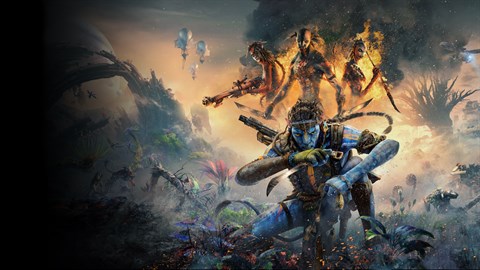
Learn how to install and set up Avatar: Frontiers of Pandora - From the Ashes. This guide covers the necessary steps to get the DLC running smoothly for your gameplay experience.
This section provides guidance on installing and setting up the 'From the Ashes' DLC for Avatar: Frontiers of Pandora. As this is a DLC, it requires the base game to be installed first. The installation process is typically handled through your platform's digital storefront (e.g., Steam, PlayStation Store, Xbox Store).
Steps:
- Ensure you have the base game, Avatar: Frontiers of Pandora, installed on your platform.
- Navigate to the digital storefront where you purchased the game.
- Search for the 'From the Ashes' DLC.
- Initiate the download and installation process. The DLC will likely install automatically as an extension of the base game.
- Once installed, the 'From the Ashes' content should be accessible from the main menu of Avatar: Frontiers of Pandora.
Important Notes:
- The DLC uses its own save file and can be started without finishing the main campaign.
- Co-op mode is not included in this DLC.
- Ensure your game is updated to the latest version before installing the DLC for optimal compatibility.
100% Human-Written. AI Fact-Checked. Community Verified. Learn how AntMag verifies content