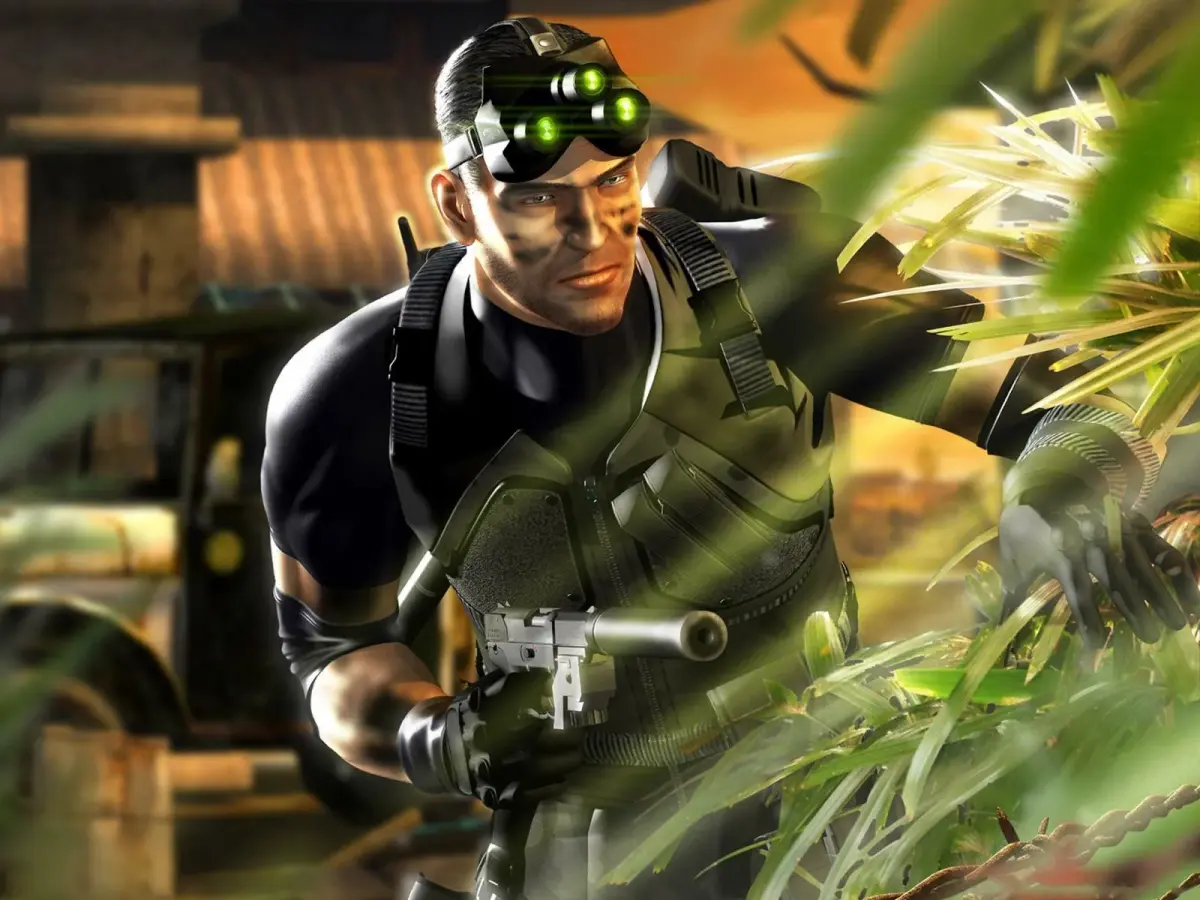
Tom Clancy's Splinter Cell: Pandora Tomorrow Part 34 walkthrough: Sneak past guards, use luggage as cover, and take down terrorists.
Walkthrough
- 1Slowly ascend the stairs. Wait for the two terrorists to turn their backs, then shoot out the nearest light on the ceiling to plunge the top of the steps into darkness.
- 2Wait for the terrorists to return to the end of their patrols and turn away again.
- 3Move slowly to the top of the stairs, crouch, and turn left. When a terrorist is at the far end of the room with his back to you, shoot out only one light in the open area to the left.
- 4When the terrorist is in the dark area beneath the shot-out light, shoot him in the head with the SC-20K.
- 5Wait for the innocent guard to approach, turn around, and give you his back, then knock him out.
- 6Proceed through the door in the wall to the far right of the computers.
- 7Descend the steps into the conveyor areas and observe the luggage.
- 8To sneak past the first window, step onto the left-hand side conveyor when a pile of luggage large enough for Sam to crouch behind passes. Position Sam on the side of the luggage opposite the windows and crouch; the luggage will act as a shield.
- 9After passing the window, exit the conveyor at the point it turns left. Do not follow it through the red flashing entrance due to X-Rays.
- 10Turn around after exiting the first conveyor and step onto the next one. Exit at the corner before reaching the X-Ray machines.
- 11To the left, you will see another conveyor moving towards you, with a window and a guard on the right.
- 12Shoot a smoke grenade into the opening on the right-hand side of the window as it approaches. Alternatively, attempt a Sticky Shocker if you can find the angle quickly. A diversion camera is too slow.
- 13Once the guard is incapacitated, run to the end of the conveyor, jump off, and collect the ammo and smoke grenade on the floor to the left.
- 14Open the door, which reveals a lighted stairwell. Go up the stairs and save at the Checkpoint (an auto-save point you restart from on death).
- 15After the checkpoint, open the door and crouch. A terrorist is directly in front. Switch to thermal view.
- 16Stay to the left inside the turned-off escalator and follow the terrorist down. Pause when a civilian to the right gets up and walks over; wait until he turns and sits down.
- 17Crouch in the darkness of the escalator and locate the other civilian sitting with his back to you. The terrorist is in a booth on the right.
- 18A door to the left at the end of the escalator will open, and a civilian will enter. After a brief conversation, this civilian will turn and walk up and down the aisle to your right while the terrorist uses the keypad door the other man just came through.
- 19The new guard will state the code for the door is 5325.
- 20Use the columns to the right for cover (press the cover button to crouch behind walls or objects) and move only when the guard on patrol is facing away from you.
- 21Slowly approach the door, enter the code 5325, open it, and crouch with your back against the wall, peeking around the corner.
- 22Shoot out the lights on the side of the hall. If the terrorist hears you and runs, wait until he is in a dark part of the hallway before engaging. A single alarm will end the mission.
- 23If the terrorist does not come running, he will stand under the moving camera every 30 seconds or so to peer up the hallway. Get as close as possible while staying in the dark.
Tips
- Shooting out two lights near the first set of stairs can cause mission failure if detected.
- There is a hidden LAX employee tied up and shot between two computers against the left wall in the area where the first terrorist was patrolling.
- Lethal force is not an option for the guard at the conveyor window as thermal scanning shows he is not a terrorist.
- A diversion camera would take too long to deploy effectively against the guard at the conveyor window.
- Be aware that a single alarm at any point after the checkpoint will end the mission.
100% Human-Written. AI Fact-Checked. Community Verified. Learn how AntMag verifies content