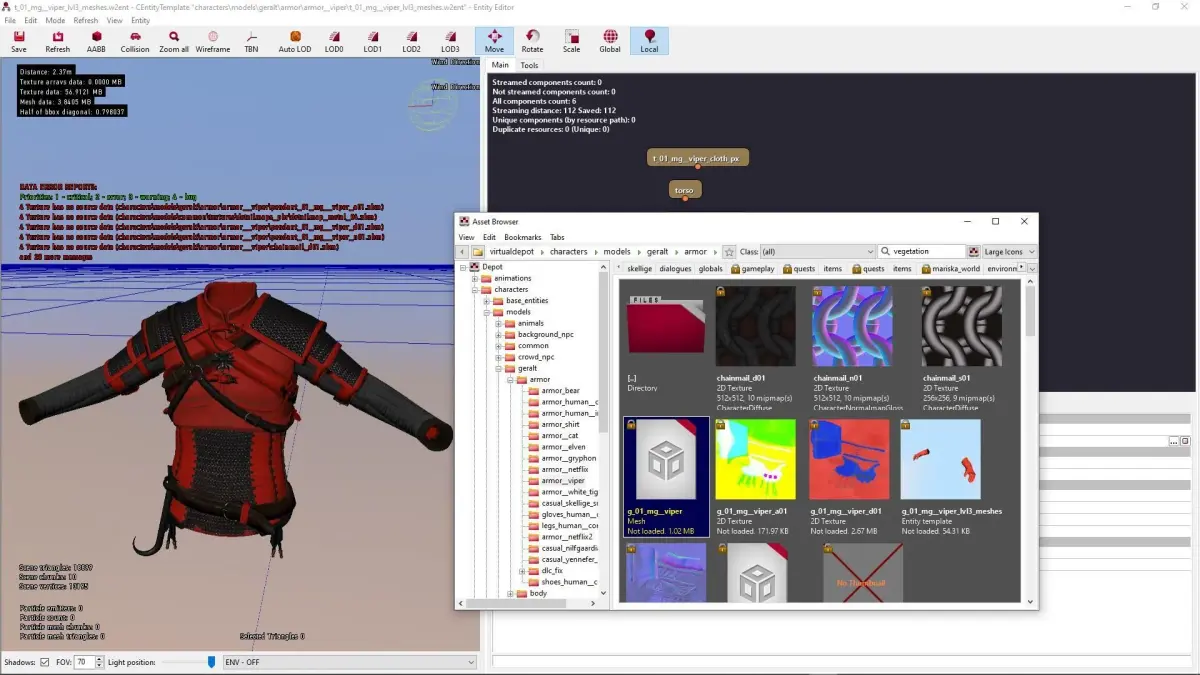
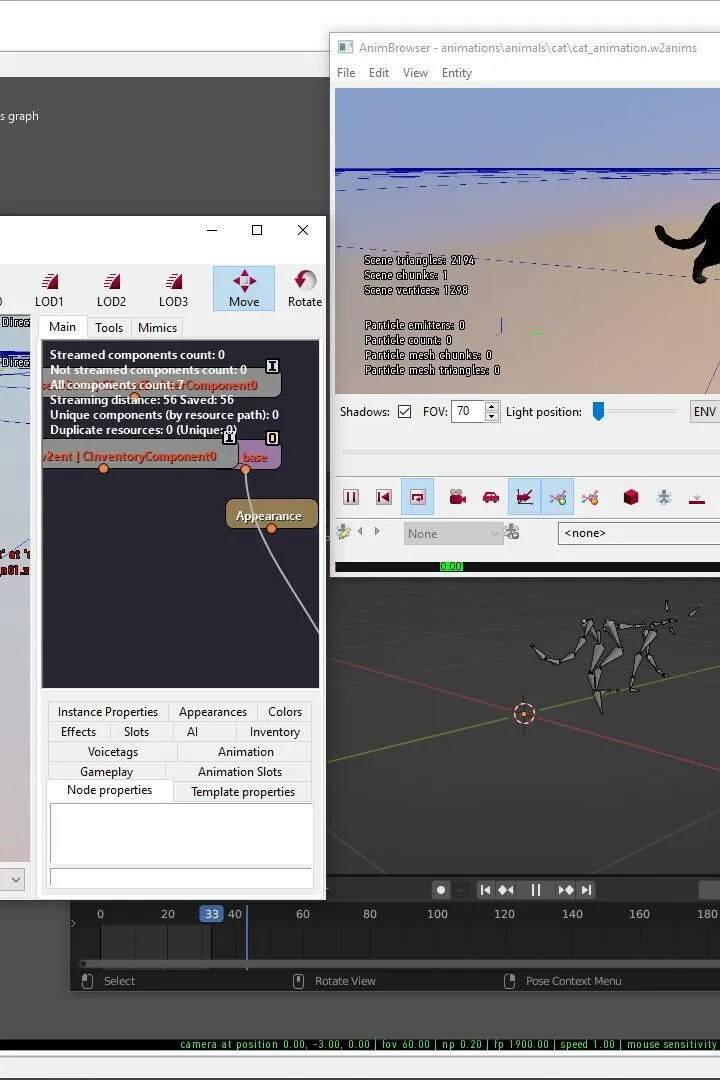
Learn the essential controls and movement mechanics for The Witcher 3 REDkit. This guide covers everything you need to start modding The Witcher 3: Wild Hunt with REDkit.
The Witcher 3 REDkit is a powerful modding tool developed by CD PROJEKT RED, allowing users to create new content for the game. This guide focuses on the basic controls and movement within the REDkit editor itself, essential for navigating and manipulating the game world.
| Action | Key/Button |
|---|---|
| Move Forward | W |
| Move Backward | S |
| Strafe Left | A |
| Strafe Right | D |
| Jump | Spacebar |
| Crouch | Ctrl |
| Look Around | Mouse Movement |
| Zoom In/Out | Mouse Wheel |
| Pan Camera | Middle Mouse Button + Drag |
| Rotate Camera | Hold Right Mouse Button + Drag |
| Select Object | Left Mouse Button Click |
| Deselect Object | Right Mouse Button Click |
| Move Object (Gizmo) | Click and drag arrows/boxes |
| Rotate Object (Gizmo) | Click and drag arcs |
| Scale Object (Gizmo) | Click and drag cubes |
| Toggle Gizmo Mode (Translate/Rotate/Scale) | 1, 2, 3 keys |
| Undo | Ctrl + Z |
| Redo | Ctrl + Y |
| Save Project | Ctrl + S |
| Open Project | Ctrl + O |
| Close REDkit | Alt + F4 |
Mastering these basic controls and movement commands is the first step to effectively using The Witcher 3 REDkit to bring your modding ideas to life.
100% Human-Written. AI Fact-Checked. Community Verified. Learn how AntMag verifies content