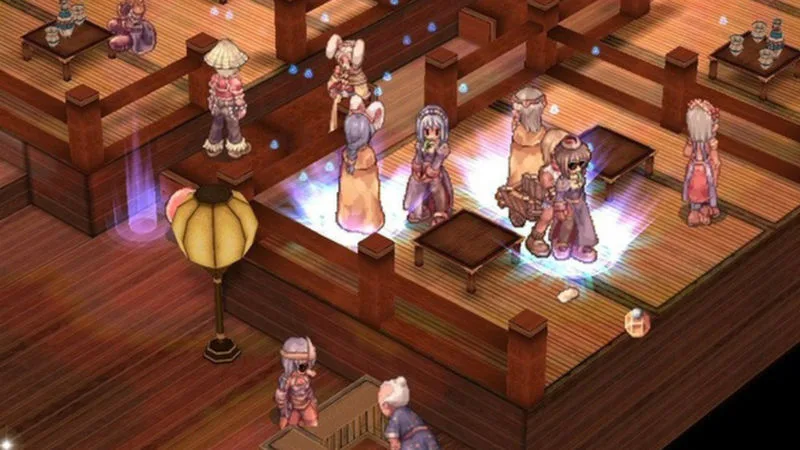
Learn how to buy from Merchants in Ragnarok Online, including understanding the money bag bubble and avoiding negative reputation.
Walkthrough
- 1Locate Merchants, identifiable by a money bag bubble above their heads.
- 2Double-click the money bag bubble to open the Merchant's vending window.
- 3Drag and drop the desired item into the vending window.
- 4Specify the quantity of the item you wish to purchase.
- 5Complete the transaction by buying the item.
Tips
- Do NOT attempt to trade directly with Merchants; this is not how you buy items from them and will likely result in them not being present.
- The vending window for Merchants looks exactly like an NPC shop window.
- Treating Merchants with respect by using their vending window will prevent them from developing a negative disposition towards you.
100% Human-Written. AI Fact-Checked. Community Verified. Learn how AntMag verifies content