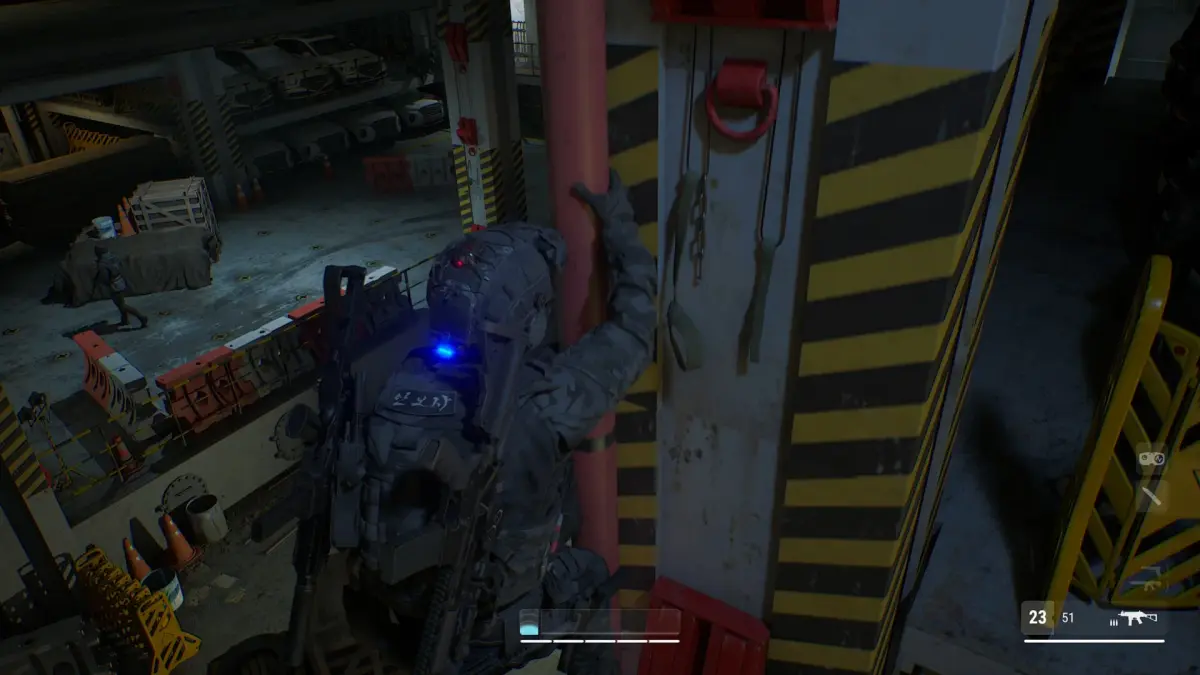
Learn the basic controls and user interface elements of MUDANG: Two Hearts. Master movement, combat, and menu navigation to fully enjoy the game.
This guide covers the fundamental controls and user interface elements for MUDANG: Two Hearts. Understanding these basics will help you navigate the game world and interact with its systems effectively.
| Action | Button/Key |
|---|---|
| Movement | Left Analog Stick / WASD |
| Camera Control | Right Analog Stick / Mouse |
| Jump | A Button / Spacebar |
| Interact | X Button / E Key |
| Attack | Right Trigger / Left Mouse Button |
| Block | Left Trigger / Right Mouse Button |
| Special Ability 1 | Y Button / Q Key |
| Special Ability 2 | B Button / R Key |
| Open Menu | Start Button / Tab Key |
| Inventory | Select Button / I Key |
| Map | Back Button / M Key |
The User Interface (UI) provides essential information during gameplay. Key elements include:
- Health Bar: Displays your current health. Depletes when you take damage.
- Stamina Bar: Governs your ability to perform actions like attacking and dodging. Regenerates over time.
- Minimap: Shows your immediate surroundings, objectives, and points of interest.
- Quest Log: Tracks your active quests and their objectives.
- Dialogue Box: Displays conversations with NPCs and in-game text.
100% Human-Written. AI Fact-Checked. Community Verified. Learn how AntMag verifies content