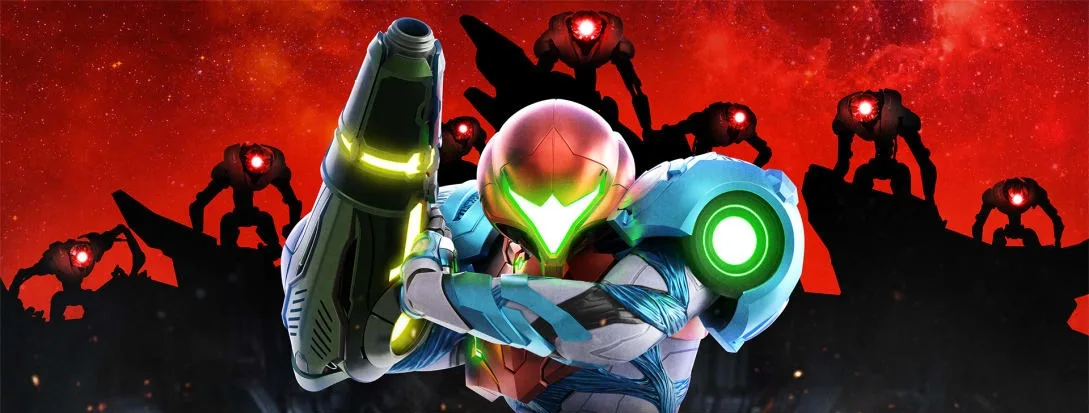
Master Metroid Dread controls, including Melee Counter (X), Slide (ZL), Free Aim (L), and advanced moves like Speed Boost and Shinespark.
Options
The (-) button opens the options menu, where you can reload previous checkpoints (a save point that marks your progress), check amiibo, restart to the main menu, or reload your current saved file.
Map
The (+) button displays the game's map. Initially, only parts of the map are visible; unlocking the map for each area reveals more, though many secrets remain hidden until discovered or specific criteria are met.
Expand Minimap (the small circular map in the bottom-left corner of your screen)
Pressing Left on the Directional Pad expands the minimap (a small, real-time map shown on the HUD (heads-up display — the on-screen icons showing health, ammo and the minimap), or Heads-Up Display) in the top right corner, offering a better view of your surroundings. This is particularly useful for finding items or evading the EMMI. Any button press exits this view.
Melee Counter
The Melee Counter, activated by pressing (X), allows you to counter certain enemy attacks and set up a charged shot that typically defeats basic enemies in one blast. This is a good way to regain health and ammunition but can be risky due to precise timing requirements. Samus Aran can also dash into targets by running and pressing (X), which can be combined with the melee counter if timed correctly. Acquiring the Varia Suit increases the Melee Dash attack power.
Slide
The (ZL) button performs a slide, an ability available from the start of the game. The slide is useful for hiding, sliding through floor gaps, and escaping the EMMI.
Free Aim
Holding the (L) shoulder button enables Free Aim, allowing Samus to aim in any direction. While holding (L), move the left joystick to aim using red laser sights. This works with missiles and later with the Grapple Beam. Aiming can be challenging, especially with the Omega Cannon against EMMI, but becomes more manageable during general gameplay.
Missile Mode
Holding the (R) button toggles missile modes. While some players find this control scheme difficult initially, it becomes more appreciated as you utilize the game's various abilities.
Advanced Controls
Wall Jumping
Samus Aran can jump towards a wall and press the (L) Joystick towards it in combination with the jump button to perform a wall jump, gaining additional height. This is available from the start of the game and is easier to execute in Metroid Dread compared to previous installments.
Speed Boosting
Begin a Speed Boost by pressing the (L) button or Left Joystick. Hold (L) to activate the boosters on Samus Aran's back. Mastering Speed Boosting is essential for unlocking 100% of in-game items and is required for using the Shinespark.
Shinespark
Once a Speed Boost is fully charged, Samus Aran will glow and emit a sound. Pressing Down on the Left Joystick triggers a Shine Spark Charge, indicated by a pink glow. You have a limited time to perform a Shine Spark before the charge is lost. This is crucial for 100% game completion and speed runs. The Shine Spark can be maintained through certain actions, such as entering Morph Ball formation, allowing you to boost or Shine Spark while in Morph Ball mode.
Morph Ball
Press (ZL) or double-tap Down on the Left Joystick to enter Morph Ball formation. In Morph Ball mode, you can access tighter spaces and utilize different abilities. You can jump in Morph Ball mode with the (B) button, and Samus Aran will perform a melee kick if the (X) button is pressed.
100% Human-Written. AI Fact-Checked. Community Verified. Learn how AntMag verifies content