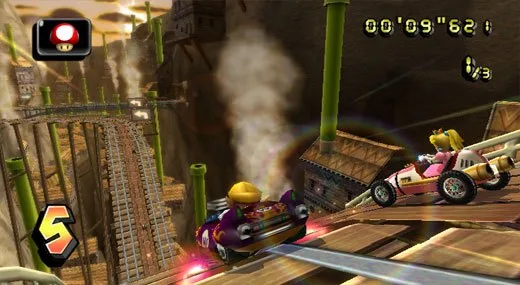
Mario Kart Wii Classic Controller layout: Learn what each button does, from Accelerate (A) to Drift (R).
The Classic Controller in Mario Kart Wii provides a comprehensive set of controls for racing and item management.
Controls:
- Analog Stick: Steer your kart or throw items backward or forward.
- A Button: Accelerate your kart.
- B Button: Brake or reverse your kart.
- X / ZR Button: Reverse your camera view.
- L Button: Use an item.
- R Button: Drift (manual control) or use an item (automatic control).
- D-Pad Up: Perform a trick or a wheelie (only on bikes).
- START/PAUSE Button: Pause the game.
Tips
- Experiment with the Analog Stick to get precise control over your steering and item throws.
- Mastering the R Button for manual drift can give you a significant advantage on corners.
- Using the L Button to deploy items strategically is key to winning races.
Verdict: The effectiveness of the Classic Controller is down to personal preference, but it offers all the necessary functions for playing Mario Kart Wii.
100% Human-Written. AI Fact-Checked. Community Verified. Learn how AntMag verifies content