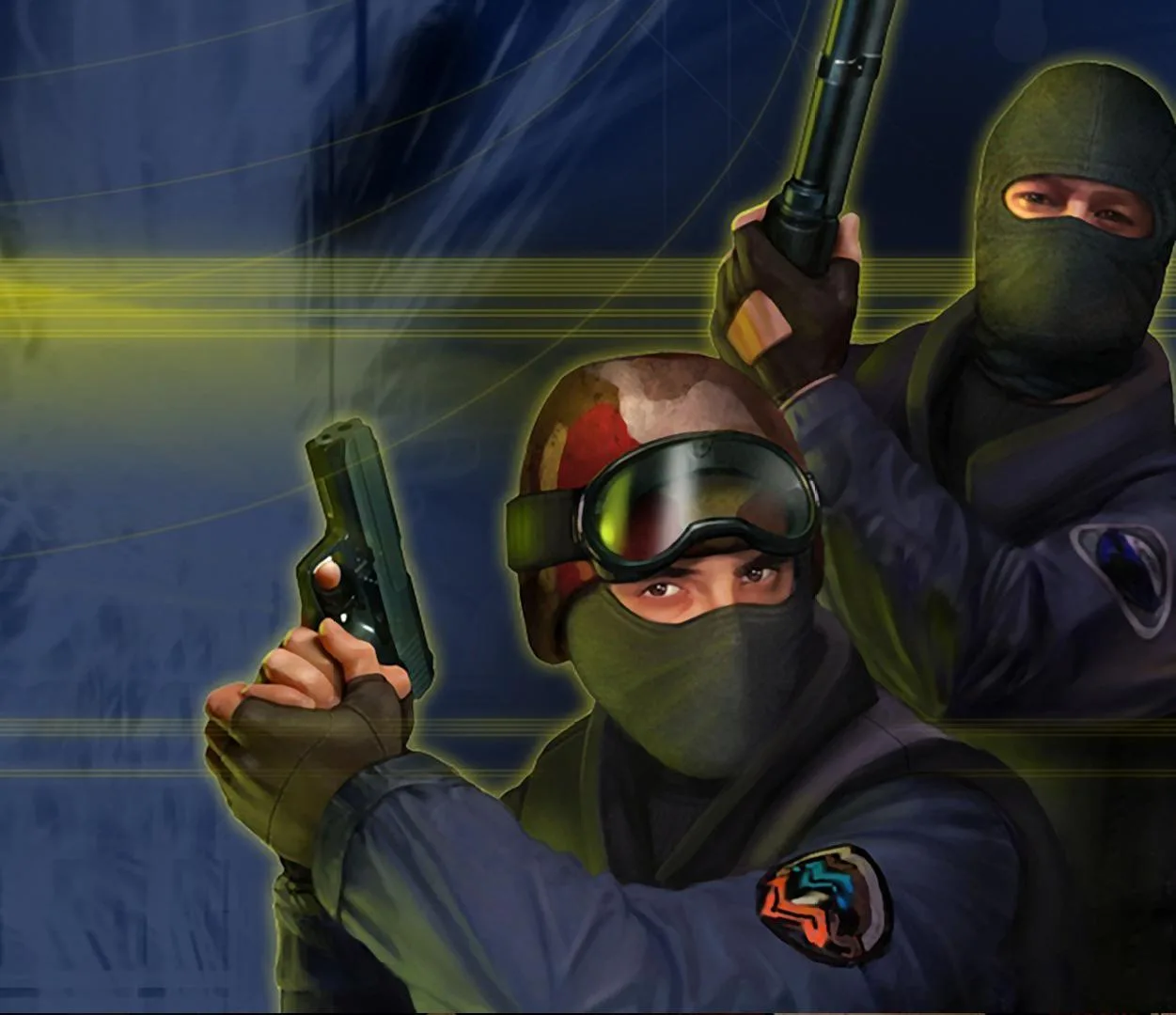
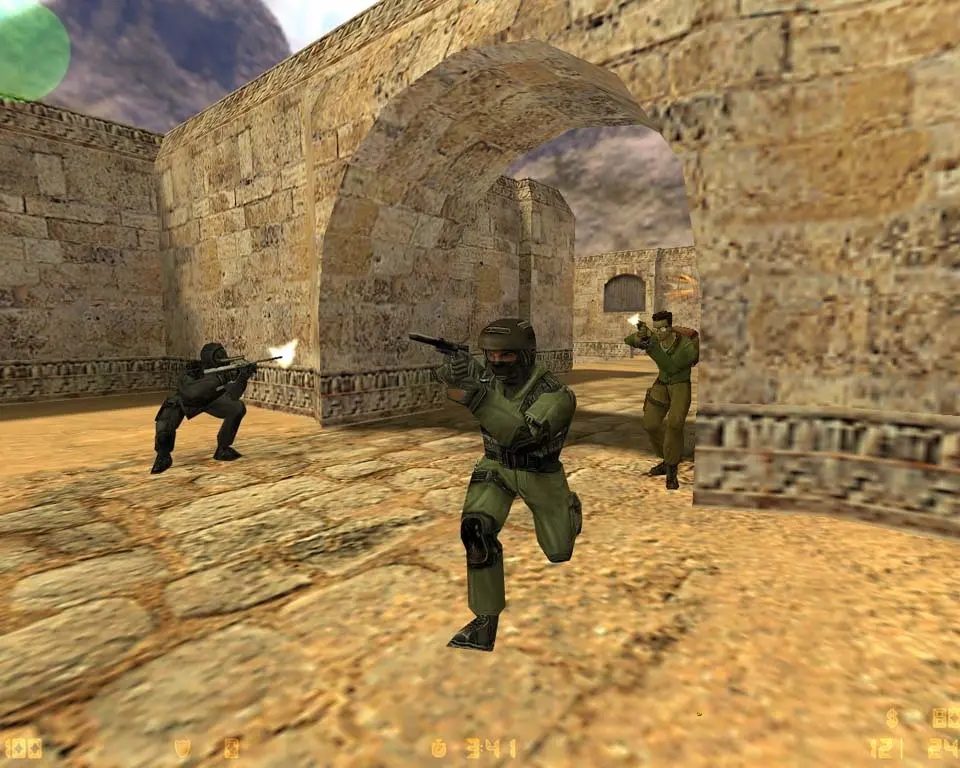
Counter-Strike focuses on skins, stickers, and patches for weapon customization, not functional attachments that alter stats. Master cosmetic changes.
Weapon Customization: Skins, Stickers, and Patches in Counter-Strike
In Counter-Strike, the concept of "weapon attachments" as functional modifications that alter weapon statistics (like recoil, damage, or fire rate) does not exist. Unlike many modern shooters, Counter-Strike maintains a strict balance by ensuring all players use weapons with identical, fixed statistics. This foundational design principle is crucial to the competitive integrity and skill-based gameplay that defines Counter-Strike: Global Offensive (CS:GO) and Counter-Strike 2 (CS2).
Instead of functional attachments, Counter-Strike offers extensive cosmetic customization. You can personalize their weapons, knives, gloves, and even their agents through a vast array of visual modifications. These cosmetic items do not provide any in-game advantage; they are purely for aesthetic expression and status.
Understanding Cosmetic Customization Categories
Counter-Strike's customization revolves around several key categories:
- Weapon Skins: The most prominent form of customization, changing the visual appearance of a weapon.
- Stickers: Small, adhesive decals that can be applied to weapon skins.
- Patches: Similar to stickers, but applied to Agent models.
- Graffiti: Sprays that can be used on surfaces within a map.
- Music Kits: Custom music that plays during specific in-game events (e.g., MVP anthem, round end).
- Agent Skins: Player models with unique visual designs.
- Gloves: Cosmetic changes to the player's in-game hands.
- Knives: Unique knife models with various finishes.
This section will focus primarily on weapon skins, stickers, and patches, as they relate directly to weapon appearance.
Weapon Skins: The Core of Cosmetic Customization
Weapon skins are visual overlays that change the texture and sometimes the model details of a weapon. They are purely cosmetic and do not affect gameplay statistics, recoil patterns, or hitboxes. Skins are categorized by rarity and wear levels, which significantly influence their market value.
1. Skin Rarity Tiers
Skins are assigned a rarity tier, indicating their scarcity and often their visual complexity. Higher rarity skins are generally more sought after and valuable.
- Consumer Grade (White): Common, inexpensive skins.
- Industrial Grade (Light Blue): Slightly less common.
- Mil-Spec (Darker Blue): More detailed and less common.
- Restricted (Purple): Distinctive designs, rarer.
- Classified (Pink): Highly detailed and rare.
- Covert (Red): The rarest and most visually striking weapon skins.
- Contraband (Orange): Extremely rare, discontinued skins (e.g., M4A4 | Howl).
- Extraordinary (Gold): Reserved for knives and gloves.
2. Skin Wear Levels (Float Value)
Every weapon skin has a "wear level," often referred to as its "float value." This value determines how worn or pristine the skin appears in-game. A lower float value means a more pristine skin, while a higher float value indicates more wear and tear. Wear levels range from 0.00 (Factory New) to 1.00 (Battle-Scarred).
- Factory New (FN): 0.00 - 0.07 (Pristine condition, vibrant colors, no visible scratches)
- Minimal Wear (MW): 0.07 - 0.15 (Minor wear, barely noticeable blemishes)
- Field-Tested (FT): 0.15 - 0.38 (Moderate wear, noticeable scratches and fading)
- Well-Worn (WW): 0.38 - 0.45 (Significant wear, heavy scratches, and dull colors)
- Battle-Scarred (BS): 0.45 - 1.00 (Heavily damaged, faded, and scratched, often with large areas of paint missing)
Actionable Tip: When purchasing skins, always check the float value. Even within the same wear category (e.g., Field-Tested), a skin with a float of 0.15 will look significantly better than one with a float of 0.38. Many third-party marketplaces allow you to inspect the exact float value and even 3D models of skins before purchase.
3. StatTrak™ Skins
Some weapon skins come with a "StatTrak™" counter, which tracks the number of kills made with that specific weapon by its owner. StatTrak™ skins are generally rarer and more valuable than their non-StatTrak™ counterparts. The kill counter is displayed directly on the weapon model.
Acquiring Weapon Skins
There are several primary methods for obtaining weapon skins in Counter-Strike:
- In-Game Drops: After playing official Valve servers (Casual, Deathmatch, Competitive, etc.), players have a chance to receive a random weapon skin drop at the end of a match. These drops are typically of lower rarity (Consumer, Industrial, Mil-Spec grade) and are often Field-Tested or worse in wear. Drops are limited per week.
- Opening Weapon Cases: You can purchase "weapon cases" (also known as "crates") and "keys" from the in-game store or community market. Opening a case with a key grants a random skin from that case's collection. Case openings are a form of loot box and can yield skins of any rarity, including rare knives or gloves.
- Community Market (Steam Marketplace): The most common and reliable way to acquire specific skins. You can buy and sell skins directly from other players using their Steam Wallet funds. This allows you to choose the exact skin, wear level, and StatTrak™ status you desire.
- Trade-Up Contracts: You can trade 10 skins of the same rarity from the same collection for one random skin of the next highest rarity from that collection. This is a gamble, but can sometimes yield valuable upgrades.
- Third-Party Trading Sites: Various external websites facilitate skin trading and buying/selling, often with different payment methods or pricing structures than the Steam Market. Exercise caution and research thoroughly before using these platforms due to potential scam risks.
Actionable Tip: For specific skins, the Steam Community Market is the safest and most straightforward option. If you're feeling lucky, case openings can be exciting, but they are statistically designed to be unprofitable for the average player. Always set a budget if you choose to open cases.
Stickers: Personalizing Your Weapon Skins
Stickers are small, cosmetic decals that can be applied to weapon skins. Each weapon skin has a limited number of "sticker slots" (typically 4, but some have 5) where stickers can be placed. Once applied, a sticker can be "scraped" (worn down) to reveal different layers, or completely removed, destroying it in the process.
1. Sticker Types and Rarity
Stickers also come in various rarities and finishes:
- Paper: Standard, matte finish.
- Holo: Holographic effect, colors shift with light.
- Foil: Metallic, reflective finish.
- Glitter: Sparkly, textured finish.
- Gold: Premium, often highly reflective gold finish (rare).
- Lenticular: Changes image when viewed from different angles (very rare).
Stickers are often released in collections tied to major tournaments (Majors), specific events, or community capsules. Tournament stickers feature team logos, player autographs, or event branding.
2. Applying and Scraping Stickers
To apply a sticker:
- Go to your in-game Inventory.
- Right-click on the sticker you wish to apply and select "Apply Sticker."
- Select the weapon skin you want to apply it to.
- Choose one of the available sticker slots on the weapon. You can rotate and slightly adjust the position before confirming.
To scrape a sticker:
- Go to your in-game Inventory.
- Right-click on the weapon with the applied sticker and select "Scrape Sticker."
- Click on the specific sticker you want to scrape. Each click will wear it down further.
- You can continue scraping until the sticker is completely removed.
Strategy: Sticker placement can significantly impact the aesthetic and value of a weapon skin. Well-placed rare stickers (especially Katowice 2014 or Krakow 2017 tournament stickers) can increase a skin's market value dramatically. Experiment with different placements and scraping levels to achieve unique looks. Be aware that once a sticker is removed, it is gone forever.
Patches: Customizing Your Agents
Patches are cosmetic items similar to stickers, but they are applied to Agent skins instead of weapon skins. Agent skins, introduced in CS:GO, allow players to change their character model to various unique designs for both Counter-Terrorist and Terrorist factions. Patches are placed on specific slots on the Agent's uniform (e.g., shoulder, chest).
1. Patch Types and Acquisition
Patches come in various designs, often featuring logos, symbols, or artistic representations. They are acquired primarily through:
- Patch Packs: Purchased from the in-game store or community market.
- Operation Rewards: Often included as rewards in seasonal Operation passes.
2. Applying Patches
To apply a patch:
- Go to your in-game Inventory.
- Right-click on the patch you wish to apply and select "Apply Patch."
- Select the Agent skin you want to apply it to.
- Choose one of the available patch slots on the Agent model.
Unlike stickers, patches cannot be scraped. Once applied, they can only be replaced by another patch, which destroys the original patch in the process.
Strategy: Patches offer another layer of personalization for your in-game identity. Match patches to your favorite team, an aesthetic theme, or simply choose one that you find visually appealing. Since they are less prominent than weapon skins, their impact on market value is generally minimal, making them a more personal choice.
The Importance of Fixed Weapon Stats in Counter-Strike
The absence of functional weapon attachments is a deliberate design choice in Counter-Strike. It ensures:
- Fair Play: All players, regardless of their inventory or progression, have access to weapons with identical performance characteristics. Skill and tactical decision-making are paramount.
- Competitive Balance: The game's meta is not dictated by which attachments are currently "broken" or overpowered, but by weapon balance changes implemented by Valve.
- Clear Understanding: Players know exactly what to expect from each weapon, fostering a deeper understanding of recoil patterns, spray control, and effective ranges.
- Esports Integrity: Professional play relies on a level playing field, where cosmetic items do not influence competitive outcomes.
While other games offer complex attachment systems, Counter-Strike's focus on fixed weapon stats and deep cosmetic customization creates a unique and enduring player experience. Mastering a weapon in CS is about mastering its inherent characteristics through practice, not by equipping statistical boosts.
100% Human-Written. AI Fact-Checked. Community Verified. Learn how AntMag verifies content