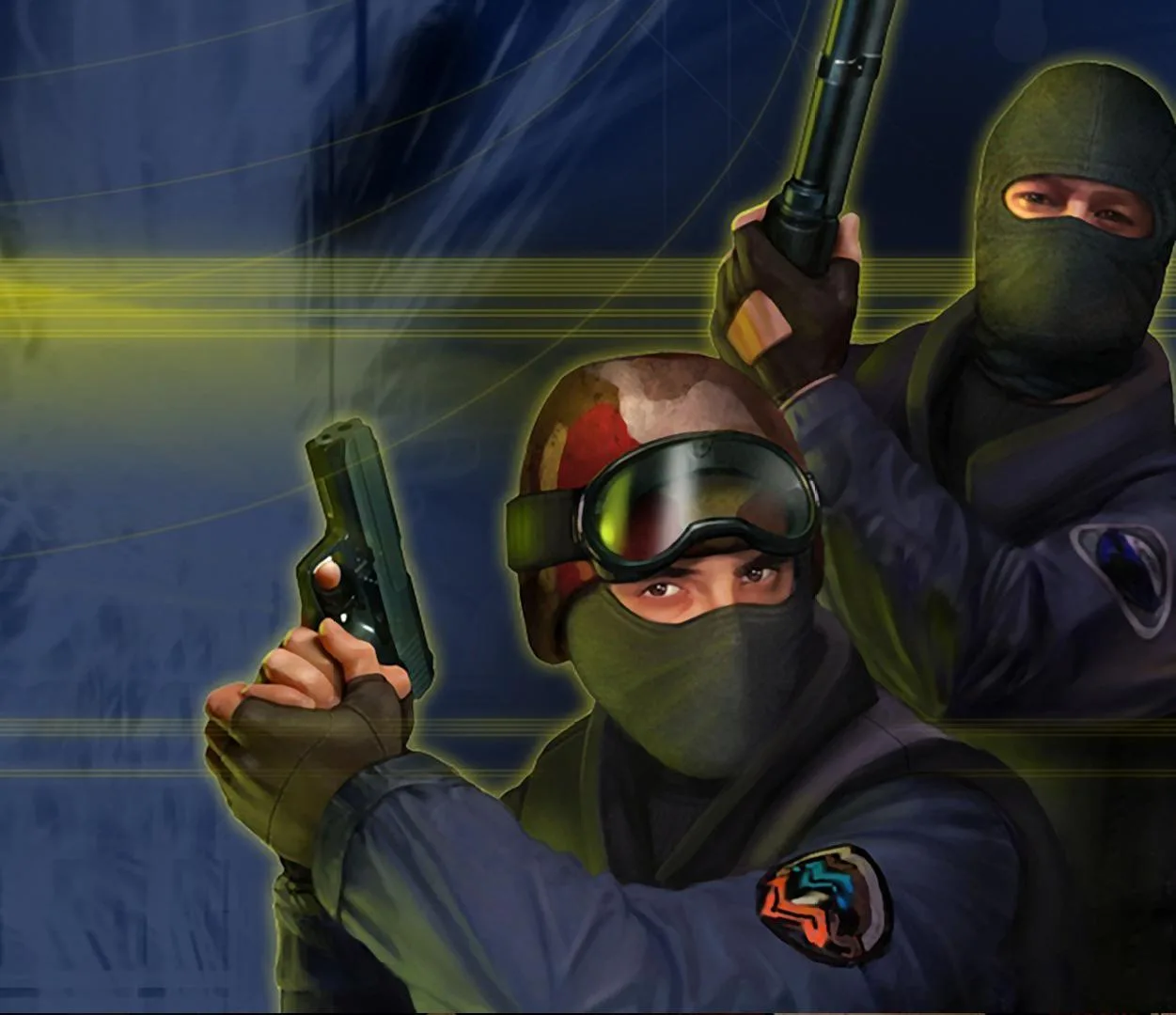
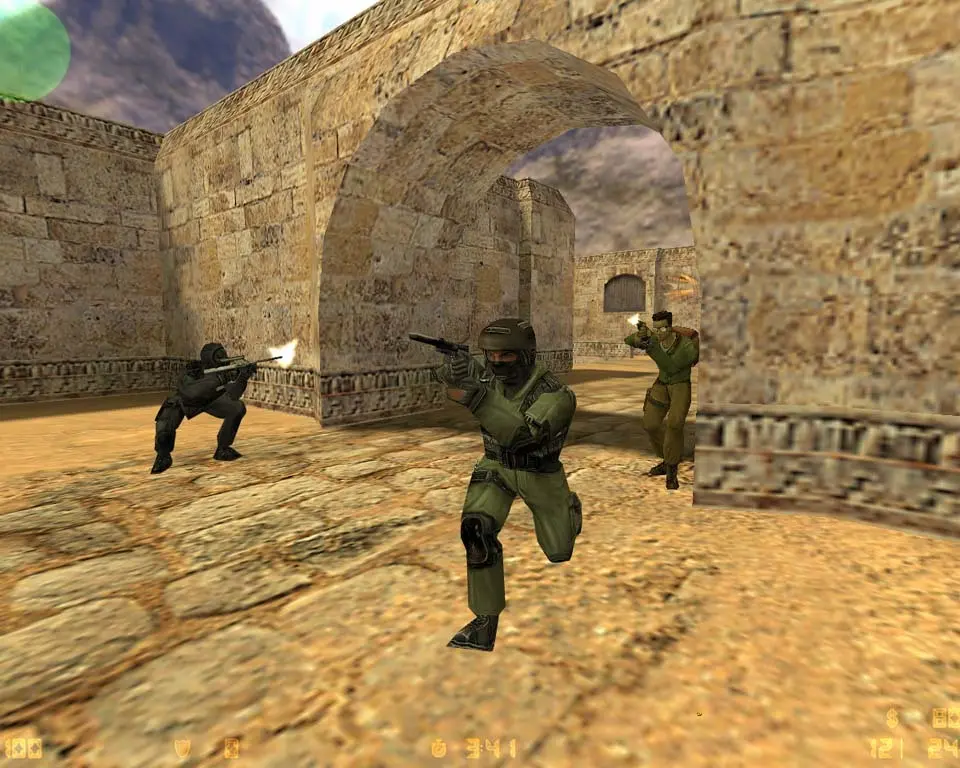
Learn how to install Counter-Strike. This guide covers downloading the game and adjusting initial graphical settings for optimal performance.
Before you can dive into the action, you'll need to install Counter-Strike. Typically, this involves downloading the game through a platform like Steam. Once installed, launch the game. The first time you launch, you might be prompted to adjust graphical settings. It's recommended to start with your monitor's native resolution and adjust other settings like texture quality and anti-aliasing based on your system's performance. A smooth frame rate (FPS) is paramount in Counter-Strike, so prioritize performance over visual fidelity if necessary. You can always fine-tune these settings later in the 'Video Settings' menu.
100% Human-Written. AI Fact-Checked. Community Verified. Learn how AntMag verifies content