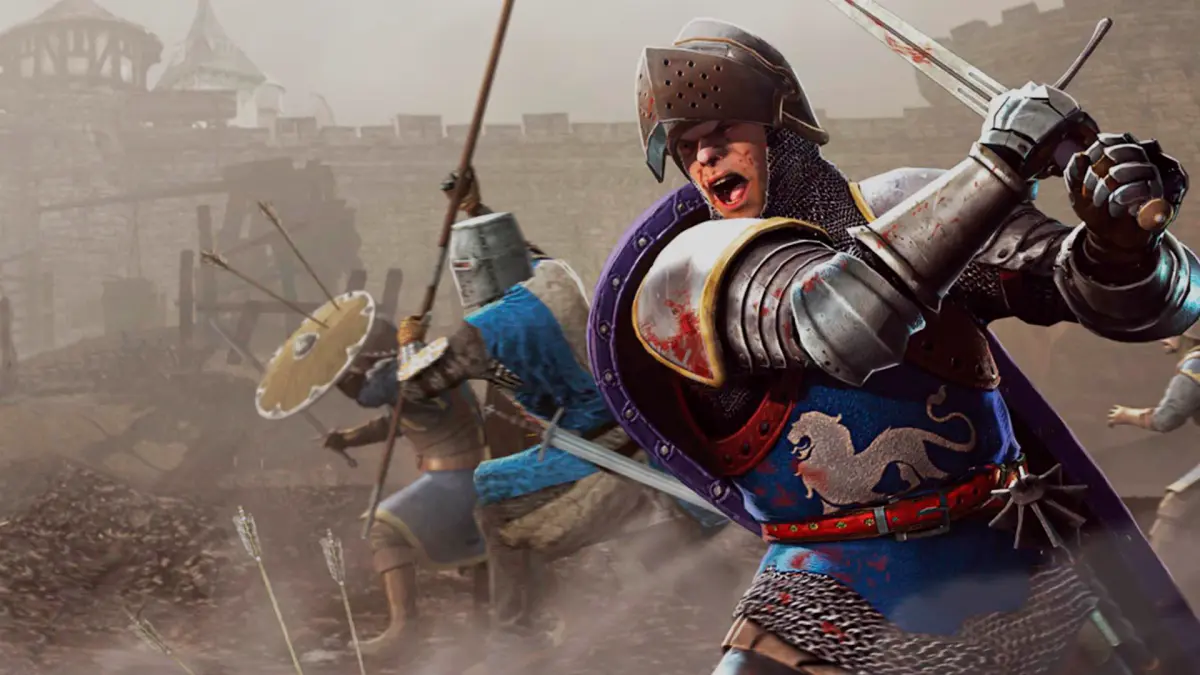
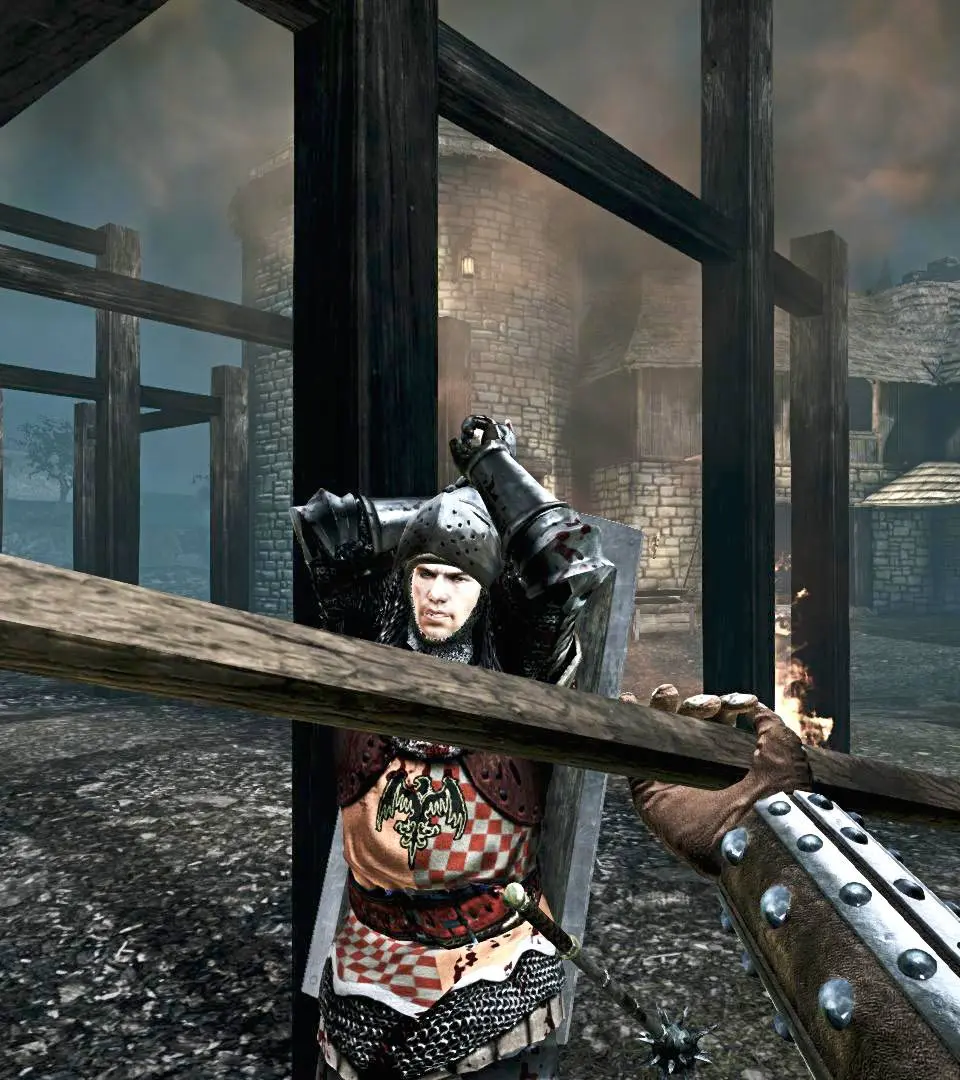
Improve team communication and psychological warfare in Chivalry: Medieval Warfare by effectively utilizing voice commands and emotes.
Mastering voice commands and emotes in Chivalry: Medieval Warfare is crucial for effective team communication, psychological warfare, and simply adding flavor to your battlefield experience. These aren't just for fun; they can be vital strategic tools when used correctly.
Accessing the Voice Command Menu
To bring up the voice command menu, press and hold the 'C' key (default binding). This will open a radial menu with several categories. While holding 'C', you can then use your mouse to select a category. Once a category is selected, a sub-menu will appear, allowing you to choose a specific command or emote.
Alternatively, you can use the numerical keys (1-9) while holding 'C' to quickly select categories, and then further numerical keys to select the specific command within that category. For example, pressing C + 1 will open the "General" category, and then pressing 1 again would typically trigger "Yes!".
Strategic Use of Voice Commands
Voice commands are more than just flavor text; they provide actionable communication that can turn the tide of battle. Here's how to use them effectively:
1. General Communication (Category 1)
- "Yes!" (1-1): Confirming an action, acknowledging an order, or agreeing with a teammate. Useful for coordinating pushes or retreats.
- "No!" (1-2): Denying an order, indicating danger, or refusing a request. Can be used to warn teammates away from a trap.
- "Help!" (1-3): Crucial for calling for assistance when outnumbered or in a difficult engagement. Your teammates will see a visual indicator of your location.
- "Thanks!" (1-4): A simple but effective way to show appreciation for a revive, a well-placed arrow, or a timely save. Fosters team cohesion.
- "Follow Me!" (1-5): Ideal for leading a charge, indicating a flank, or guiding new players.
- "Hold Position!" (1-6): Essential for defensive maneuvers, holding a choke point, or regrouping.
- "Attack!" (1-7): The universal call to arms. Use this to initiate an assault on an objective or a group of enemies.
- "Retreat!" (1-8): For when a fight is unwinnable, or to lure enemies into a trap. Don't be afraid to disengage and regroup.
2. Taunts & Emotes (Category 2)
While seemingly for fun, taunts and emotes can be powerful psychological tools. Use them to:
- "Laugh" (2-1): After a particularly satisfying kill or a successful defense. Can demoralize opponents.
- "Cheer" (2-2): To celebrate a team victory, an objective capture, or a well-executed play. Boosts team morale.
- "Taunt" (2-3): Directly challenge an enemy, draw attention, or simply rub salt in the wound. Be mindful that this can also make you a target!
- "Battle Cry" (2-4): A powerful roar that can intimidate enemies and rally your allies. Often used before a charge.
- "Bow" (2-5): A respectful gesture, sometimes used after a duel or to acknowledge a worthy opponent.
- "Point" (2-6): Can be used to direct attention to an enemy, an objective, or a specific location.
3. Objective-Specific Commands (Category 3)
These commands are context-sensitive and incredibly useful for coordinating around map objectives.
- "Defend the Objective!" (3-1): Crucial for reminding teammates to protect key areas like siege engines, capture points, or VIPs.
- "Attack the Objective!" (3-2): Directs your team's focus towards the current primary objective, such as breaking down a gate or capturing a flag.
- "Build/Repair!" (3-3): For engineers or anyone near a buildable/repairable objective, this calls for assistance in construction or maintenance.
Advanced Emote Techniques
- The "Spam" Emote: While not always appreciated, rapidly repeating certain emotes (like "Laugh" or "Battle Cry") can be incredibly distracting and annoying to enemies, potentially disrupting their focus. Use with caution and at your own risk of being targeted!
- The "Feigned Retreat" Taunt: Use "Retreat!" followed by a quick turn and attack to surprise pursuing enemies.
- The "Psychological Warfare" Taunt: After killing a particularly skilled or annoying enemy, a well-timed "Taunt" or "Laugh" can get under their skin, potentially leading them to make mistakes in their next encounter with you.
Key Bindings and Customization
You can customize your voice command key bindings in the Options Menu > Controls > Key Bindings. Look for "Voice Menu" and its sub-categories. Some players prefer to bind frequently used commands directly to individual keys for faster access, bypassing the radial menu entirely. Experiment to find what works best for your playstyle.
Remember, effective communication is a cornerstone of victory in Chivalry: Medieval Warfare. Don't underestimate the power of a well-timed "Help!" or a demoralizing "Laugh"!
100% Human-Written. AI Fact-Checked. Community Verified. Learn how AntMag verifies content