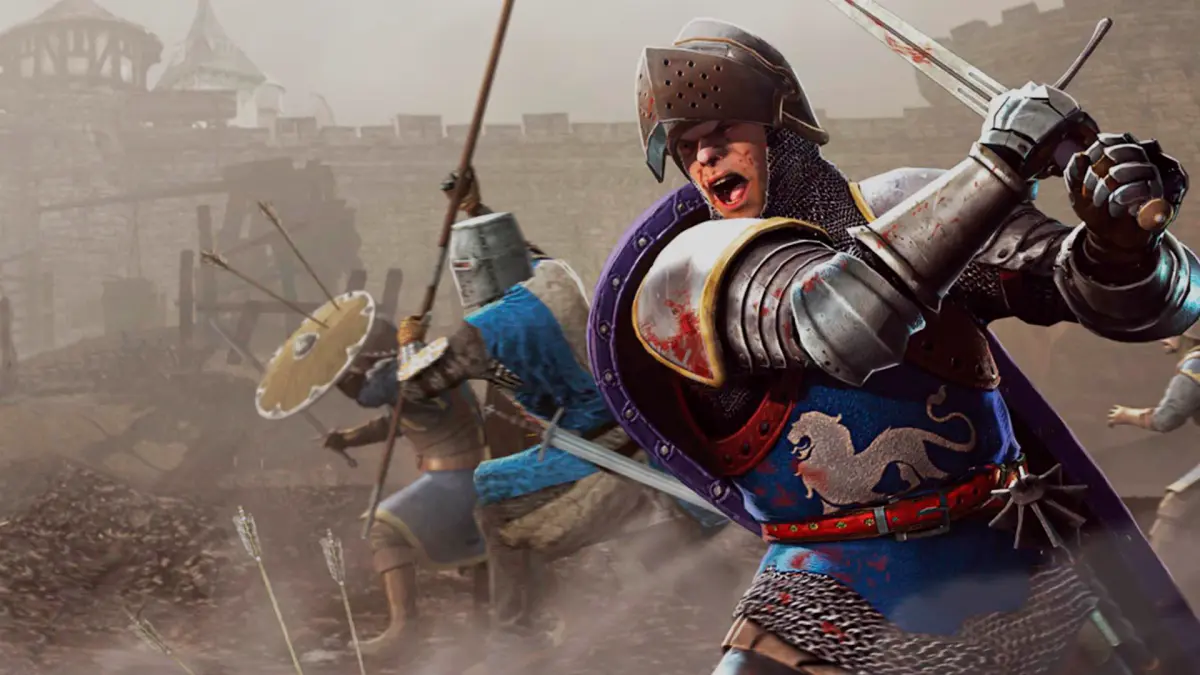
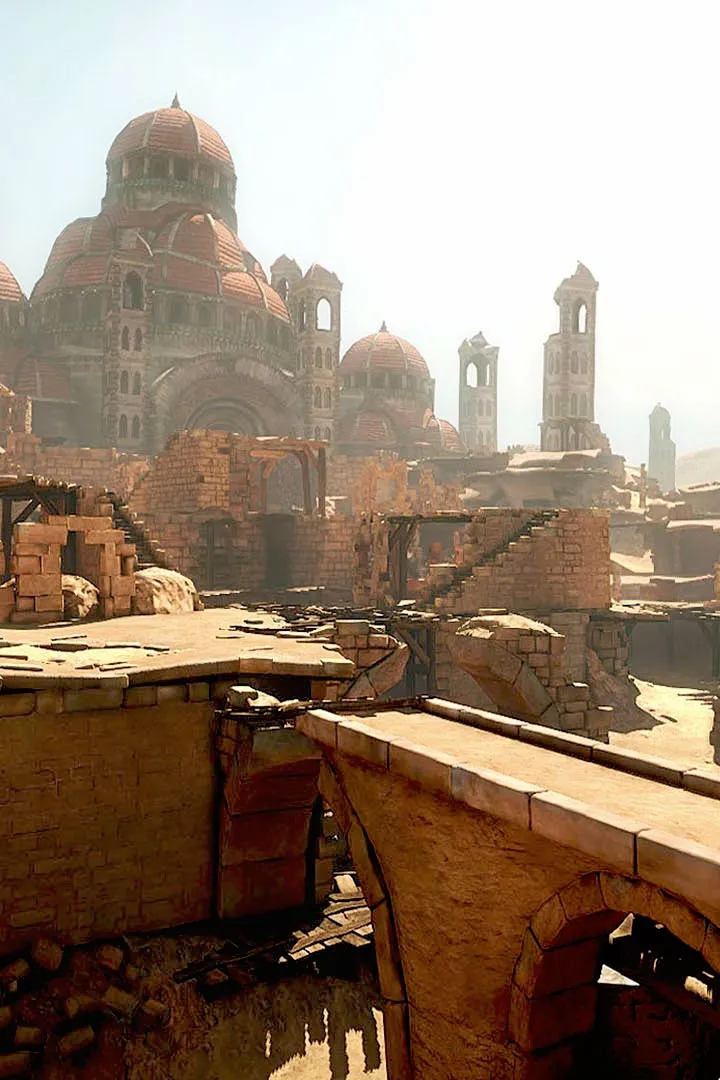
Chivalry: Medieval Warfare multiplayer basics guide. Learn game modes, controls, combat, and teamwork for online success. Get started now.
Welcome to the chaotic and exhilarating world of Chivalry: Medieval Warfare multiplayer! This guide covers the fundamental aspects of online combat, from joining matches and understanding game modes to basic controls and team coordination. Mastering these basics is your first step towards becoming a formidable warrior on the battlefield.
Dive into the thrilling multiplayer of Chivalry: Medieval Warfare with this essential guide. Learn how to join games, understand the core mechanics of combat, and familiarize yourself with the different game modes available. This introduction will set you on the path to enjoying the visceral medieval combat that Chivalry is known for.
Chivalry: Medieval Warfare offers several engaging multiplayer game modes, each with its own objectives. The most common include Team Deathmatch, where the goal is to outscore the opposing team in kills, and Objective-based modes like Capture the Flag or Assault/Defend scenarios, which require strategic teamwork to complete specific tasks. To join a match, you'll typically select a game mode and server browser, then connect to a populated server. Once in-game, you'll choose a class (e.g., Knight, Man-at-Arms, Archer, Footman) and a loadout before spawning onto the battlefield.
- Game Modes: Team Deathmatch, Objective Modes (Assault/Defend, Capture the Flag).
- Joining Matches: Use the server browser to find and connect to games.
- Class Selection: Choose from various classes, each with unique strengths and weaknesses.
- Loadouts: Customize your character with different weapons, armor, and perks.
- Basic Controls: Movement (WASD), Attack (Left Click), Block (Right Click), Kick (Middle Mouse Button/Q), Special Attack (Shift + Attack).
Effective multiplayer gameplay relies heavily on understanding combat mechanics. The core combat system involves attacking, blocking, and parrying. Attacks can be varied (horizontal, vertical, thrusts), and blocking at the right time can deflect incoming blows. A perfectly timed block results in a parry, which can open your opponent up for a riposte. Kicking is essential for breaking an opponent's guard or interrupting their attacks. Stamina management is crucial; attacking and blocking deplete stamina, and running out leaves you vulnerable. Teamwork is paramount in objective-based modes; communicate with your teammates, coordinate attacks, and defend objectives together.
| Action | Keybind | Description |
|---|---|---|
| Move Forward | W | Standard movement control. |
| Attack | Left Mouse Button | Performs a melee attack. Hold Shift for special attacks. |
| Block | Right Mouse Button | Defends against incoming attacks. |
| Kick | Middle Mouse Button / Q | Interrupts enemy attacks and breaks guards. |
| Switch Weapon | 1 / 2 | Switches between primary and secondary weapons. |
100% Human-Written. AI Fact-Checked. Community Verified. Learn how AntMag verifies content