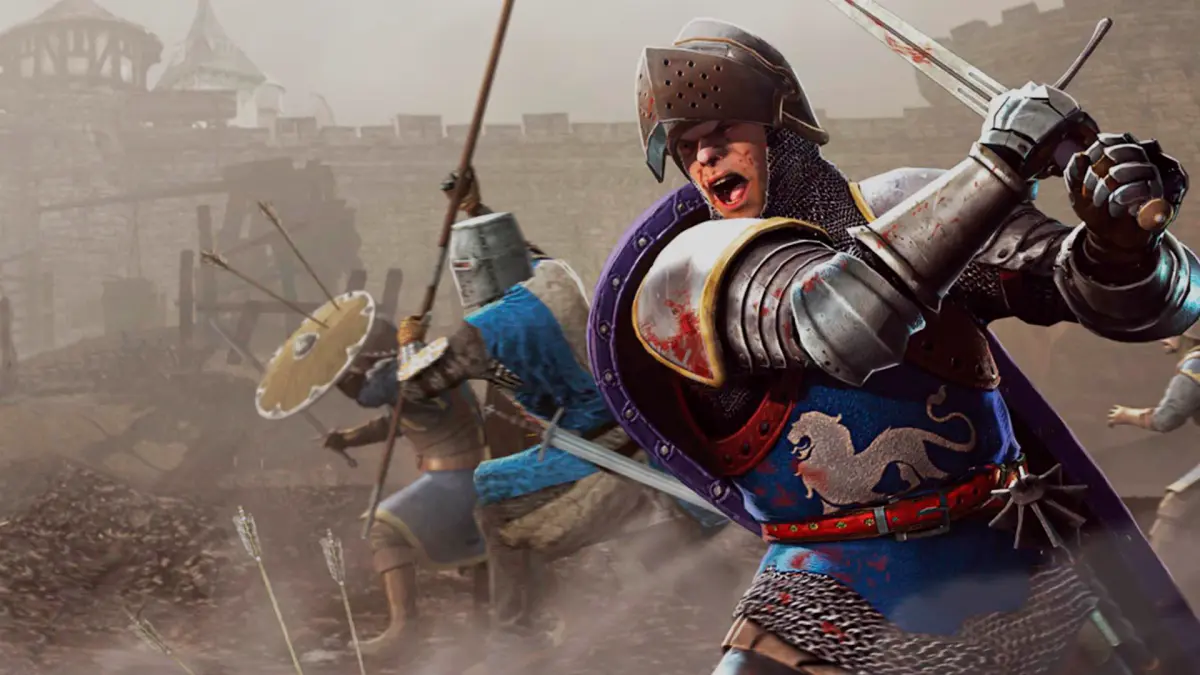
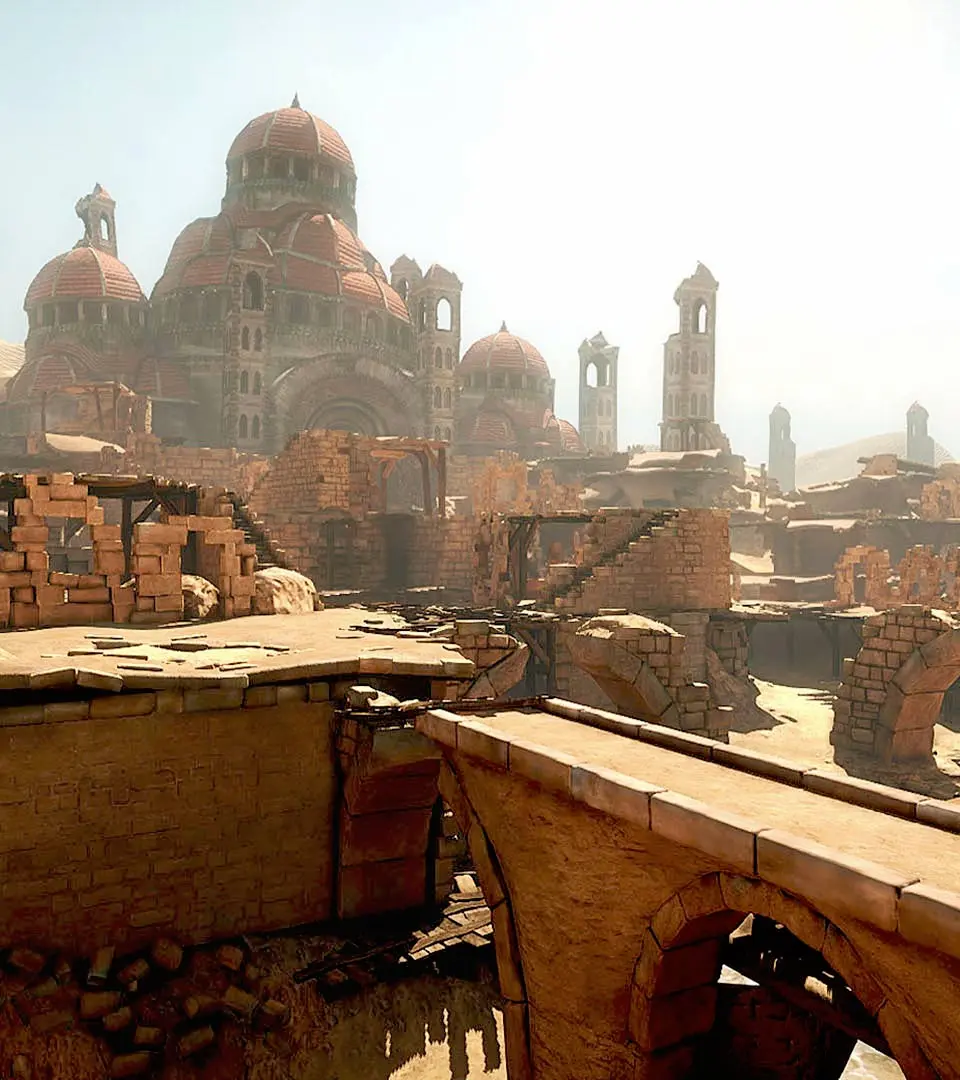
Access and utilize Chivalry: Medieval Warfare's custom maps and new game modes created by its vibrant modding community. Extend your gameplay.
Chivalry: Medieval Warfare, while a standalone experience, truly shines with the vibrant community that has embraced its modding potential. From custom maps to entirely new game modes and weapon skins, the creative output of players has significantly extended the life and variety of the game. This section will guide you through accessing and utilizing these community creations, as well as point you towards the tools available for those brave enough to forge their own.
Accessing Community Creations
The primary hub for Chivalry mods is the Steam Workshop, integrated directly into the game's Steam client. This makes installation and management incredibly straightforward for most users.
- Subscribing to Mods:
- Launch your Steam client and navigate to your Library.
- Right-click on "Chivalry: Medieval Warfare" and select "Community Hub."
- From the Community Hub, click on the "Workshop" tab.
- Browse through the available mods. You can filter by categories such as "Maps," "Game Modes," "Skins," and "Utilities."
- Once you find a mod you'd like to try, click on its entry and then click the green "Subscribe" button.
- Steam will automatically download and integrate the mod into your game. The next time you launch Chivalry, the mod should be active (if it's a client-side mod) or available on servers running it.
- Finding Modded Servers:
- Many community-made maps and game modes are hosted on dedicated servers. To find these, launch Chivalry: Medieval Warfare.
- From the main menu, select "Play Online" and then "Server Browser."
- In the Server Browser, pay close attention to the "Map" column and the "Game Mode" column. Often, custom maps will have unique prefixes or names that stand out (e.g., "TO_CustomCastle," "DM_ArenaX").
- Some server administrators will also include information about the mods they are running in the server name or description. Look for keywords like "Modded," "Custom Maps," or specific mod names.
- If you encounter a server running a map you haven't subscribed to, the game will usually prompt you to download it directly.
Chivalry Modding Tools
For those with a passion for creation, Torn Banner Studios released the Chivalry: Medieval Warfare SDK (Software Development Kit), built on the Unreal Development Kit (UDK). This powerful suite of tools allows for extensive modifications, from level design to custom weapon creation and even new game mechanics.
- Obtaining the SDK:
- The Chivalry SDK is available as a free download through Steam.
- In your Steam Library, under the "Tools" category, search for "Chivalry: Medieval Warfare SDK."
- Install the SDK just like you would any other game. This will download the necessary UDK files and Chivalry-specific assets.
- Key Components of the SDK:
- UnrealEd (UDK Editor): This is the core tool for level design, material editing, and asset management. You'll use UnrealEd to sculpt terrain, place static meshes (buildings, trees, props), set up lighting, and define gameplay objectives for custom maps.
- UnrealScript: Chivalry's gameplay logic is primarily written in UnrealScript. Modders can use this scripting language to create new game modes, modify weapon behavior, or implement unique player abilities. Familiarity with programming concepts is highly beneficial here.
- Asset Pipelines: The SDK includes tools and guidelines for importing custom 3D models (e.g., new weapons, armor pieces, environmental props) and textures into the game. This typically involves using external 3D modeling software (like Blender or Maya) and image editing software (like Photoshop).
- Getting Started with Modding:
Modding Chivalry can be a steep learning curve, especially for beginners. We highly recommend the following:
- Official Documentation: While the UDK is no longer actively developed, extensive documentation is still available online. Search for "UDK Documentation" for comprehensive guides on UnrealEd and UnrealScript.
- Community Forums: The official Chivalry forums (and older UDK forums) are invaluable resources. Many experienced modders share tutorials, answer questions, and provide support. Look for sections dedicated to "Mapping," "Modding," or "SDK Help."
- Tutorials: Search YouTube and modding websites for "Chivalry SDK tutorials" or "UDK level design tutorials." Many community members have created video guides walking through basic map creation or asset import.
- Start Small: Don't try to build a massive, complex map as your first project. Begin by modifying an existing map, changing lighting, or adding simple props to understand the workflow.
Embrace the creativity of the Chivalry community, whether you're downloading a new map to conquer or crafting your own epic battlefield. The tools are there, and the community is ready to share its creations!
100% Human-Written. AI Fact-Checked. Community Verified. Learn how AntMag verifies content