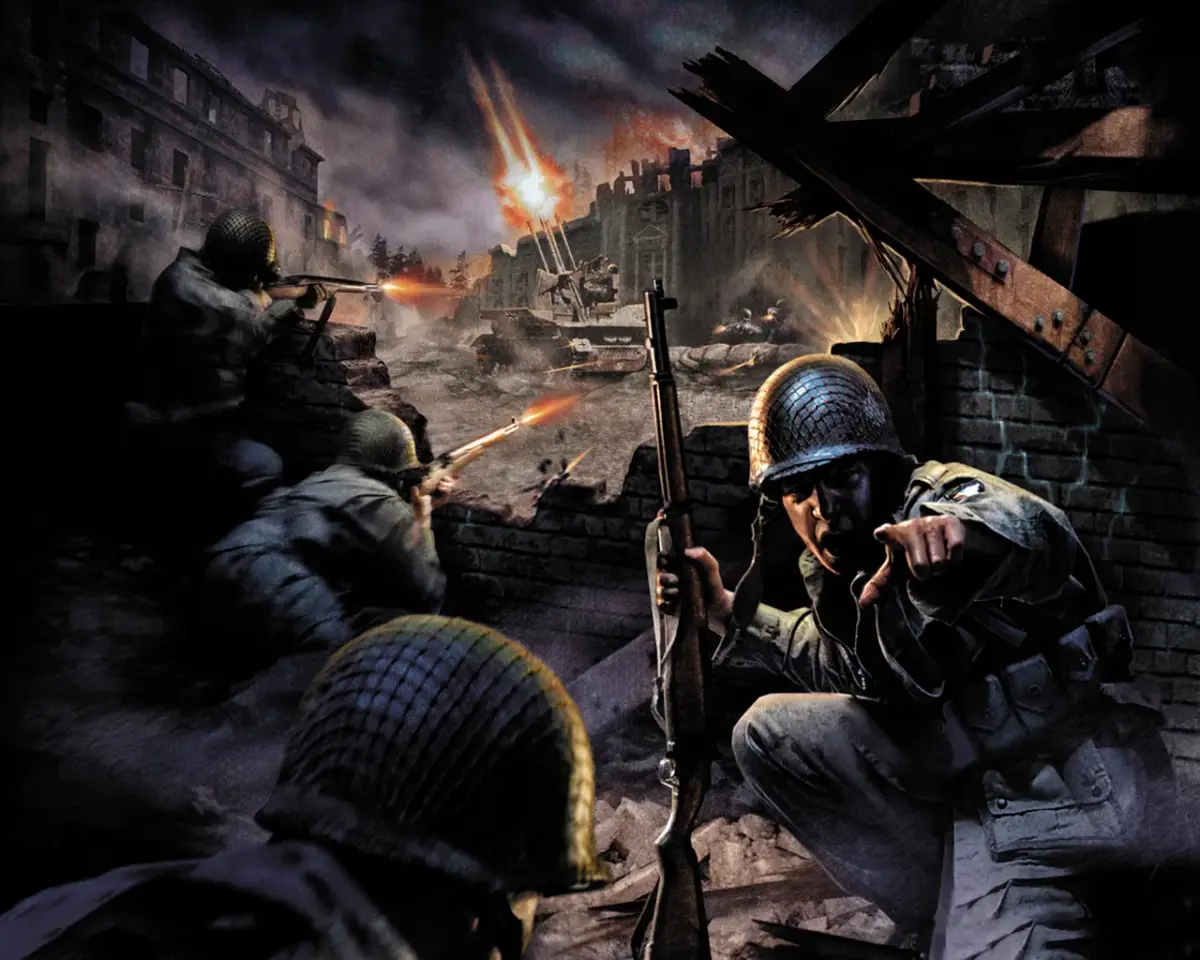
Learn how to fix invisible textures in Call of Duty by toggling the r_lockpvs command. This guide provides a simple solution for a common graphical issue.
Walkthrough
- 1Open the game console.
- 2Type
r_lockpvs 1and press Enter to enable the setting. - 3If the issue persists or worsens, try typing
r_lockpvs 0and press Enter to disable it.
Tips
- Ensure you are typing the command correctly.
- This command is typically used for debugging and may affect other graphical elements.
- Experiment with both
1(on) and0(off) to see which resolves the texture issue for your specific setup.
100% Human-Written. AI Fact-Checked. Community Verified. Learn how AntMag verifies content