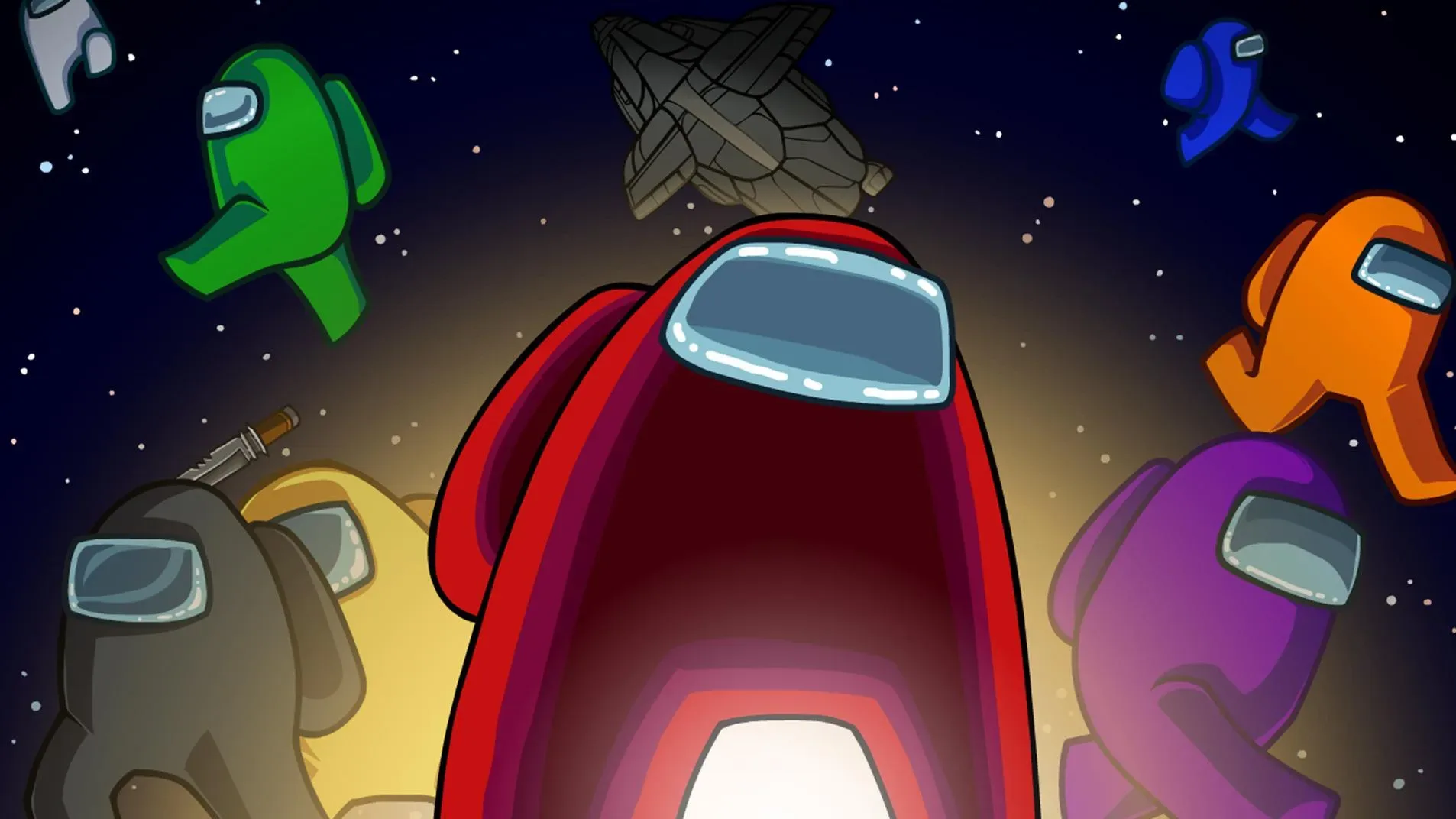
Complete key tasks on The Skeld in Among Us. Learn task locations and steps to prove innocence as a Crewmate or identify Impostors effectively.
The Skeld: Key Tasks
Understanding the common tasks and their locations on The Skeld is paramount for both efficient crewmate gameplay and for identifying potential Impostors. This section details each task, its specific locations, and provides actionable steps for completion.
Visual Tasks on The Skeld
Visual tasks are invaluable for crewmates as they provide irrefutable proof of innocence when observed by other players. If visual tasks are enabled in the game settings, successfully completing one will trigger a visible animation that others can witness.
-
MedBay Scan (MedBay):
Location: MedBay.
Steps:
- Enter MedBay.
- Stand on the scanning platform.
- Wait for the scan animation to complete (approximately 10 seconds). A green light will flash, and a visual scan animation will play.
Tip: This is a prime task to do in front of other crewmates to prove your innocence.
-
Clear Asteroids (Weapons):
Location: Weapons.
Steps:
- Enter Weapons.
- Click on the console to activate the asteroid defense system.
- A targeting reticle will appear on the screen, showing asteroids outside the ship.
- Click and drag the reticle to aim at each asteroid.
- Click the fire button to destroy the asteroids.
- Repeat until all asteroids are cleared (usually around 10-15).
Tip: This task can be interrupted by Impostors. Be aware of your surroundings.
-
Empty Garbage (Storage):
Location: Storage.
Steps:
- Enter Storage.
- Interact with the garbage chute lever.
- A short animation will play, showing the garbage being ejected.
Note: This task is often simplified to just one interaction in Storage. While it can sometimes be linked to O2 in certain game modes or older versions, for standard Skeld gameplay, Storage is the primary and often sole location.
-
Prime Shields (Shields):
Location: Shields.
Steps:
- Enter Shields.
- Interact with the shield console.
- Two panels will appear, one on each side of the ship's map.
- Click on the blinking shield icon on the left panel to activate shields on that side.
- Click on the blinking shield icon on the right panel to activate shields on that side.
Tip: This task is often done in conjunction with the 'Fix Wiring' task in Shields, making it a good opportunity for Impostors to strike.
Long Tasks on The Skeld
These tasks require more time to complete and often involve moving between different locations, making crewmates more vulnerable to Impostor attacks.
-
Wires (Multiple Locations):
Locations: This is a multi-part task with several possible spawn points.
- Electrical
- Storage
- Admin
- Navigation
- Security
- Communications
Steps:
- Locate the first set of wires (indicated by a yellow exclamation mark on your map).
- Interact with the panel. You will see a series of colored wires that need to be connected.
- Click and drag a wire from one connector to the matching colored connector.
- Repeat for all wires.
- Once the first set is complete, a new yellow exclamation mark will appear on your map indicating the location of the second set of wires.
- Travel to the new location and repeat the wire-connecting process.
Tip: This task is often split into two parts, requiring travel across the map. Impostors can use this to isolate and eliminate crewmates.
-
Upload Data (Multiple Locations):
Locations: This task has two parts, with the second part always being in Communications.
- Part 1 Spawns:
- Admin
- O2
- Navigation
- Weapons
- Part 2 Location: Communications
Steps:
- Locate the first data upload point (indicated by a yellow exclamation mark).
- Interact with the console. A progress bar will appear.
- Wait for the progress bar to fill completely (this takes a significant amount of time).
- Once the first upload is complete, a new yellow exclamation mark will appear, directing you to Communications.
- Travel to Communications and interact with the console again.
- Wait for the second progress bar to fill completely.
Tip: This is a very long task. Be extremely cautious when performing the first part, as you are stationary for a prolonged period. Impostors often patrol these areas.
-
Fix Wiring (Multiple Locations):
Locations: This task involves fixing wiring panels in multiple rooms.
- Electrical
- Storage
- Admin
- Navigation
- Security
- Communications
Steps:
- Locate a wiring panel (indicated by a yellow exclamation mark).
- Interact with the panel.
- You will see a series of wires that need to be connected.
- Click and drag a wire from one connector to the matching colored connector.
- Repeat for all wires.
- Once one panel is fixed, a new yellow exclamation mark will appear on your map, indicating the next wiring panel.
- Travel to the new location and repeat the wire-fixing process.
Tip: This task is similar to 'Wires' but involves fixing existing connections rather than creating new ones. It's also a multi-part task that can lead players to isolated areas.
Short Tasks on The Skeld
These tasks are quick to complete, often involving a single interaction or a brief mini-game. While individually fast, completing many of them can still be crucial for winning.
-
Swipe Card (Admin):
Location: Admin.
Steps:
- Enter Admin.
- Interact with the card reader.
- A card will appear on screen. Swipe it from left to right at a consistent speed.
Tip: This task is often failed by Impostors who struggle with the swipe speed. Be mindful of players who repeatedly fail this task.
-
Divert Power (Electrical, then Various Rooms):
Location: This is a two-part task.
- Part 1: Electrical.
- Part 2: The destination room is indicated by a yellow exclamation mark on your map after completing Part 1. Common destinations include Shields, Weapons, or Navigation.
Steps:
- Go to Electrical and interact with the power diversion panel.
- A map will appear showing power distribution. Click on the blinking red area to divert power.
- Once power is diverted, a yellow exclamation mark will appear on your map, indicating the room where the power needs to be received.
- Travel to that room and interact with the corresponding panel to complete the task.
Tip: This task requires movement and can be used by Impostors to lure crewmates to less-trafficked areas.
-
Calibrate Distributor (Electrical):
Location: Electrical.
Steps:
- Enter Electrical.
- Interact with the distributor panel.
- A series of rotating gears will appear.
- Click on the gears to stop them when they align with the green indicator.
- Repeat for all gears.
Tip: Electrical is a dangerous room. Be aware of Impostors, especially when performing this task.
-
Fuel Engines (Upper Engine and Lower Engine):
Locations: Upper Engine and Lower Engine.
Steps:
- Go to either Upper Engine or Lower Engine.
- Interact with the fuel tank.
- A fuel gauge will appear. Click and drag the fuel nozzle to fill the tank until the gauge is full.
- This task is often split into two parts, requiring you to visit both Upper and Lower Engine to complete it fully.
Tip: These rooms are often isolated, making them prime targets for Impostors. Be cautious when fueling.
100% Human-Written. AI Fact-Checked. Community Verified. Learn how AntMag verifies content