
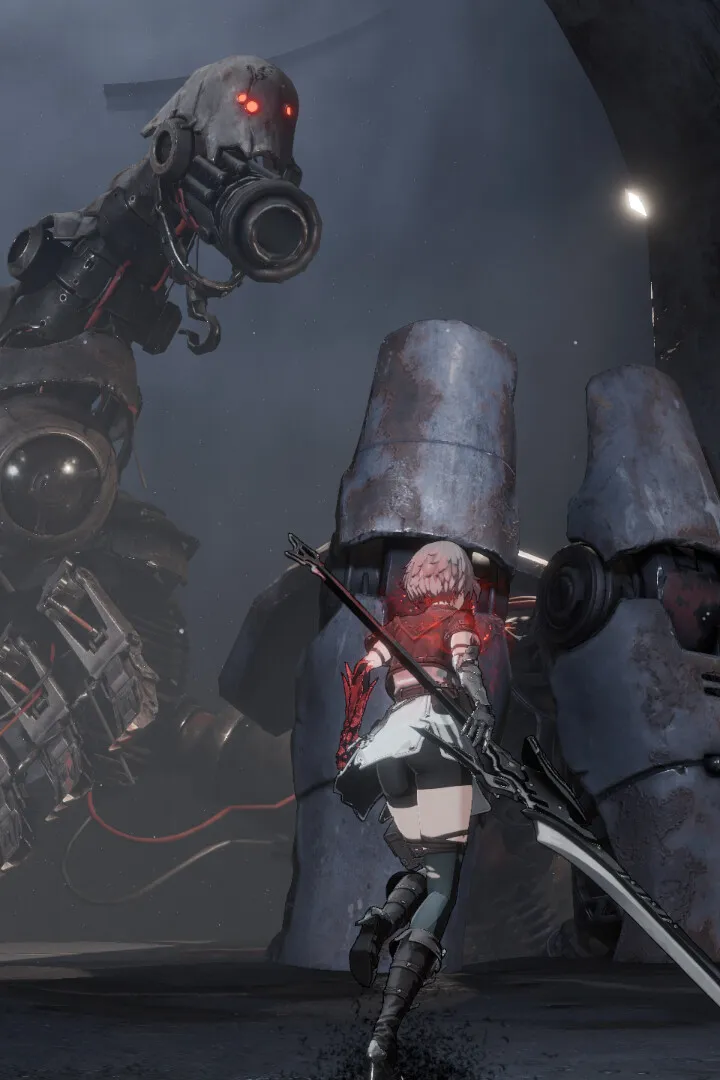
Master AI Limit's controls and UI with our comprehensive guide. Learn button mappings, understand the interface, and optimize your gameplay for every action.
This guide details the controls and user interface elements for AI Limit, helping players understand how to perform actions and navigate the game effectively.
| Action | Button |
|---|---|
| Movement | Left Stick |
| Camera Control | Right Stick |
| Jump | A Button (Xbox) / X Button (PlayStation) |
| Dodge | B Button (Xbox) / Circle Button (PlayStation) |
| Interact / Use Item | X Button (Xbox) / Square Button (PlayStation) |
| Attack (Light) | RT (Xbox) / R2 (PlayStation) |
| Attack (Heavy) | RB (Xbox) / R1 (PlayStation) |
| Weapon Skill | LB (Xbox) / L1 (PlayStation) |
| Use Spell | Y Button (Xbox) / Triangle Button (PlayStation) |
| Open Menu / Inventory | Start Button (Xbox) / Options Button (PlayStation) |
| Quick Select / Cycle Items | D-Pad Up/Down |
| Target Lock | Click Right Stick |
| Special Ability 1 | D-Pad Left |
| Special Ability 2 | D-Pad Right |
The UI in AI Limit provides crucial information at a glance. Key elements include:
- Health Bar: Displays your current health status.
- Stamina Bar: Indicates available stamina for actions like dodging and attacking.
- Ability/Spell Slots: Shows equipped spells and abilities, with cooldowns or charges.
- Item Hotbar: Quick access to consumable items.
- Objective Marker: Guides you towards current mission objectives.
- Minimap: Provides a small-scale map of your immediate surroundings.
100% Human-Written. AI Fact-Checked. Community Verified. Learn how AntMag verifies content