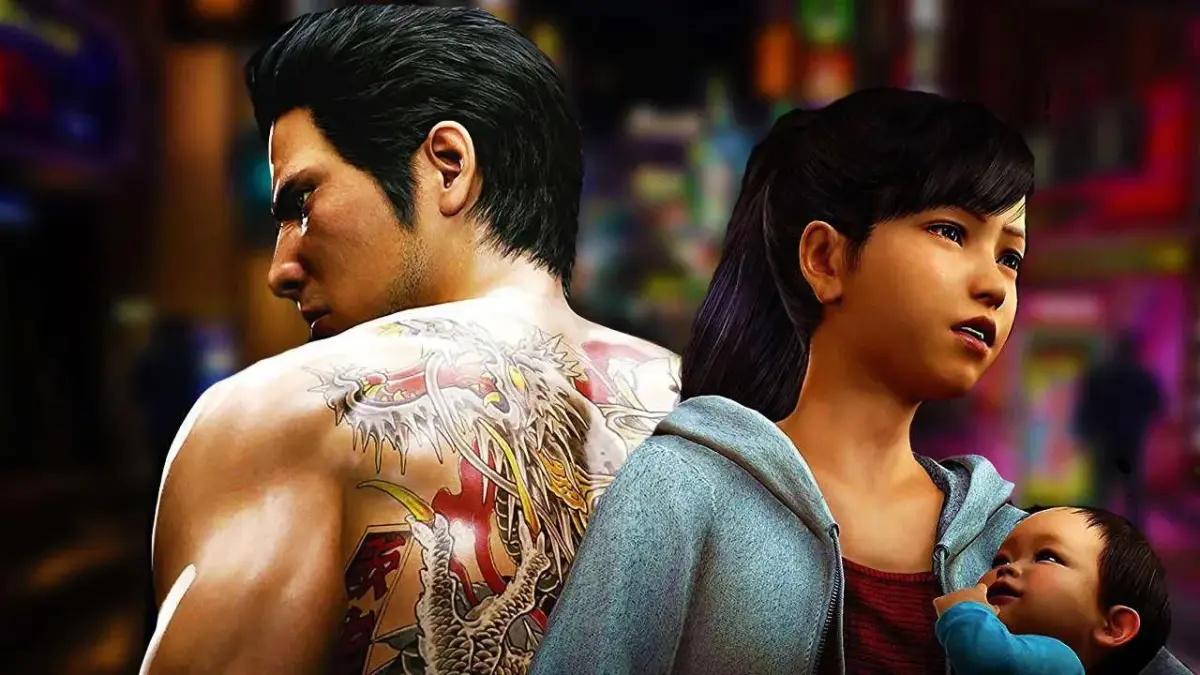
Get a grip on Yakuza 6: The Song of Life! This guide breaks down all the essential exploration, menu, and combat controls for PlayStation and Xbox controllers.
Alright, let's get you moving and grooving in Kamurocho! Yakuza 6: The Song of Life gives you a few ways to control Kiryu, depending on whether you're just strolling around, messing with menus, or getting into a scrap. This guide covers the standard PlayStation and Xbox controller layouts. If you're on PC and using something else, don't sweat it – you can usually remap buttons in the game's settings. Just remember, the button prompts here are for those two main controllers!
Exploration Controls
This is how you'll get around the city, check out the sights, and generally exist as Kiryu. Think of it as your basic walking-around controls.
| PlayStation | Xbox | Control |
| Move your character | ||
| Move the camera | ||
| Interact Hold down to sprint while walking |
||
| Center camera behind you | ||
| Enter first-person mode | ||
| View map | ||
| Enter Pause Menu | ||
| Use Phone Camera | ||
| Check Inbox | ||
| Open the Troublr App |
Menu Controls
When you're not out on the streets, you'll be navigating menus for all sorts of things. These are pretty standard for most games, so you should feel right at home.
| PlayStation | Xbox | Control |
| Move cursor | ||
| Confirm (Use on Items screen) | ||
| Cancel/Exit | ||
| Sorting Items on Items screen | ||
| Discard on Items screen | ||
| Used in some menus to toggle screens | ||
| Exit Menu |
Combat Controls (Typical)
This is where things get interesting! When fists start flying, you'll need to know these buttons like the back of your hand. Mastering these is key to surviving the rougher parts of Kamurocho.
| PlayStation | Xbox | Control |
| Move your character | ||
| Move the camera | ||
| Light Attack/Rush Combo | ||
| Heavy Attack Finishing Blow Heat Action |
||
| Evade | ||
| Grab Throw enemy/weapon |
||
| Guard Change Grab while holding someone |
||
| Fighting Stance | ||
| Extreme Heat Mode | ||
| Center Camera Hold to negate Heat Actions |
||
| Pause the game |
For a deeper dive into how to really throw down, check out the Combat and Abilities section, specifically the Basic Combat part. It's got more tips to make you a dragon in the streets!
100% Human-Written. AI Fact-Checked. Community Verified. Learn how AntMag verifies content