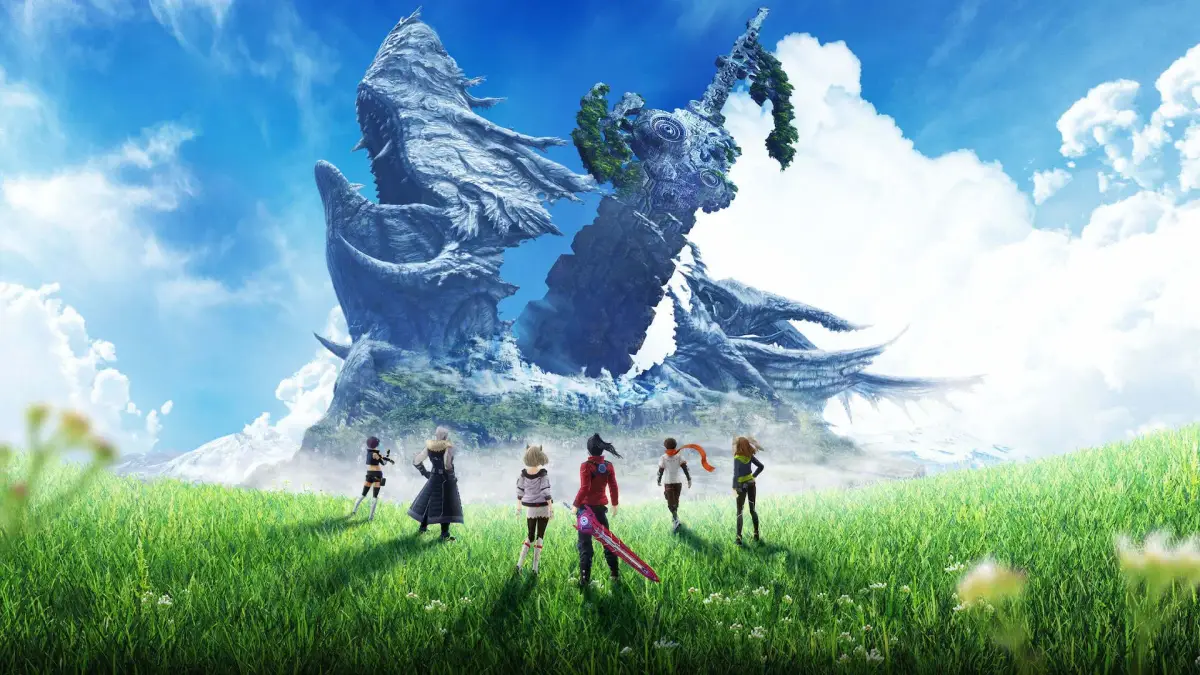
Dive into Xenoblade Chronicles 3's visual settings! Learn how to tweak display options to enhance your experience and appreciate the beauty of Aionios.
Hey there! So, you're diving into Xenoblade Chronicles 3 and want to make sure everything looks just right? That's awesome! Aionios is a gorgeous world, and getting the visual settings dialed in can really make it pop. This section is all about tweaking those options to get the best look and feel for your adventure.
While this guide doesn't go into specific button prompts for changing settings (that's usually found in the main game menu under 'System' then 'Options' > 'Display'), it's here to give you a heads-up on what you can adjust. Think of it as a friendly chat about making the game world your own visually.
We'll cover things like:
- Understanding different display modes.
- Adjusting screen elements to your preference.
- Ensuring clarity and readability for all the important info.
Let's get your game looking as stunning as the world of Aionios!
100% Human-Written. AI Fact-Checked. Community Verified. Learn how AntMag verifies content