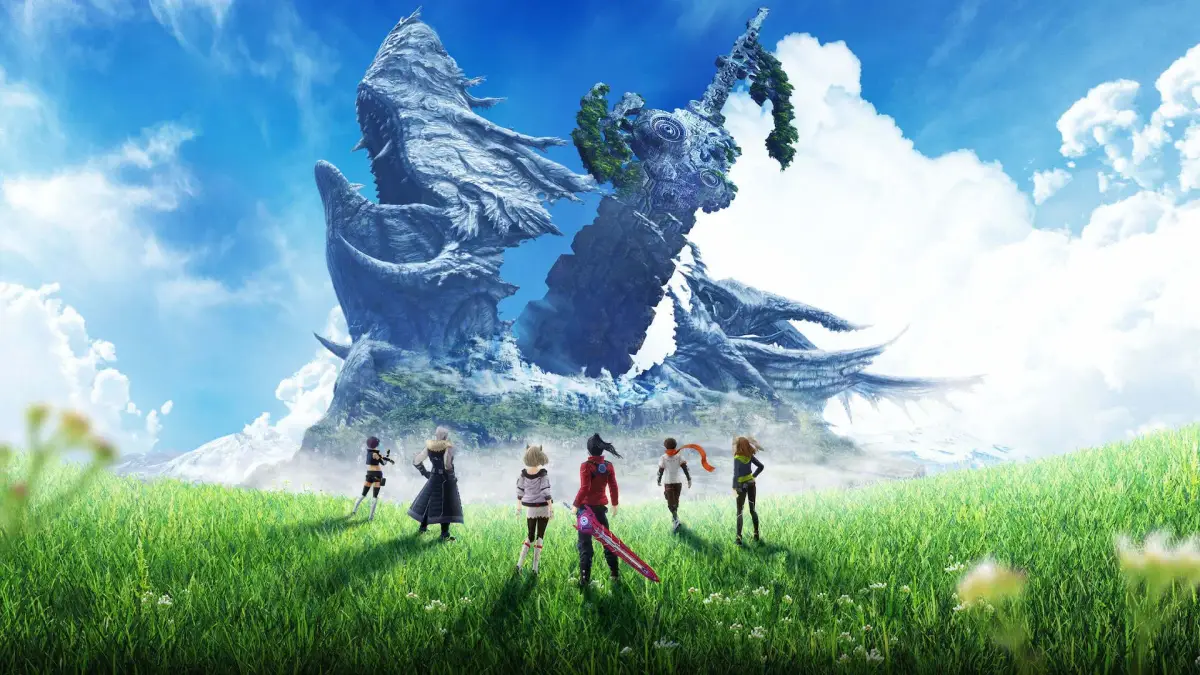
Xenoblade Chronicles 3 does not have built-in features for directly sharing screenshots, video clips, or game progress to social media platforms from within the game itself. All content sharing (capturing screenshots, recording video clips, and uploading them) is handled by the Nintendo Switch's robust built-in capture button and sharing functionalities.
- Screenshot Capture: Press the Capture Button (square button below the D-Pad on the left Joy-Con or Pro Controller) to instantly take a screenshot of your current screen.
- Video Clip Capture: Hold down the Capture Button for a few seconds to record the previous 30 seconds of gameplay.
- Sharing: Once captured, you can access your screenshots and video clips from the Nintendo Switch HOME Menu -> Album. From there, you can select an image or video and choose to "Post" it to linked social media accounts (Facebook and Twitter are typically supported). You can link your social media accounts to your Nintendo Switch via the console's System Settings -> User -> Posting to Social Media.
So go forth, Ouroboros, and customize your journey through Aionios to perfection! May your settings enhance every moment of your epic quest.
100% Human-Written. AI Fact-Checked. Community Verified. Learn how AntMag verifies content