
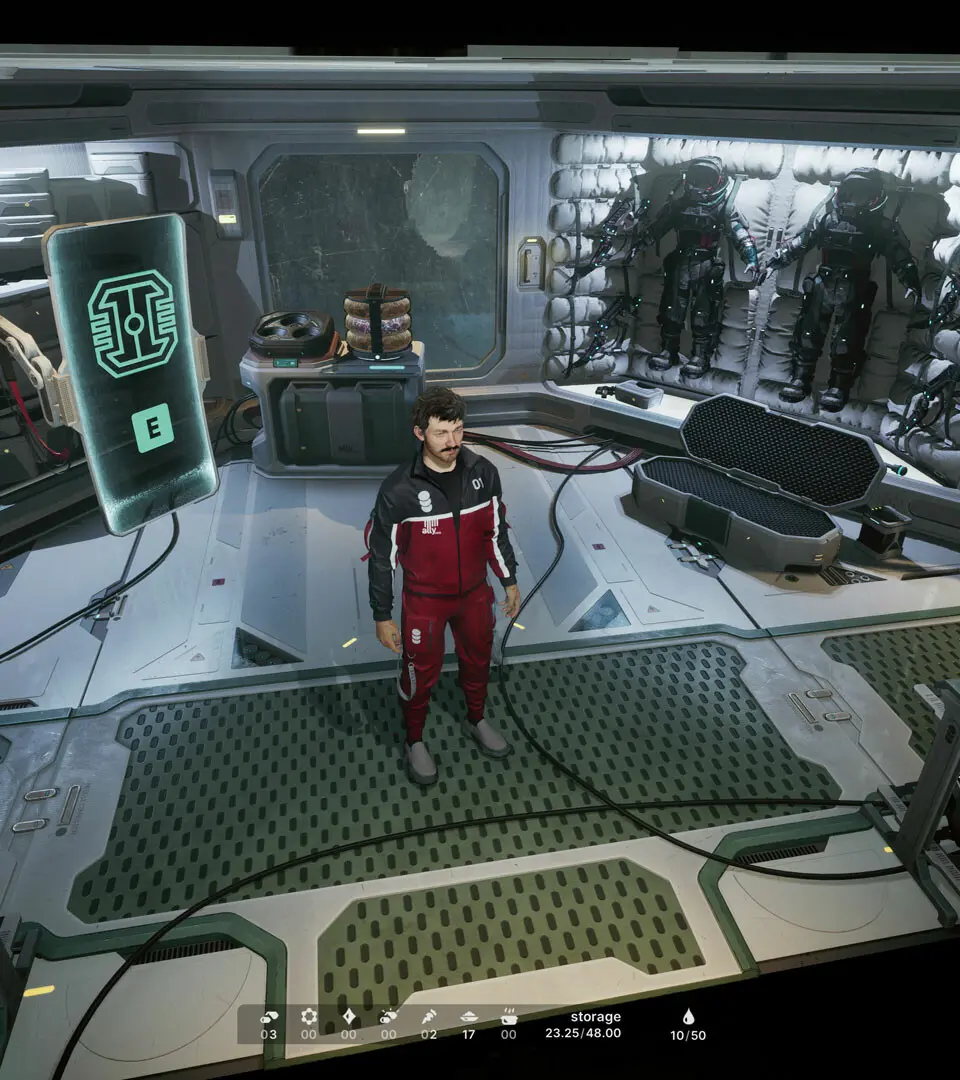
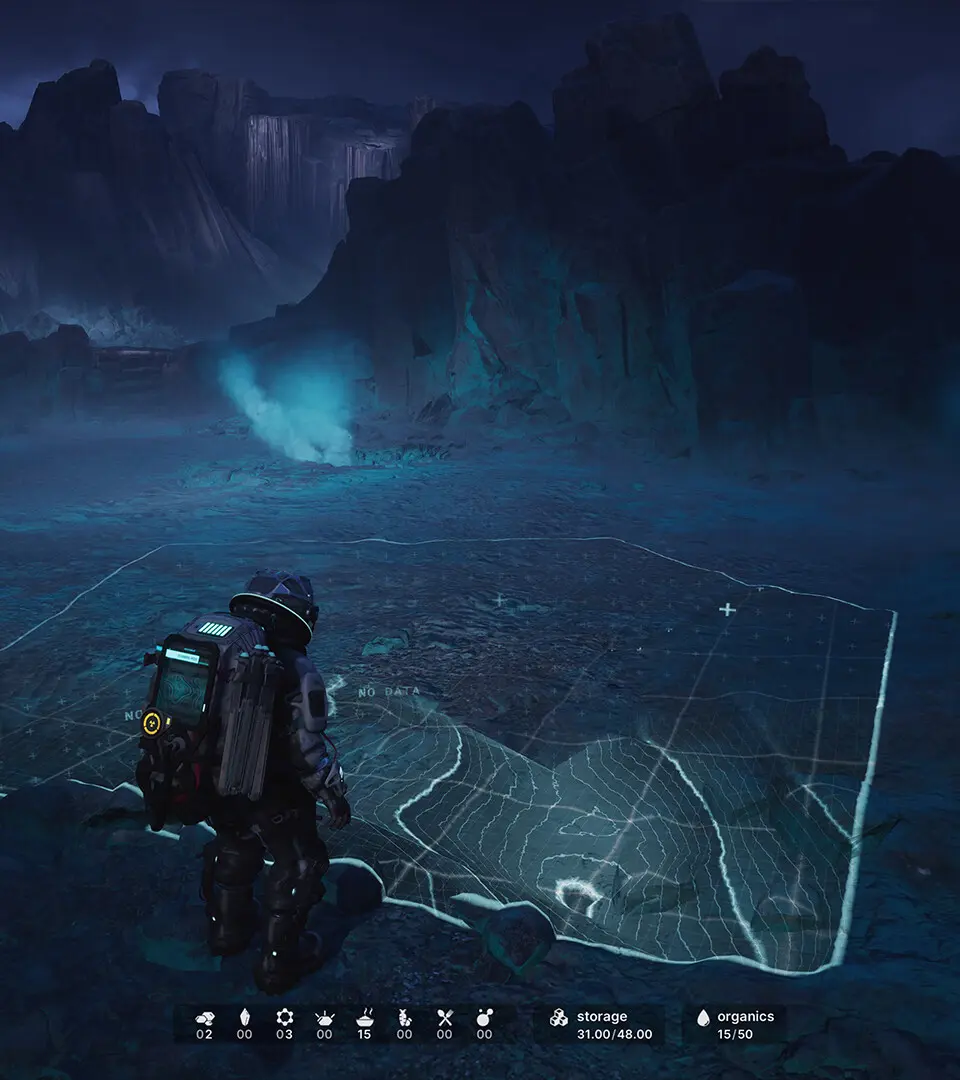
Master The Alters controls and basic movement. This guide breaks down the default PC controls for efficient exploration and resource gathering.
Mastering the controls is paramount for efficient exploration and resource gathering. The game utilizes a standard PC control scheme, but it's fully remappable in the options menu. Here's a breakdown of the default controls:
- W, A, S, D: Movement (Forward, Left, Backward, Right)
- Mouse: Camera Control / Look Around
- Left Click: Interact / Select
- Right Click: Contextual Action / Deselect
- Spacebar: Jump / Confirm (in some menus)
- Shift: Sprint
- E: Interact with objects, open doors, pick up items
- Tab: Open Inventory / Main Menu
- F: Use Flashlight (if equipped)
- Q: Quick Slot Item 1
- R: Quick Slot Item 2
Practice these movements in the initial areas of the Mobile Base to get a feel for Jan's mobility. Remember that movement speed and stamina can be affected by Jan's current condition and inventory weight.
100% Human-Written. AI Fact-Checked. Community Verified. Learn how AntMag verifies content