
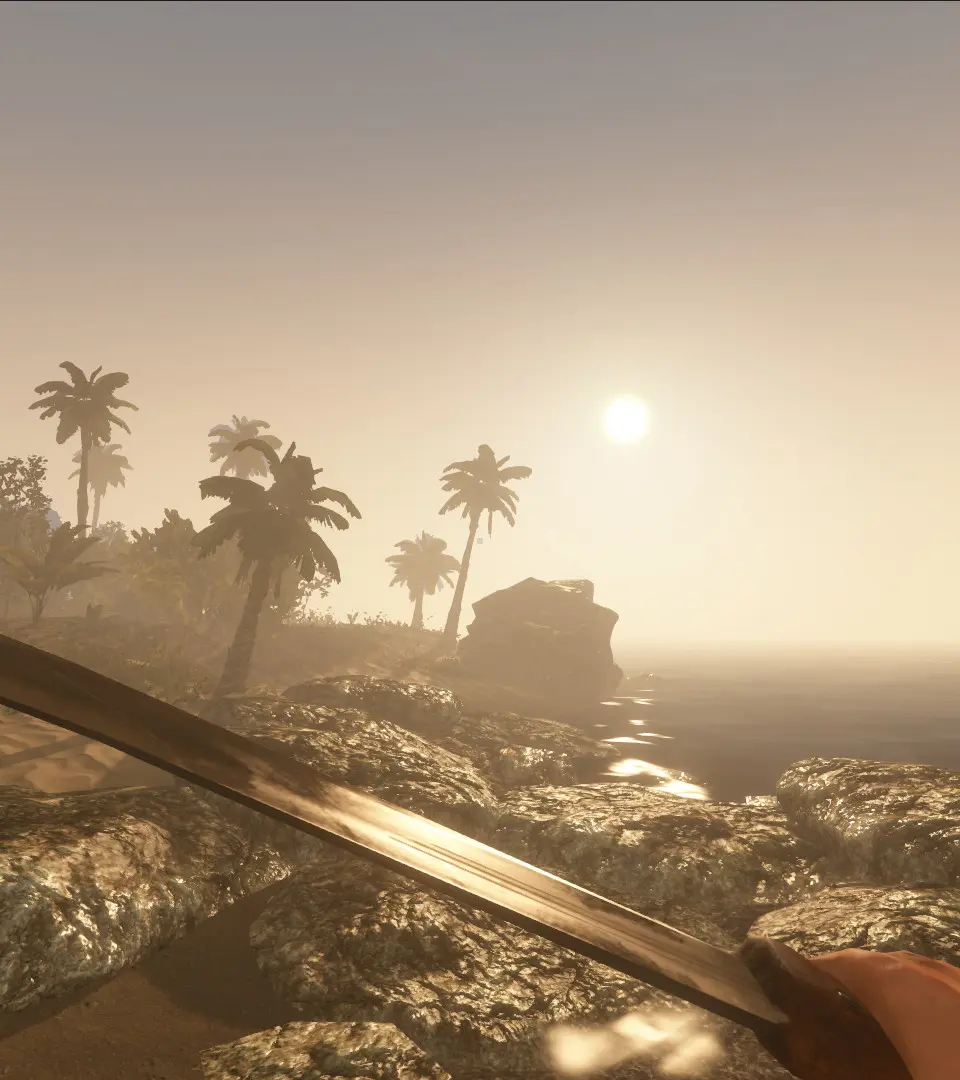
Fix Stranded Deep issues from resource scarcity to technical bugs. Learn to manage your rations and overcome survival challenges on the unforgiving islands.
Even the most seasoned survivors can encounter unexpected challenges in the unforgiving world of Stranded Deep. This section aims to equip you with solutions to common problems, from resource management woes to technical glitches, ensuring your journey to escape is as smooth as possible.
Resource Management & Survival Challenges
Running out of essential supplies is a constant threat. Here's how to address common resource shortages and survival hurdles:
Water Scarcity
Dehydration is a swift killer. Always prioritize a reliable water source.
- Early Game:
- Coconut Flask: Craft this immediately using 1x Coconut and 1x Lashing. Coconuts are abundant on most starting islands.
- Palm Fronds: Collect these from fallen palm trees. While not a direct water source, they are crucial for crafting a Water Still.
- Mid to Late Game:
- Water Still: This is your long-term solution. Requires 1x Cloth, 1x Palm Frond, 1x Stone, and 1x Rope. Place it in the sun and keep it supplied with Palm Fronds or other fibrous leaves to produce fresh water.
- Water Collector: A simpler, but less efficient, option. Requires 1x Cloth and 1x Stick. Collects rainwater during storms.
- Emergency Measures:
- Pipi Plant: Found on some islands, consuming Pipi will cure poisoning, but it also hydrates slightly. Only use if desperate and no other water is available.
- Shipwrecks: Occasionally contain bottled water, but these are finite and unreliable.
Food Shortages
Starvation will quickly drain your stamina and health.
- Early Game:
- Coconuts: Provide both food and water. Be cautious not to over-consume, as too many can cause diarrhea.
- Crabs: Small crabs are plentiful on most beaches. Kill them with a Stone Tool or Crude Spear and cook them on a Campfire.
- Fish: Craft a Crude Spear (1x Stick, 1x Lashing, 1x Stone Tool) and hunt small fish in shallow waters. Always cook raw fish.
- Mid to Late Game:
- Fishing Rod: More efficient for catching fish. Requires 1x Stick, 1x Lashing, 1x Rope.
- Fish Trap: Passive food source. Requires 4x Sticks and 2x Lashing. Place in shallow water.
- Farm Plots: Grow potatoes and other crops. Requires 1x Wood Stick, 1x Lashing, 1x Stone Tool, and 1x Dirt. Find dirt piles on larger islands.
- Hunting: Boars and Snakes on larger islands provide substantial meat. Use a Refined Spear or Bow and Arrow.
Tool Durability & Replenishment
Tools break. Always have spares or the materials to craft them.
- Stone Tools: Your most basic and easily replaceable tool. Always carry a few extra Stones and Lashings.
- Refined Tools: Crafted with Refined Axes and Picks, these last longer. Prioritize crafting these once you have access to Leather.
- Repairing Tools: Unfortunately, tools in Stranded Deep cannot be repaired. The best strategy is to craft new ones or carry backups.
Technical & Performance Issues
While Stranded Deep is generally stable, some players may encounter technical hiccups.
Lag and Framerate Drops
If your game is running slowly, try these steps:
- Adjust Graphics Settings:
- Navigate to the "Options" menu from the main screen or pause menu.
- Select "Graphics."
- Lower settings such as "Resolution," "Shadow Quality," "Water Quality," and "View Distance." Start with a moderate reduction and test performance.
- Close Background Applications:
- Ensure no other demanding programs (web browsers, streaming services, other games) are running in the background.
- Update Graphics Drivers:
- Visit your graphics card manufacturer's website (NVIDIA, AMD, Intel) and download the latest drivers for your specific card.
- Verify Game Files (PC):
- Steam: Right-click Stranded Deep in your Steam Library -> Properties -> Local Files -> Verify integrity of game files.
Game Crashes
Unexpected game closures can be frustrating. Here's what to do:
- Save Frequently: This is paramount. Use a Shelter or Sleeping Bag to save your progress regularly.
- Update Game: Ensure your game is updated to the latest version. Developers often release patches to fix stability issues.
- Check System Requirements: Verify your PC meets the minimum and recommended specifications for Stranded Deep.
- Reinstall Game: As a last resort, a clean reinstallation can resolve corrupted game files. Remember to back up your save files first (usually located in
C:\Users\[YourUsername]\AppData\LocalLow\Beam Team Games\Stranded Deepon PC).
Save File Corruption / Lost Progress
Losing hours of progress is a nightmare. Prevent and potentially recover from this:
- Regular Backups: Manually copy your save folder (see path above) to a different location on your computer periodically.
- Cloud Saves: If playing on a platform with cloud save functionality (e.g., Steam Cloud, PlayStation Plus, Xbox Live), ensure it's enabled.
- Multiple Save Slots: If available, utilize different save slots, especially before undertaking risky ventures or major base construction.
Controller Not Responding (Console/PC)
If your controller isn't working as expected:
- Check Connections: Ensure the controller is properly connected, either via USB cable or Bluetooth.
- Re-sync Controller: For wireless controllers, try re-pairing it with your console or PC.
- Restart Game/Console: A simple restart can often resolve temporary input issues.
- Update Controller Drivers (PC): Ensure your controller drivers are up to date.
By understanding these common issues and their solutions, you'll be better prepared to face the challenges of Stranded Deep and increase your chances of survival and eventual escape!
100% Human-Written. AI Fact-Checked. Community Verified. Learn how AntMag verifies content