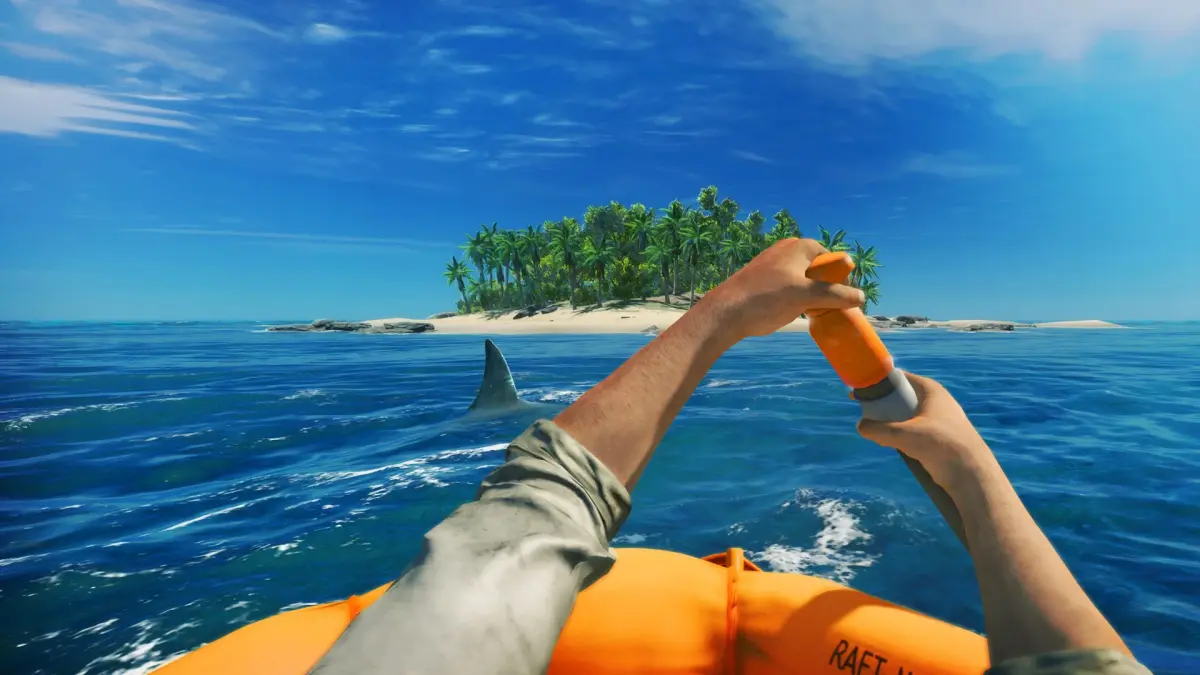
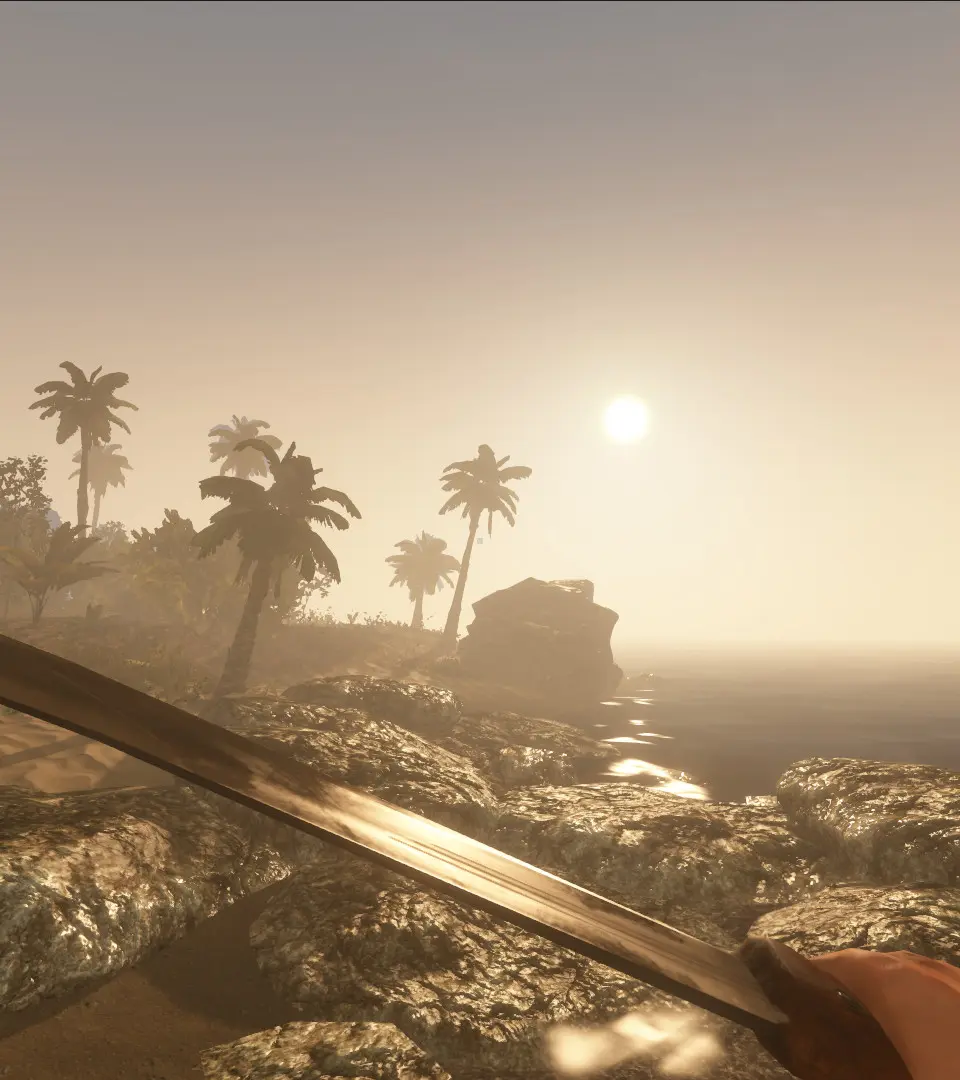
Tailor your Stranded Deep adventure with game settings and customization options. Adjust difficulty, resource spawns, and survival mechanics for a unique exper.
Game Settings & Customization
Diving into the vast, unforgiving ocean of Stranded Deep requires more than just survival skills; it demands a tailored experience. The game offers a robust suite of settings and customization options, allowing you to fine-tune your adventure from a leisurely island getaway to a brutal fight for every breath. Understanding these options is crucial for both new survivors and seasoned veterans looking to optimize their gameplay.
Accessing the Settings Menu
To access the game settings, follow these simple steps:
- From the Main Menu, select "Options".
- Alternatively, during active gameplay, press "Escape" (PC) or the respective "Pause button" (Console: Options on PS4/PS5, Menu on Xbox One/Series X) to bring up the in-game pause menu, then select "Options".
Within the Options menu, you'll find several categories, each offering distinct customization possibilities.
Gameplay Settings
This section is where you truly define the core challenge of your survival experience. Adjusting these can significantly alter the difficulty and pacing of the game.
- Difficulty:
- Easy: Recommended for new players. Resources are more abundant, and hostile creatures are less aggressive. Your hunger and thirst meters deplete slower.
- Normal: The standard Stranded Deep experience. A balanced challenge where resource management and cautious exploration are key.
- Hard: For experienced survivors seeking a greater challenge. Resources are scarcer, hostile creatures are more dangerous, and your vitals deplete at an accelerated rate. Expect to work harder for every meal and drink.
- Permadeath:
- On: If you die, your save file is permanently deleted, and you must start a new game. This is the ultimate challenge for those who crave high stakes.
- Off: Upon death, you will respawn at your last save point (bedroll, shelter, or raft with a shelter). This allows for more forgiving gameplay and experimentation. Highly recommended for your first few playthroughs.
- Creature Aggression:
- Passive: Most hostile creatures (sharks, boars, snakes) will only attack if provoked. This is ideal for exploration and base building without constant threats.
- Normal: Creatures will exhibit their standard aggressive behaviors, attacking if you get too close or enter their territory.
- Aggressive: Hostile creatures will actively seek you out and attack on sight. Prepare for frequent encounters and intense combat.
- Day/Night Cycle Speed: Adjust how quickly in-game days and nights pass. A faster cycle means more frequent resource respawns and quicker progression through time, but also less time to complete tasks during daylight.
- Resource Abundance:
- Scarce: Resources like wood, stone, and food are harder to find. Requires more extensive exploration and careful management.
- Normal: Standard resource availability.
- Abundant: Resources are plentiful, making survival less of a grind and allowing for faster base construction.
Video Settings
Optimize your visual experience for performance or fidelity. These settings are particularly important for PC players, but console players may have limited options depending on their system.
- Resolution: Adjust the screen resolution to match your monitor or TV. Lower resolutions can improve performance.
- Fullscreen/Windowed: Toggle between fullscreen and windowed mode.
- VSync: Synchronizes the game's frame rate with your monitor's refresh rate to prevent screen tearing. Can introduce input lag.
- Graphics Quality: A general preset (Low, Medium, High, Ultra) that adjusts multiple visual settings simultaneously.
- Texture Quality: Controls the sharpness and detail of in-game textures. Higher quality requires more VRAM.
- Shadow Quality: Adjusts the resolution and complexity of shadows. Lowering this can significantly boost performance.
- View Distance: Determines how far into the distance objects and terrain are rendered. Higher values can impact performance but make the world feel more expansive.
- Anti-Aliasing: Smooths out jagged edges on objects. Can be performance-intensive.
Audio Settings
Tailor the soundscape of your deserted island adventure.
- Master Volume: Controls the overall game volume.
- Music Volume: Adjusts the volume of the in-game soundtrack.
- SFX Volume: Controls the volume of sound effects (waves, animal calls, crafting sounds).
- Voice Volume: Adjusts the volume of any character dialogue (though minimal in Stranded Deep).
Controls Settings
Customize your input method for maximum comfort and efficiency.
- Key Bindings (PC): Remap individual keyboard and mouse actions to your preferred keys. This is invaluable for creating a personalized control scheme.
- Controller Layout (Console/PC): View and, in some cases, customize the button layout for your gamepad.
- Mouse Sensitivity (PC): Adjust how quickly your mouse movements translate to in-game camera movement.
- Invert Y-Axis: For those who prefer inverted vertical camera controls.
World Customization (New Game Setup)
When starting a new game, you have unique customization options that define the very layout of your world. This is where you can truly craft a unique survival scenario.
- World Seed: A unique alphanumeric code that determines the procedural generation of your island chain. Entering the same seed will generate the exact same world layout.
- Strategy: Share interesting seeds with friends for cooperative challenges, or use known seeds to explore specific island layouts. You can find popular seeds on community forums.
- Actionable Step: When starting a new game, look for the "World Seed" input field. You can leave it blank for a random world or input a specific seed.
- Island Count: Determines how many islands will populate your generated world. More islands mean more exploration and potential resources, but also longer travel times.
- Island Size: Controls the general size of individual islands. Larger islands offer more land-based resources and space for building, but can be harder to fully explore.
- Island Biomes: While not a direct slider, the seed and procedural generation will influence the types of biomes (e.g., dense jungle, barren rock, small sandbar) you encounter. Experiment with different seeds to find biomes you prefer.
By thoughtfully adjusting these settings, you can transform your Stranded Deep experience from a casual exploration to an intense, high-stakes battle for survival, perfectly suited to your playstyle.
100% Human-Written. AI Fact-Checked. Community Verified. Learn how AntMag verifies content