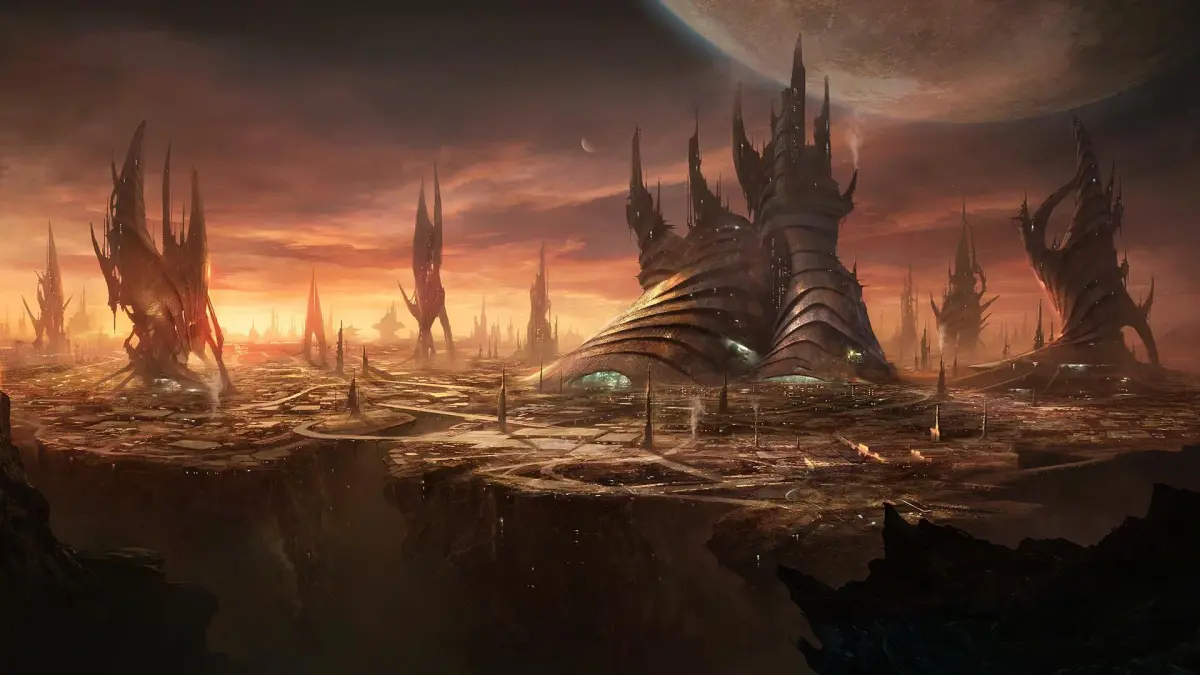
Stellaris is a grand strategy game where you explore the galaxy, expand your empire, exploit its resources, and exterminate any rivals. You'll start by forging your empire, choosing everything from your species' appearance and traits, like Rapid Breeders or Intelligent, to your government type and ethics. From there, you'll manage your pops, colonize new worlds, and navigate the vastness of space.
This guide will help you master the intricacies of empire creation and early-game expansion. We'll cover how to select impactful species traits, set up your homeworld, and define your empire's core identity. Get ready to build a civilization that can face the late-game crises and construct powerful megastructures.
Getting Started
Learn how to collect, display, and manage specimens in Stellaris. Understand rarity, upkeep, and the benefits of the Galactic Archivism technology and Grand Archive megastructure.
Getting Started
Learn how to collect, display, and manage specimens in Stellaris. Understand rarity, upkeep, and the benefits of the Galactic Archivism technology and Grand Archive megastructure.
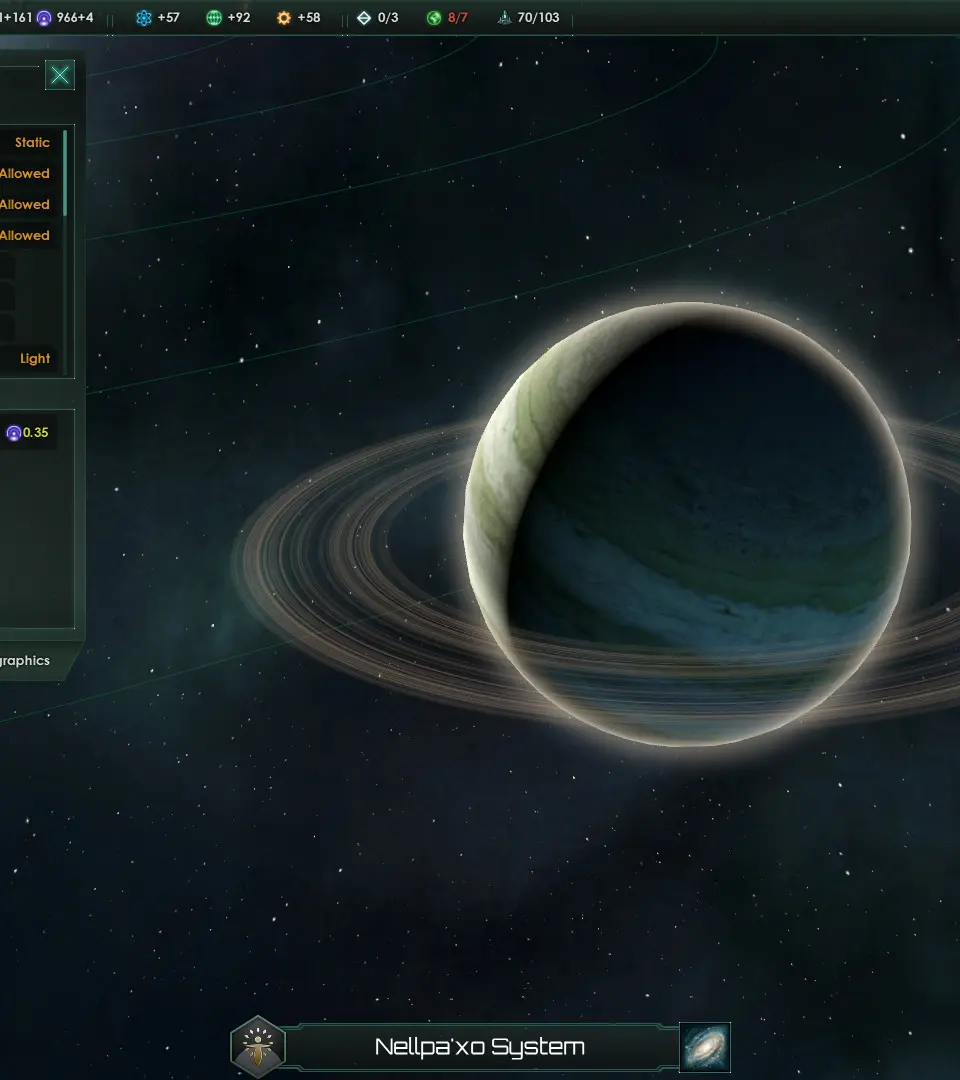
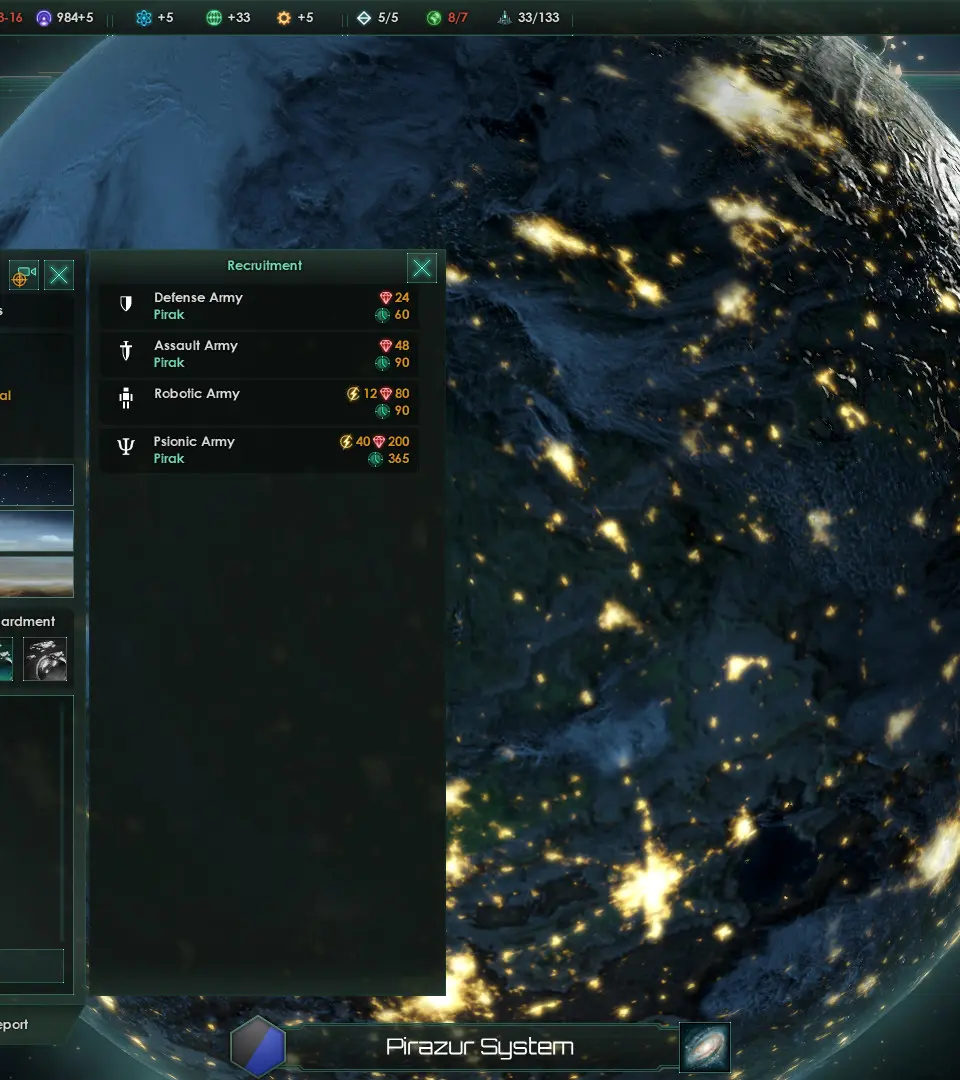
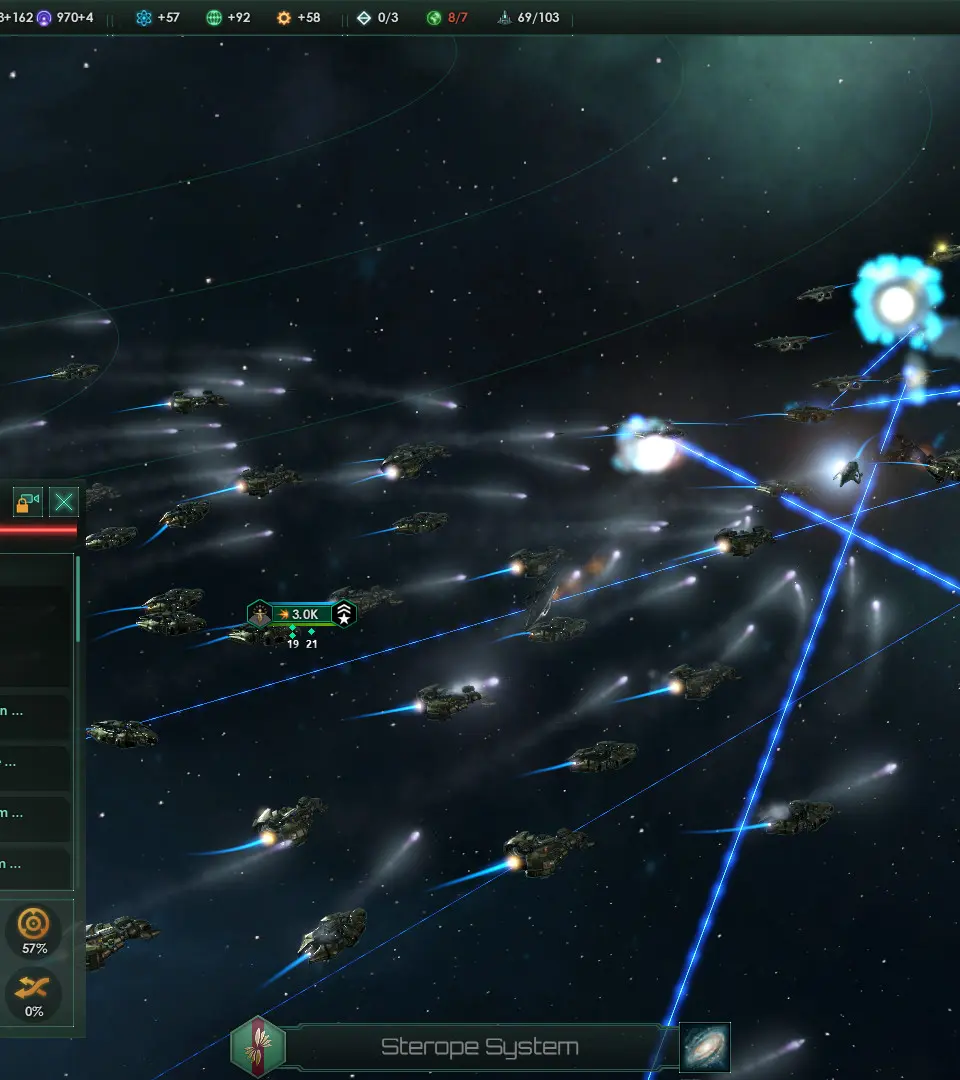
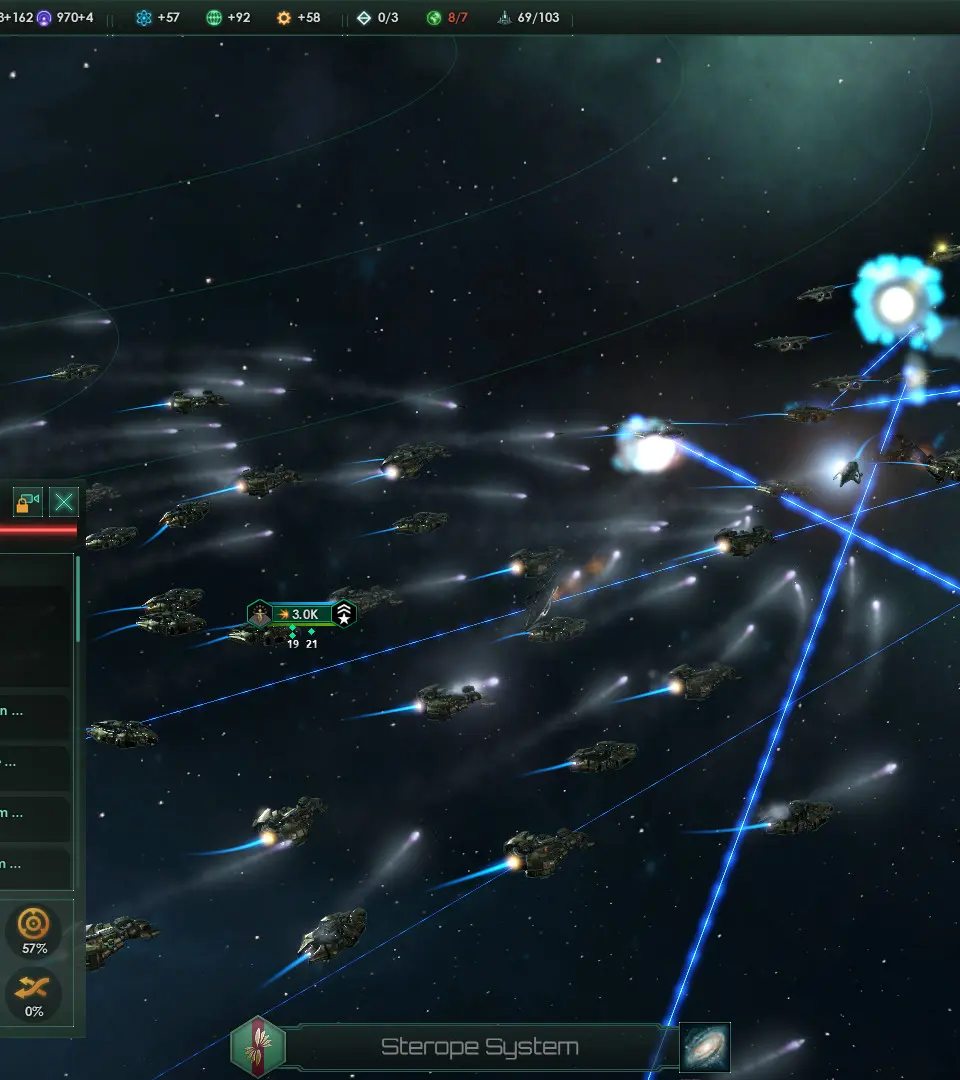
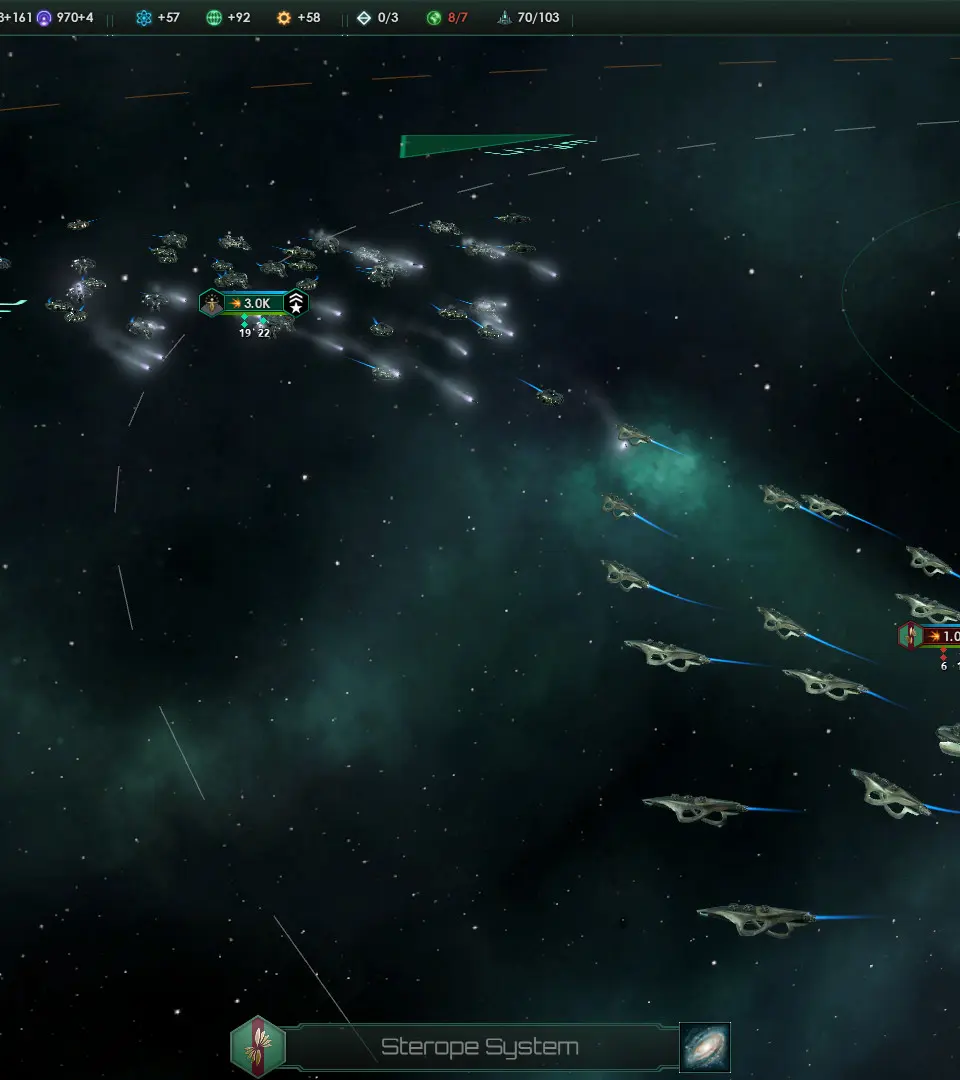
Understanding the User Interface (UI) — Stellaris Guide
Confused by Stellaris's interface? This guide breaks down the UI, from galaxy view to planet management, helping you command your empire like a pro. Essential for new players!
Hey there, future galactic emperor! So, you've just booted up Stellaris and you're staring at a screen that looks like a starship's control panel – a bit overwhelming, right? Don't worry, every seasoned commander started exactly where you are. This section is all about getting you comfortable with the main screens and menus so you can stop feeling lost and start making those galaxy-shaping decisions.
Think of this as your cockpit tour. We'll go over the most important views and buttons you'll be using constantly. Getting a handle on the UI is probably the single biggest step to enjoying Stellaris, because once you know where everything is, the universe really opens up.
We'll cover:
- The main galaxy view – how to zoom in and out, and what all those icons mean.
- Planet screens – managing your worlds, from building districts to keeping your pops happy.
- Ship designer – giving your fleet that unique look and feel.
- The top bar – keeping track of your resources, population, and more.
- And a few other key areas that will make your day-to-day empire management a breeze.
Ready to take command? Let's dive in and make that interface your best friend.
Early Game Priorities
Learn the essential early game priorities for Stellaris to ensure a strong start. This guide covers initial expansion, research, and economic strategies for a successful galactic empire.
This guide focuses on the Collection mechanic in Stellaris, detailing specimen rarities, sources, and their impact on your empire. It is verified for PC version 4.3 and requires the Grand Archive DLC.
Rarity
Specimens come in four rarities: Common, Rare, Epic, and Exceptional. Each rarity affects the specimen's upkeep and sell value. Common specimens have a 2 Energy upkeep and sell for 250 Energy, while Exceptional specimens have an 8 Energy upkeep and sell for 2000 Energy.
| Rarity | Energy Upkeep | Energy Sell Value |
| Common | 2 | 250 |
| Rare | 4 | 500 |
| Epic | 6 | 1000 |
| Exceptional | 8 | 2000 |
List of Specimens
Specimens are categorized into Aesthetic Wonders, Galactic History, and Xeno Geology. Each category has 9 exhibit slots, with the Energy cost to unlock increasing for each subsequent slot. Genocidal empires gain Unity upon unlocking 3, 5, and 9 exhibit slots from each category.
| Exhibit | 1 | 2 | 3 | 4 | 5 | 6 | 7 | 8 | 9 |
| Energy Cost | 10 | 100 | 200 | 300 | 500 | 750 | 1000 | 1500 | 3000 |
The Sembelami Alms Basket is an example of an Epic specimen from the Galactic History category. It provides +10% Trade from Jobs if the empire is Individualist and +6% Energy from Pops.
Basic Controls and Navigation — Stellaris Guide
Learn basic Stellaris controls: mouse navigation, hotkeys for menus, and pausing for efficient gameplay.
Navigating the galaxy map is straightforward. Use the mouse wheel to zoom in and out, and click-and-drag to pan. Right-clicking on a system or fleet will bring up contextual actions. Hotkeys are your friend for efficiency; 'P' for Planets, 'F' for Fleets, 'T' for Technology, etc. Learning these shortcuts will significantly speed up your gameplay and decision-making process. Don't be afraid to pause the game frequently to issue commands.
Similar guides you might like






100% Human-Written. AI Fact-Checked. Community Verified. Learn how AntMag verifies content