Confused by Stellaris's interface? This guide breaks down the UI, from galaxy view to planet management, helping you command your empire like a pro. Essential for new players!
Hey there, future galactic emperor! So, you've just booted up Stellaris and you're staring at a screen that looks like a starship's control panel – a bit overwhelming, right? Don't worry, every seasoned commander started exactly where you are. This section is all about getting you comfortable with the main screens and menus so you can stop feeling lost and start making those galaxy-shaping decisions.
Think of this as your cockpit tour. We'll go over the most important views and buttons you'll be using constantly. Getting a handle on the UI is probably the single biggest step to enjoying Stellaris, because once you know where everything is, the universe really opens up.
We'll cover:
- The main galaxy view – how to zoom in and out, and what all those icons mean.
- Planet screens – managing your worlds, from building districts to keeping your pops happy.
- Ship designer – giving your fleet that unique look and feel.
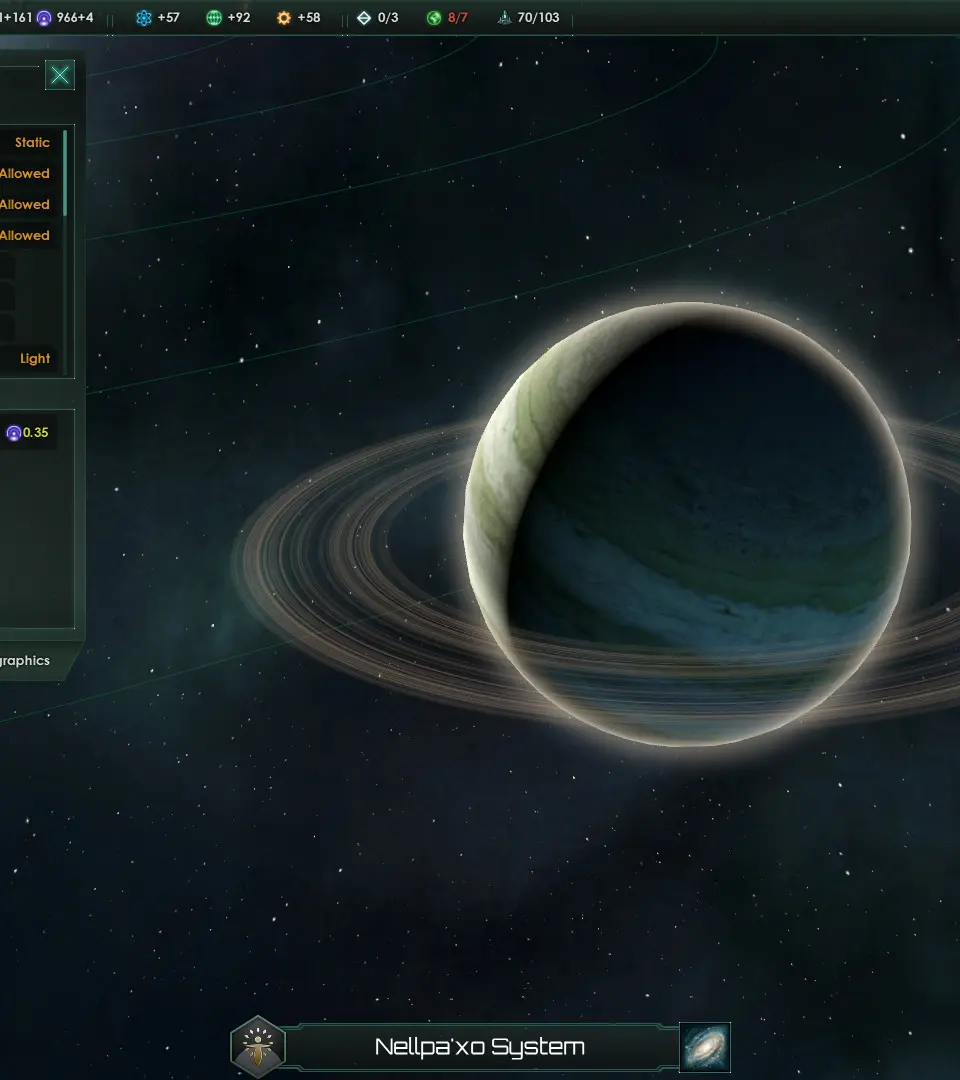
- The top bar – keeping track of your resources, population, and more.
- And a few other key areas that will make your day-to-day empire management a breeze.
Ready to take command? Let's dive in and make that interface your best friend.
100% Human-Written. AI Fact-Checked. Community Verified. Learn how AntMag verifies content