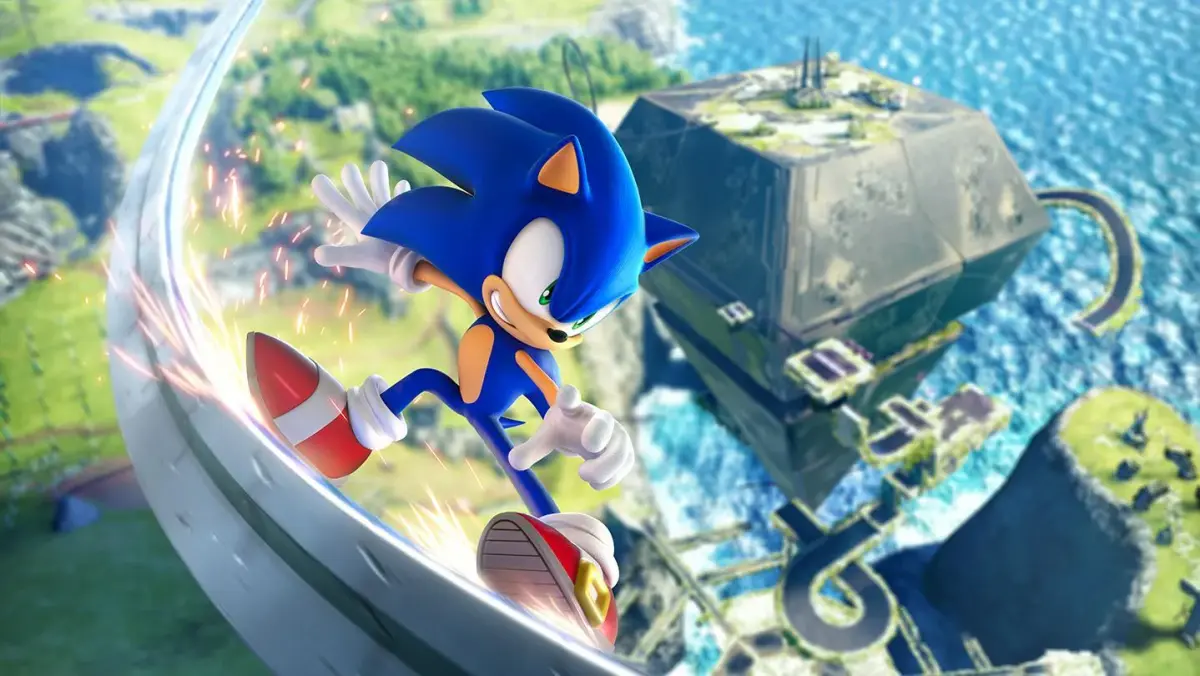
Welcome to Sonic Frontiers, Sonic Team's ambitious open-world take on the blue blur! This 2022 release throws Sonic into the mysterious Starfall Islands, where he must navigate vast, explorable zones, engage in fast-paced combat against robotic foes, and uncover the secrets behind the Ancients. It's a single-player, third-person adventure that blends classic Sonic speed with RPG elements, offering a rich story and a fantastic soundtrack to accompany your journey across Chaos Island and beyond.
This guide is your essential companion for mastering the Starfall Islands. We'll help you conquer the game's challenging guardians, unlock every secret the islands hold, and navigate the story progression from start to finish. Whether you're aiming to achieve every Steam Achievement, seeking tips for the moment-to-moment action, or simply want to become the ultimate hedgehog hero, we've got you covered.
Skill Tree & Upgrades — Sonic Frontiers Guide
Unlock Sonic Frontiers' full potential! Learn how to upgrade Sonic's skills and abilities to conquer the Starfall Islands. Your ultimate guide to mastering combat and traversal.
Hey there! So, you're diving into Sonic Frontiers and want to make sure Sonic's got all the right moves? That's smart! This game is all about mastering Sonic's abilities, and the skill tree is your best friend for that. Think of it as leveling up Sonic, unlocking new ways to zip, dash, and combo your way through those massive islands.
We'll walk you through exactly what you need to know to get the most out of Sonic's upgrades. It's not just about hitting harder; it's about becoming faster, more agile, and unlocking new combat techniques that'll make those tough enemies and bosses a breeze. Let's get Sonic powered up!
Getting Started
Begin your adventure on the Starfall Islands in Sonic Frontiers. Learn to navigate open zones, defeat Titans, and uncover ancient mysteries smoothly.
Getting Started
Begin your adventure on the Starfall Islands in Sonic Frontiers. Learn to navigate open zones, defeat Titans, and uncover ancient mysteries smoothly.
Combat Fundamentals — Sonic Frontiers Guide
Master Sonic Frontiers combat! Learn how to unlock and use powerful Skills via the Skill Tree and by rescuing friends. Dominate enemies and Guardians with new abilities.
Saving Your Progress
Learn how to save your game in Sonic Frontiers. This guide covers the auto-save system and manual save points, ensuring you never lose your hard-earned progress.
Hey there! So, you're diving into the wild world of Sonic Frontiers and want to make sure all your awesome adventures get saved, right? Don't worry, it's pretty straightforward. The game's got your back with a pretty solid auto-save system, but it's always good to know the details so you never lose a moment of that high-speed action.
How Saving Works in Sonic Frontiers:
Sonic Frontiers uses an auto-save feature that kicks in at key moments. This means that as you progress through the story, complete objectives, or reach certain milestones, the game will automatically save your progress. You'll usually see a little save icon appear on screen when this happens, so keep an eye out for it!
Beyond the auto-save, you can also manually save your game. Look for special 'Save' points scattered throughout the islands. Interacting with these will ensure your latest progress is recorded. It's a good habit to hit these up whenever you find one, especially before tackling a tough boss or heading into a new area.
Why It Matters:
Saving your game is super important, obviously! If your console or PC crashes, or if you just need to take a break, having your progress saved means you can jump right back into the action without having to replay large sections. Think of it as hitting the pause button on your epic journey, but with the guarantee that everything you've done so far is locked in.
So, keep an eye on that auto-save icon and make it a point to use the manual save points when you see them. Happy gaming, and don't lose that progress!
Similar guides you might like



100% Human-Written. AI Fact-Checked. Community Verified. Learn how AntMag verifies content