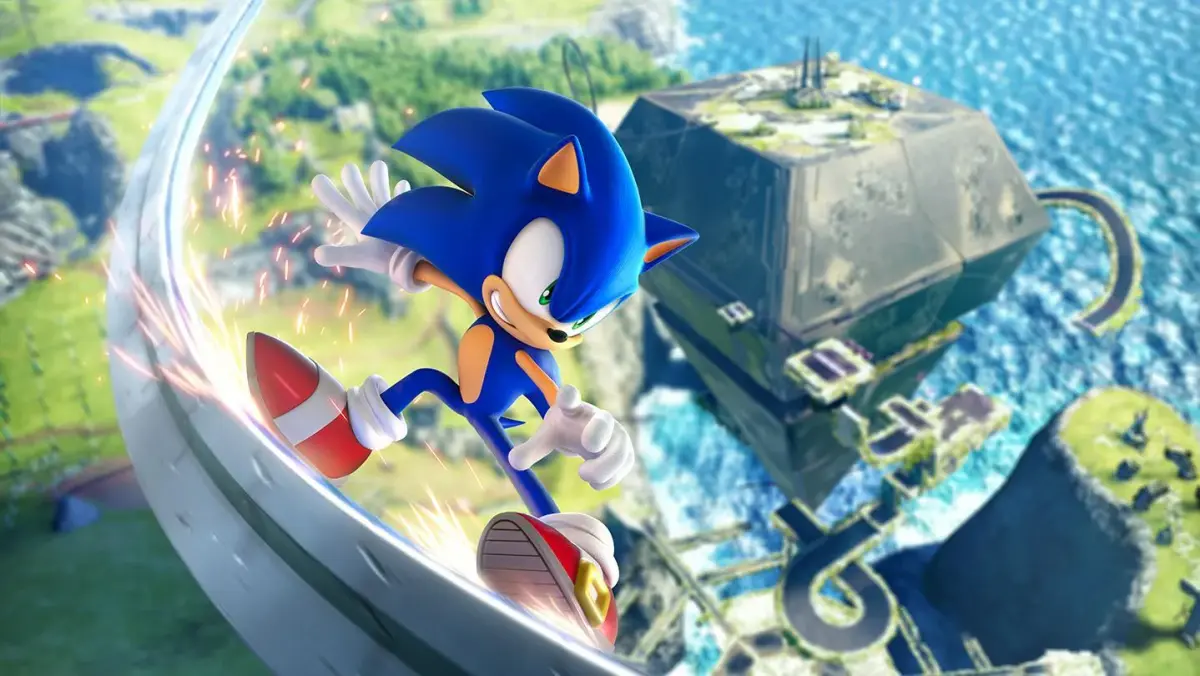
Don't get lost in the sauce! This guide breaks down the Sonic Frontiers HUD, explaining every icon, meter, and number so you can focus on speed and smashing those Koco.
Alright, let's talk about what's actually going on on your screen in Sonic Frontiers. It might look like a lot at first, but once you know what each bit means, it's super helpful. Think of it like your co-pilot, always giving you the info you need.
You've got your standard stuff like your Ring count up there, which is always important – gotta keep those rings! Then there's your speed, showing you just how fast you're going. Keep an eye on that when you're trying to beat a time trial or just feeling the need for speed.
You'll also see icons related to your abilities. If you've unlocked a new move or have a special skill ready to go, it'll usually pop up somewhere so you don't forget you have it. And don't forget about the objective markers or any timers that might be ticking down – they're key to figuring out where to go next or what you need to do.
Honestly, the best way to get a feel for it is to just play. As you unlock more moves and encounter different challenges, you'll see those HUD elements change and become second nature. Just focus on the action, and the HUD will tell you everything else you need to know.
100% Human-Written. AI Fact-Checked. Community Verified. Learn how AntMag verifies content