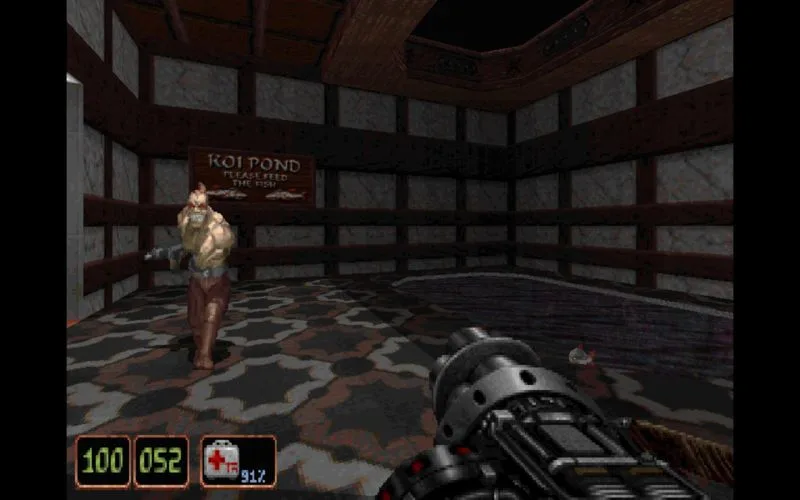
Configure your Shadow Warrior experience via the Options Menu, including screen, mouse, sound, Kid Mode, and more.
Screen Menu: Adjust the size of the screen (the display area on your monitor).
Mouse Menu: Configures mouse sensitivity (how quickly the cursor or aiming reticle moves in response to mouse movement).
Sound Menu: Change the volume of the sound effects and music.
Kid Mode: Changes the game to a Teen-rated version. A password is required to switch back to the Mature rating.
Messages: Toggles (turns on or off) screen messages (information displayed on the HUD (heads-up display — the on-screen icons showing health, ammo and the minimap) - Heads-Up Display).
Shadows: Toggles shadows On or Off.
Auto-Run: Toggles Auto-Run On or Off.
Crosshair: Toggles the crosshair (an aiming aid) on or off, which makes aiming easier.
Auto-Aiming: Toggles Auto-Aiming on or off, which makes it easier to blast at enemies.
3D Sprites: Switches some of the game's sprites (2D images representing characters or objects) from 2D to 3D.
Level Stats: Shows you on-screen how many secrets you've found and how many enemies you've killed.
- Remember the password if you switch to Kid Mode and wish to return to the Mature rating later.
- Adjusting mouse sensitivity in the Mouse Menu can significantly impact your aiming precision.
- Turning on Auto-Aiming can help new players focus on combat rather than precise aiming.
100% Human-Written. AI Fact-Checked. Community Verified. Learn how AntMag verifies content