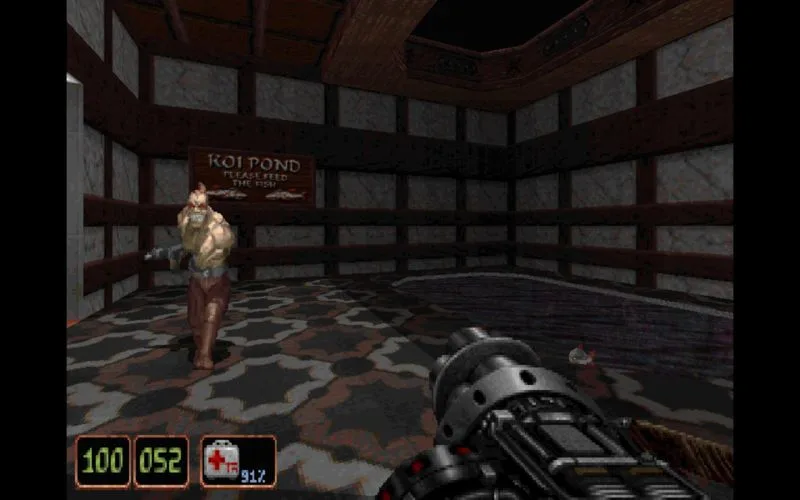
Learn the default Shadow Warrior controls for PC, including movement, aiming, weapon selection, and item usage.
Walkthrough
- 1Movement: Use the Up Arrow to move forward, Down Arrow to backstep, Right Arrow to turn right, and Left Arrow to turn left. Hold Shift while pressing an Arrow key to run in that direction. Press Caps Lock for auto-run. Use Alt + Arrow keys to strafe in the direction of the arrow key.
- 2Actions: Press the Spacebar to use items or open doors. Press A to jump and Z to crouch. Press Backspace for a 180-degree turn.
- 3Weapons: Press Control to fire your currently equipped weapon. Use the semicolon (;) or apostrophe (') keys to cycle through previous or next weapons. Press Scroll Lock to holster your weapon.
- 4Inventory: Use the [ or ] keys to select an inventory item. Press Enter to use the currently selected inventory item.
- 5Camera: Press Keypad 5 to center your vertical view. Use Home to aim up and End to aim down. Press Page Up to look up and Page Down to look down.
- 6Map: Press Tab to cycle through 2D map modes.
- 7Game Menu: Press Pause to pause the game. Press ESC to display the Main Menu.
Tips
- Combine Shift + Arrow keys for faster movement across the map.
- Experiment with Alt + Arrow keys for precise strafing maneuvers.
- Remember to holster your weapon with Scroll Lock when not in combat to conserve ammo and avoid accidental firing.
100% Human-Written. AI Fact-Checked. Community Verified. Learn how AntMag verifies content