
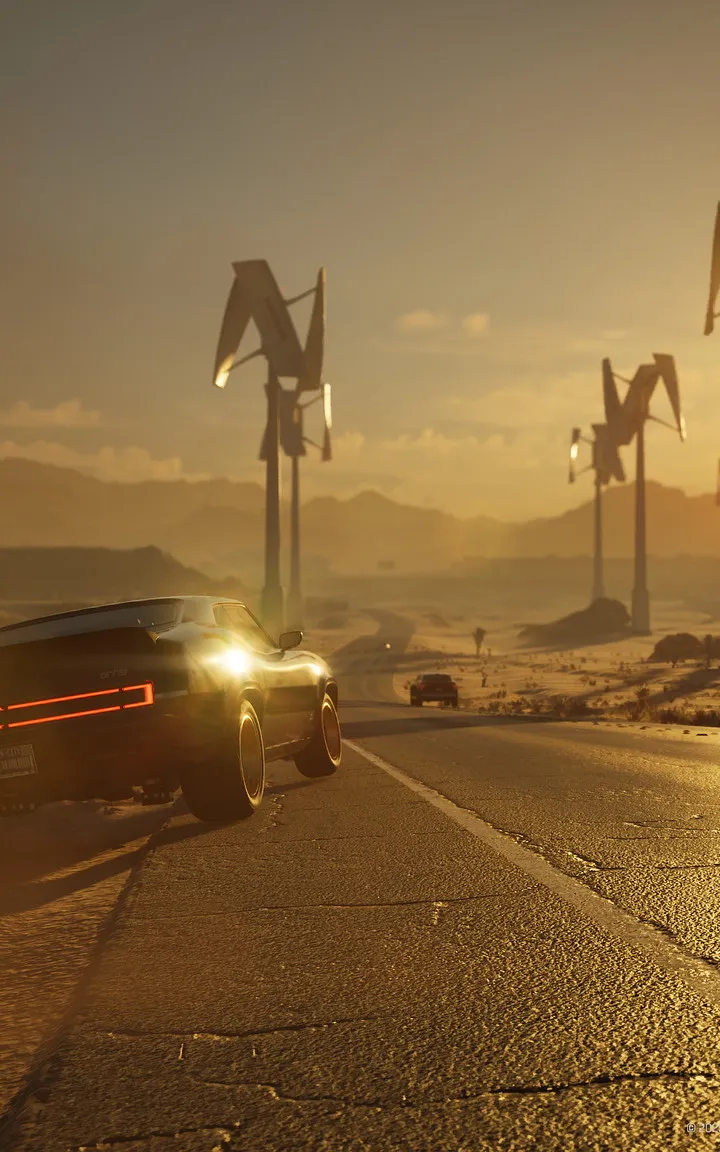
Follow instructions for installing and launching MindsEye, preparing you for the psychological horror and unsettling atmosphere of your first playthrough.
After successfully installing MindsEye from your chosen platform, launch the game. You'll be greeted by the MindsEye logo and a brief cinematic introduction setting the tone for the psychological horror ahead. Ensure your system meets the minimum requirements for optimal performance. If you encounter any issues, verify your game files through your platform's client. The initial loading screen may take a moment as the game world is prepared. Adjust your display settings, resolution, and audio levels in the main menu's 'Options' section before proceeding to character creation for the best experience.

100% Human-Written. AI Fact-Checked. Community Verified. Learn how AntMag verifies content